Controller Configuration
77
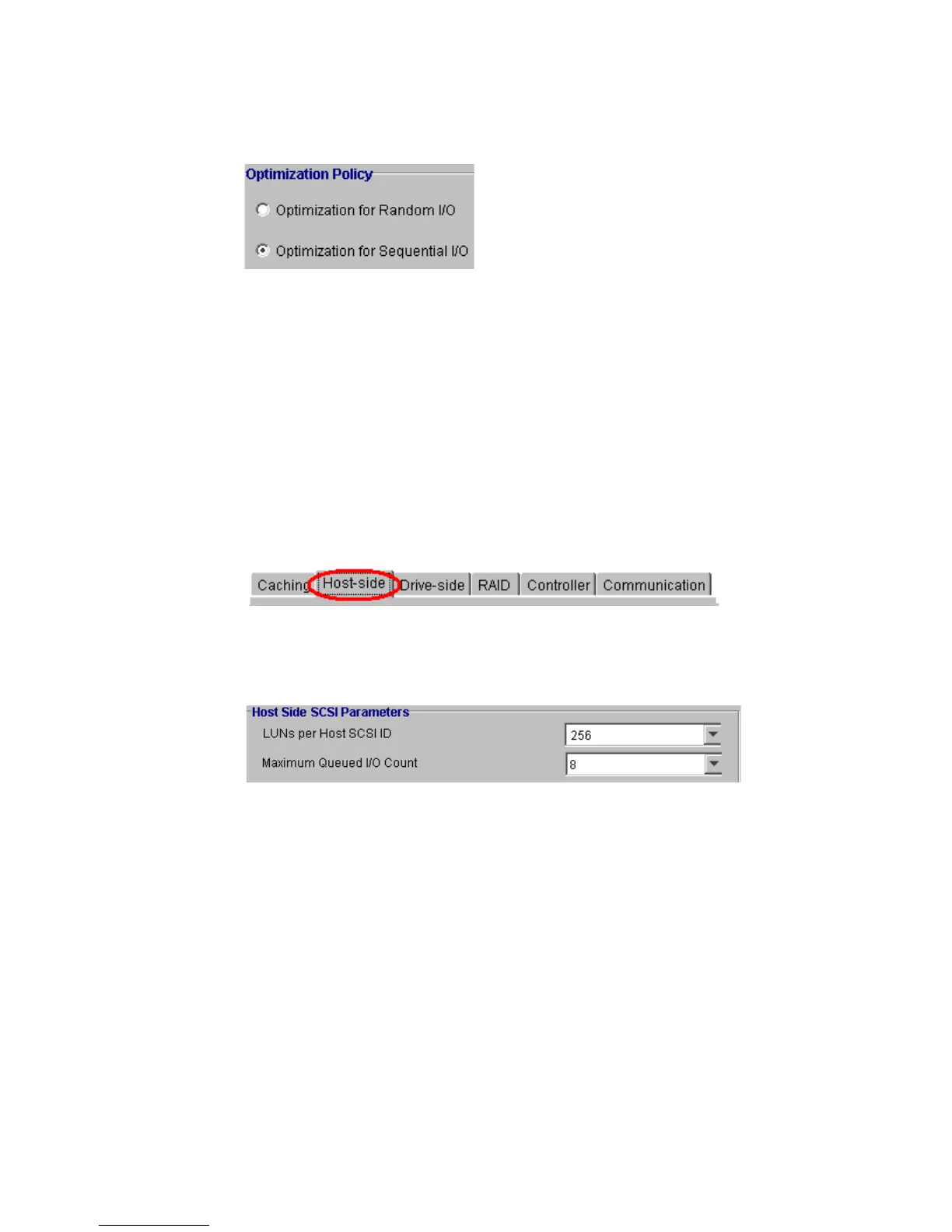
• Optimization for Random I/O. More common setting. Use this option for environments (e.g.,
database maintenance) with smaller I/O transactions.
• Optimization for Sequential I/O. Used for large I/O environments such as video recording and
editing. Particularly useful where I/O read/write must be in sequential order.
6.4 Host-Side
To be able to configure the Host-Side, select the “Host-Side” tab, as shown in Figure 6–4, from the
Configuration View Window Tabs.
• Host-side SCSI Parameters (choose from each range as shown in Figure 6–5):
• LUNS per Host ID. Allows you to control the LUNS assigned to each ID. The number of LUNS
that can be assigned to an ID are: 1, 2, 4, 8 (default), 16 and 32.
• Maximum Queued I/O Count. Allows you to control the maximum size of the I/O queue.
Available size selections: Auto, 1, 2, 4, 8, 16, 32, 64, 128, 256, 512, 1024.
Figure 6–3 Optimization Policy
Figure 6–4 elect the Host-Side Tab
Figure 6–5 Host-side SCSI Parameters



 To Next Page