Altos RAIDWatch User Guide
36
3.4 Secondary Agent Settings
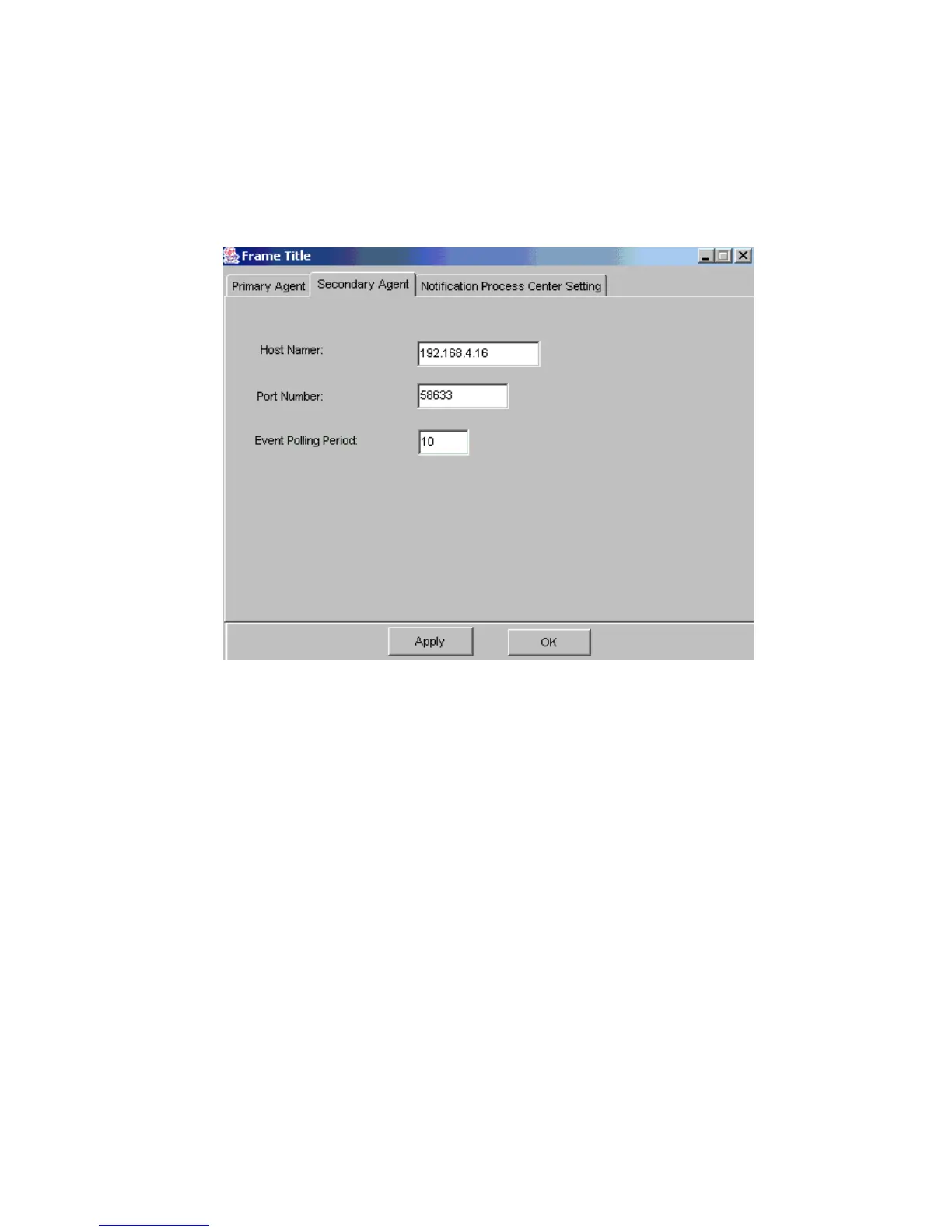
To configure the Primary agent settings, select the “Secondary Agent” tab from the tab menu at
the top of Figure 3–3. The “Secondary Agent” screen shown in Figure 3–5 will appear.
Important Local Secondary Agents must be installed at all RAID hosts managed by Altos RAIDWatch.
• Host Name/IP Address: The IP address for the current RAID server.
• Port Number: The TCP port to be used by all secondary agents.
• Event Polling Period: The time interval (in seconds) for event queries from the Secondary Agent
to the RAID controller.
Figure 3–5 Secondary Agent Settings



 To Next Page