Controller Configuration
79
6.6 RAID
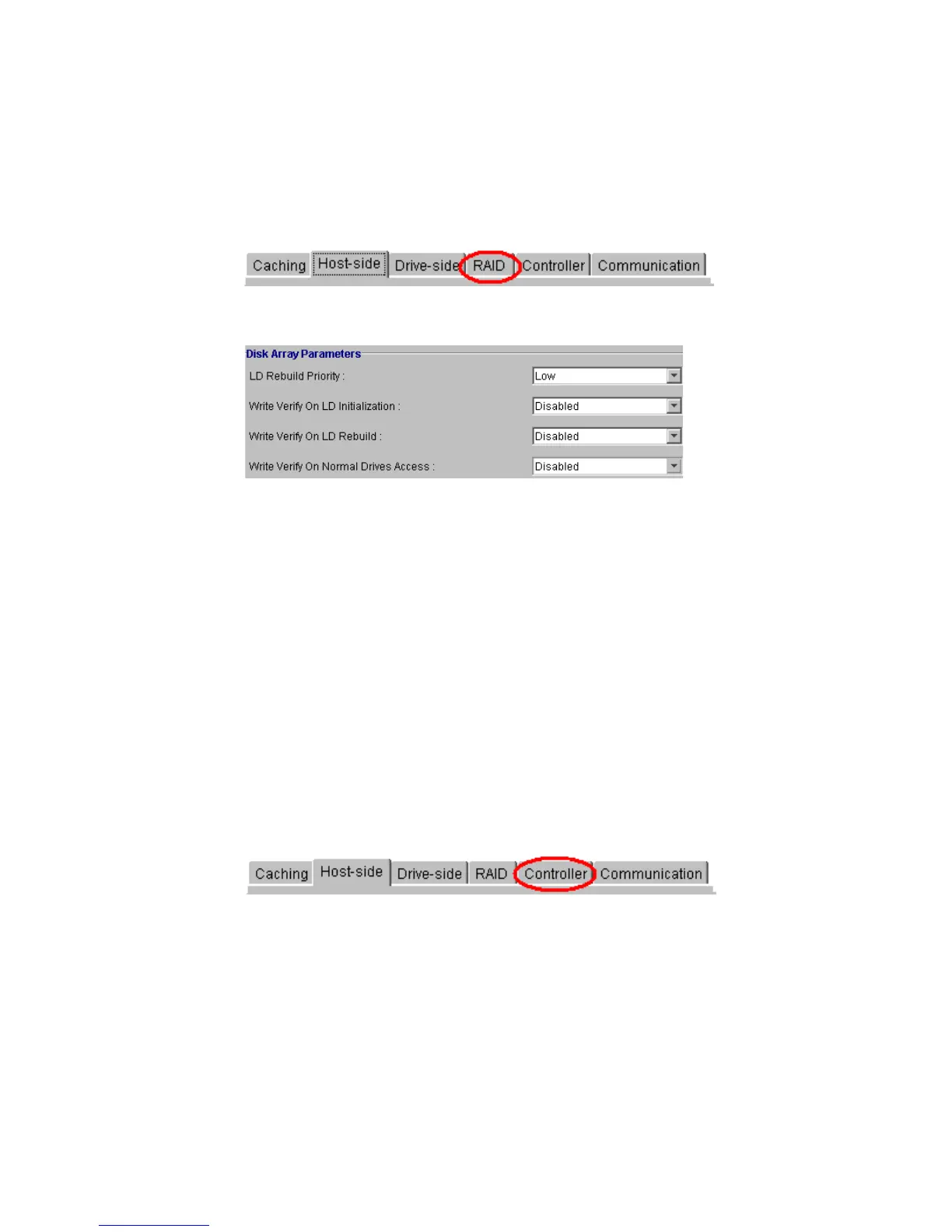
To be able to configure the Disk Array parameters, select the “RAID” tab, as shown in Figure 6–8,
from the Configuration View Window Tabs.
• Disk Array Parameters (choose from each range as shown in Figure 6–9):
• LD Rebuild Priority. Available selections: Low, Normal, Improved, High.
• Write Verify On LD Initialization. Choose Enabled or Disabled.
• Write Verify On LD Rebuild. Choose Enabled or Disabled.
• Write Verify On Normal Drives Access. Choose Enabled or Disabled.
6.7 Controller
To be able to view and configure the Controller parameters, select the “Controller
”
tab, as shown
in Figure 6–10 from the
Configuration View Window
Tabs.
Figure 6–8 Select the RAID Tab
Figure 6–9 Disk Array Parameters
Figure 6–10 Select the Controller Tab



 To Next Page