Altos RAIDWatch User Guide
110
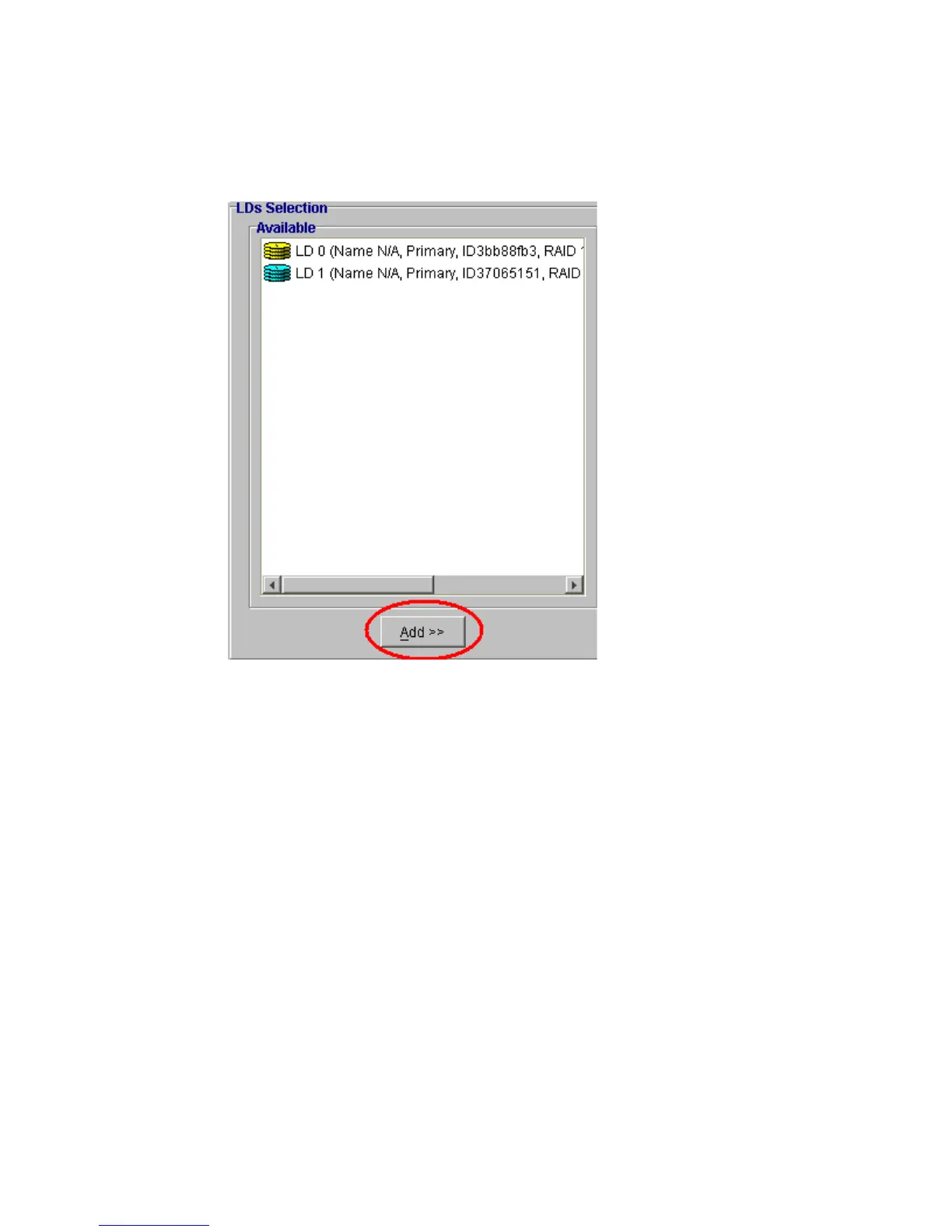
2 Select the LDs you wish to incorporate into a LV and click the “Add” button beneath the
“Available” menu. See Figure 8–39.
3 After clicking the “Add” button, the drives that were selected will be removed from the
“Available” menu and appear in the “Selected” window on the right hand side. SeeFigure 8–40.
Figure 8–39 Selecting Logical Drives


 To Next Page
 Loading...