Drive Management
111
8.3.2.3 Setting Logical Volume Parameters
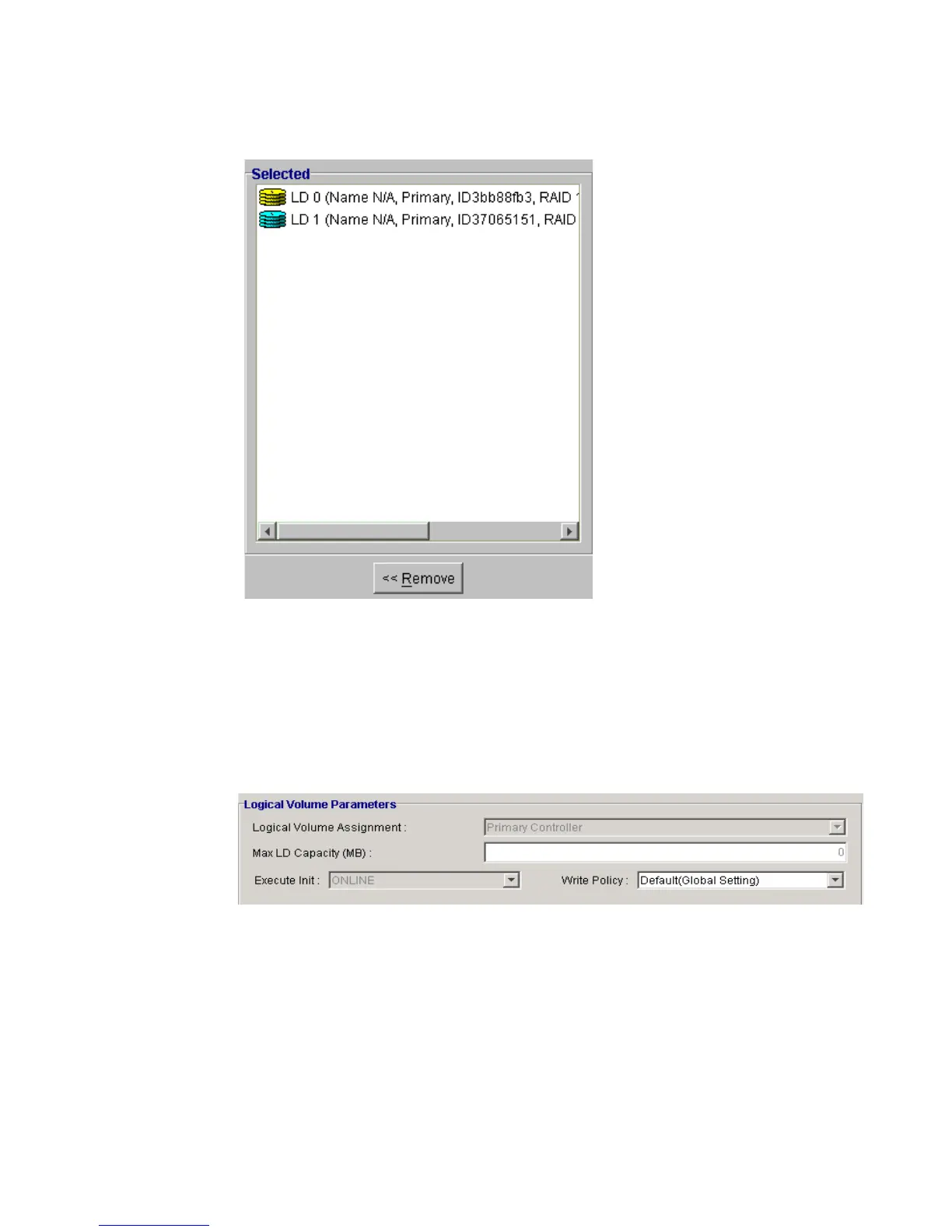
After the LDs that will be used in the LV have been selected, the LV parameters for the LV must be
selected. LV parameter options that are available are shown in Figure 8–41 and can be accessed at
the bottom of the LV Management Window shown in Figure 8–38.
LV Assignment
Choose “Primary Controller” or “Secondary Controller” from the “LV Assignment” menu shown in
Figure 8–42.
Figure 8–40 Selected Logical Drives
Figure 8–41 LV Parameter Options


 To Next Page
 Loading...