Altos RAIDWatch User Guide
100
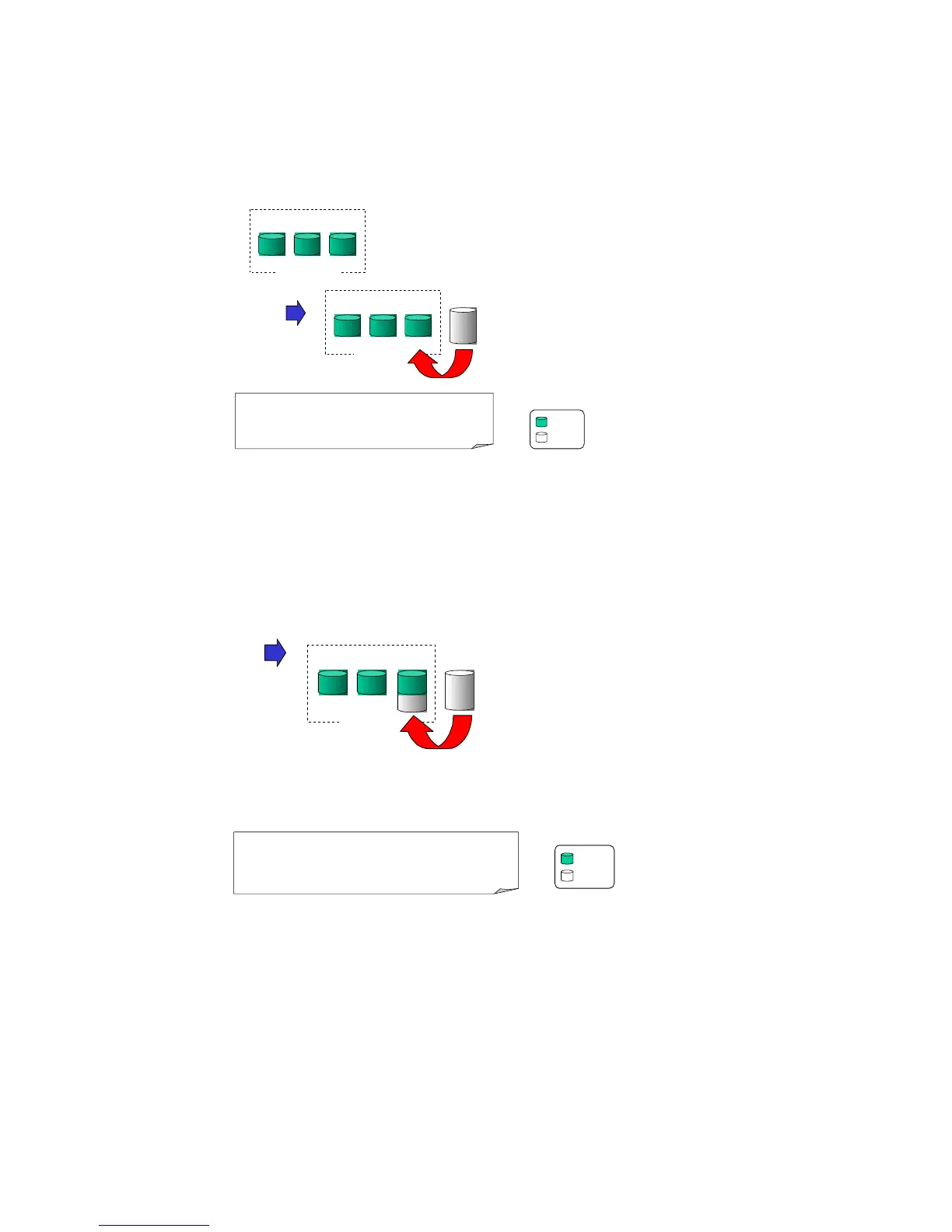
Figure 8–22 RAID Expansion Mode 2(1/3)
Figure 8–22 illustrates expansion of the same 4-Gigabyte RAID 5 logical drive using Mode 2
Expansion. Drives are copied and replaced, one by one, onto three higher-capacity drives.
Figure 8–23 RAID Expansion Mode 2(2/3)
This results in a new 4-Gigabyte, RAID 5 logical drive composed of three physical drives. The 4
Gigabytes of increased capacity is in a new partition.
4 GB
2 GB 2 GB 2 GB
4 GB
2 GB
2 GB 4 GB


 To Next Page
 Loading...