Altos RAIDWatch User Guide
122
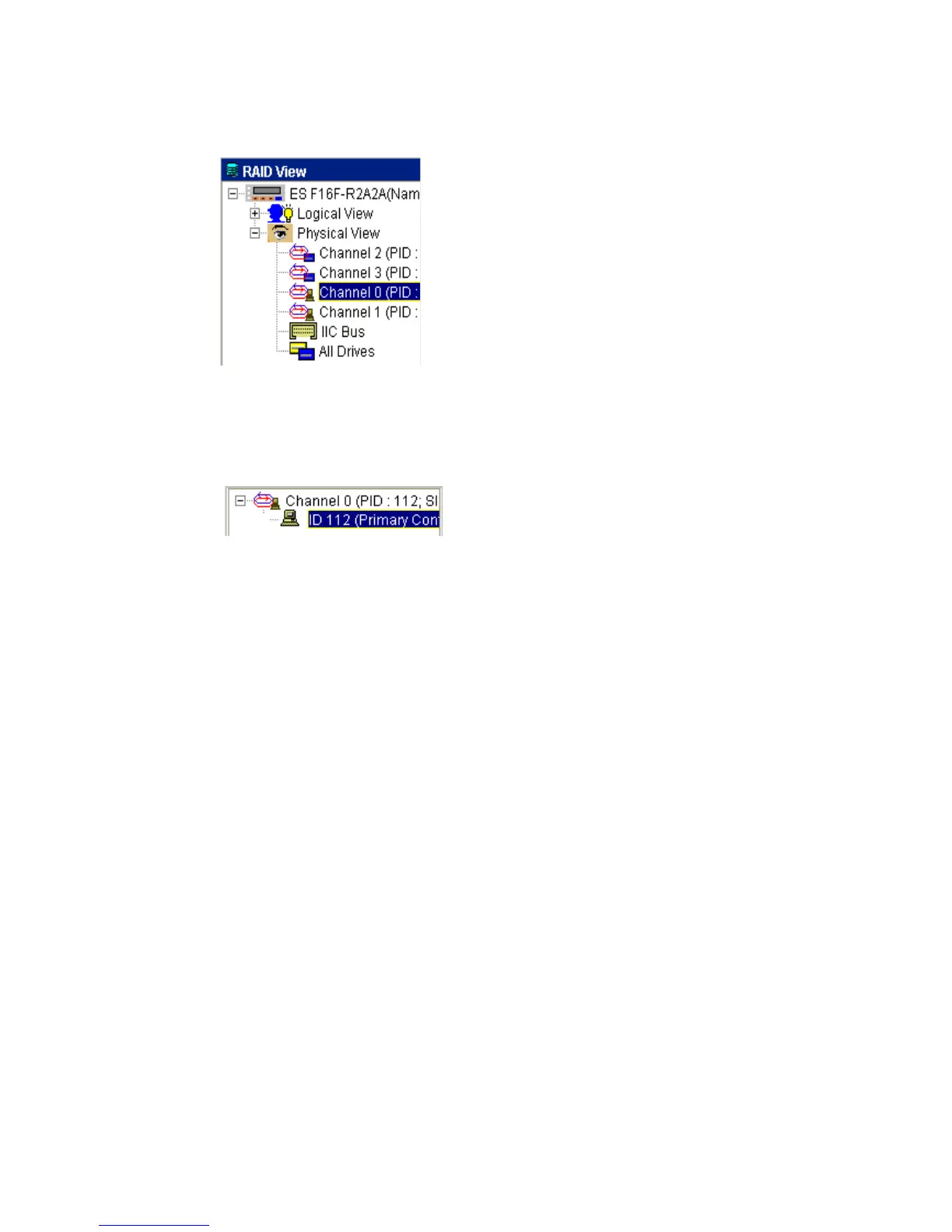
2 In the sub-navigation window, beneath the Navigation Panel, select a host channel ID number as
shown in Figure 9–2.
3 After selecting the ID, the LUN Table for the host channel shown in Figure 9–3 will be displayed in
the content panel.
Figure 9–1 Select the Host Channel
Figure 9–2 Selecting the Host Channel ID Number



 To Next Page