Altos RAIDWatch User Guide
126
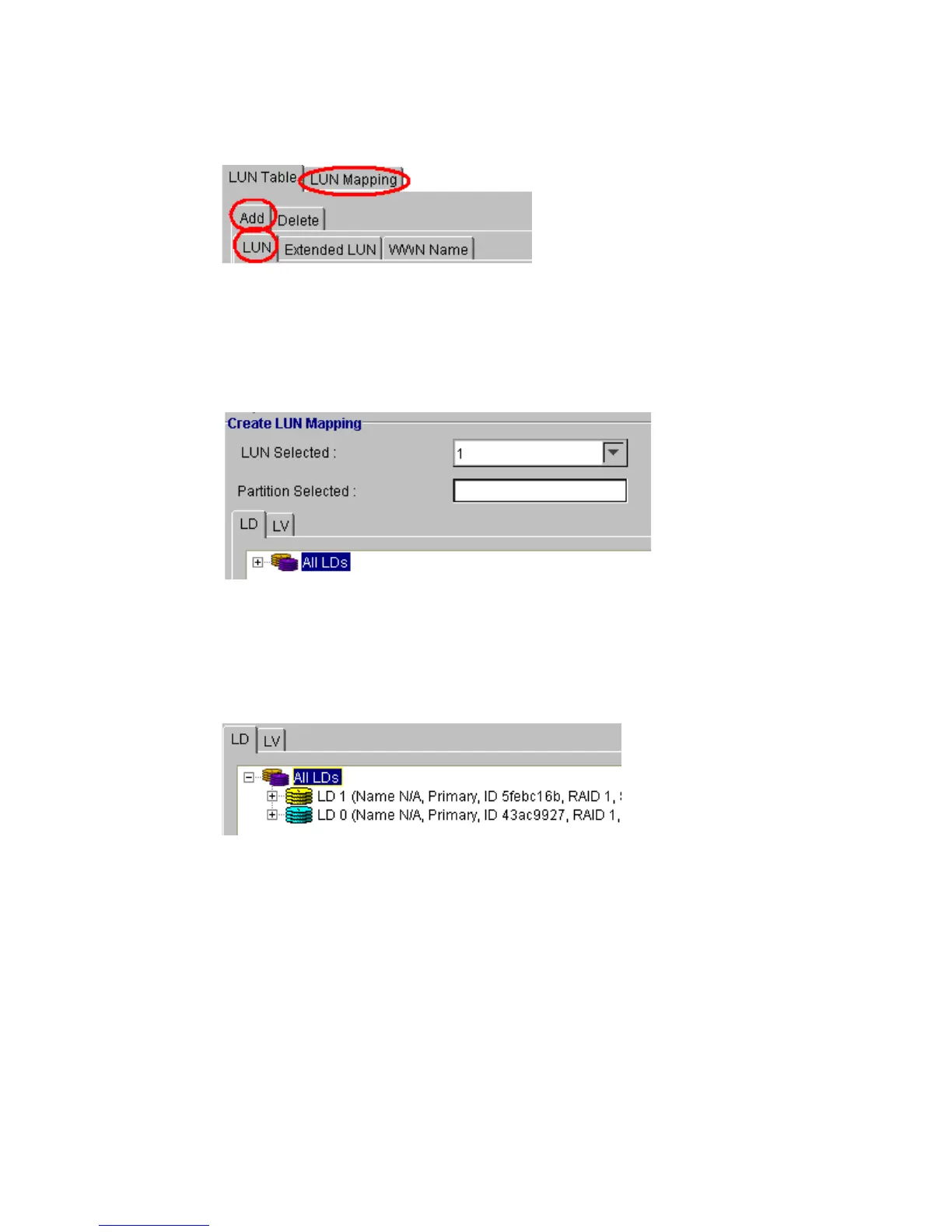
4 The Create LUN Mapping window should appear in the content panel (see Figure 9–12). If you want
to map a logical drive then select the LD tab shown in Figure 9–12. If you want to map a logical
volume, select the LV tab shown in Figure 9–12.
5 List the available logical volumes or logical drives by clicking on the “All” icon in the respective
window. For example, in Figure 9–12 if the “All LD” icon is clicked, all available LDs will be shown
(see Figure 9–13).
6 To display the partitions of the drive you wish to map, click on the corresponding icon in the create
LUN mapping window. (SeeFigure 9–14). Each drive and volume can have up to 8 partitions, each
of which can be mapped to a host LUN.
Figure 9–11 Select ADD then LUN
Figure 9–12 Create LUN Mapping
Figure 9–13 : LD List



 To Next Page