Altos RAIDWatch User Guide
140
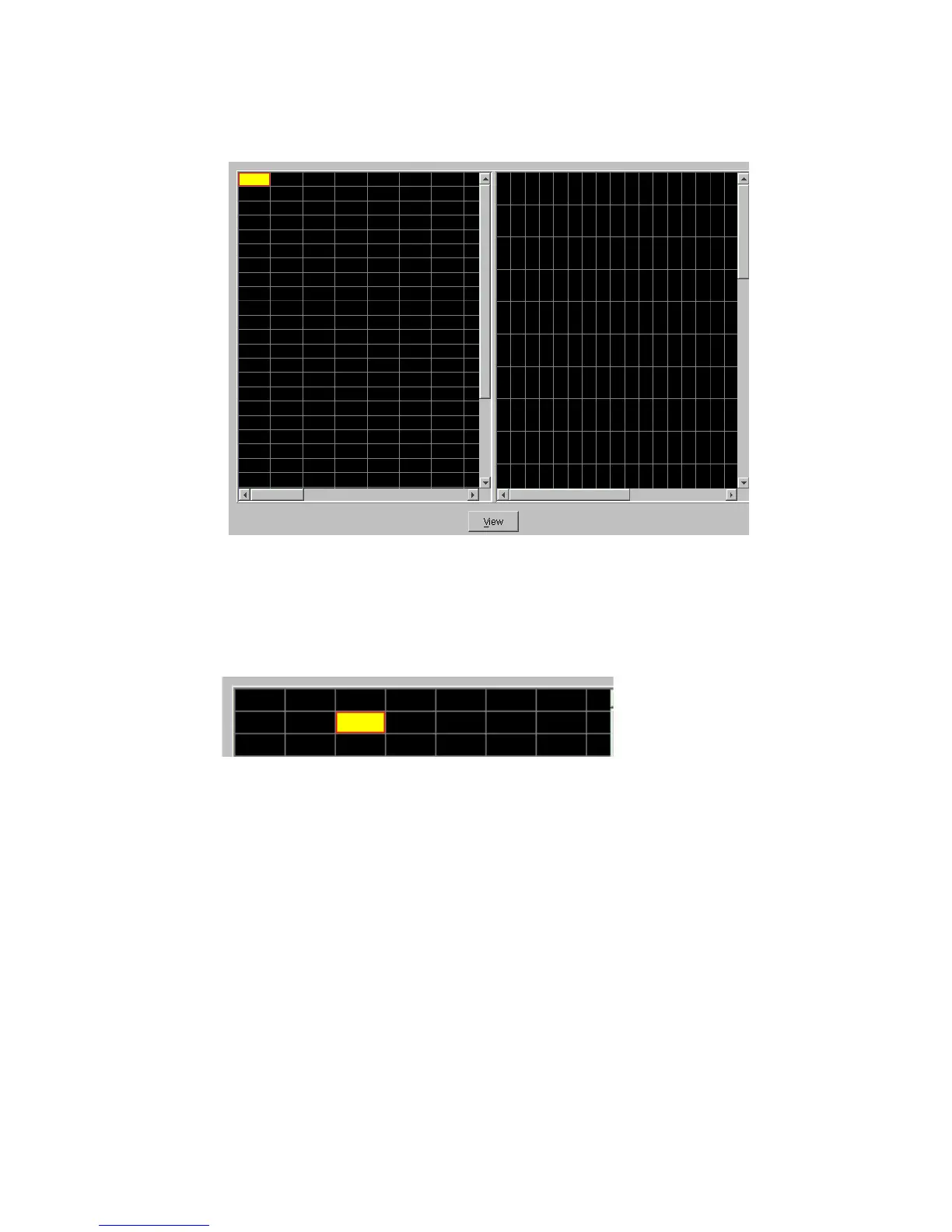
4 Click on an empty space that represents an empty canister or drive bay within the Enclosure window
(horizontal or vertical). The space you selected will be highlighted by different color as shown in
Figure 10–7.
5 Next click on a drive icon from the navigation panel, see Figure 10–8, then click the Add button.
The drive icon should appear in the previously selected space on the right hand side.
Figure 10–6 Enclosure View Pre-Configuration
Figure 10–7 Enclosure View Configuration



 To Next Page