Altos RAIDWatch User Guide
170
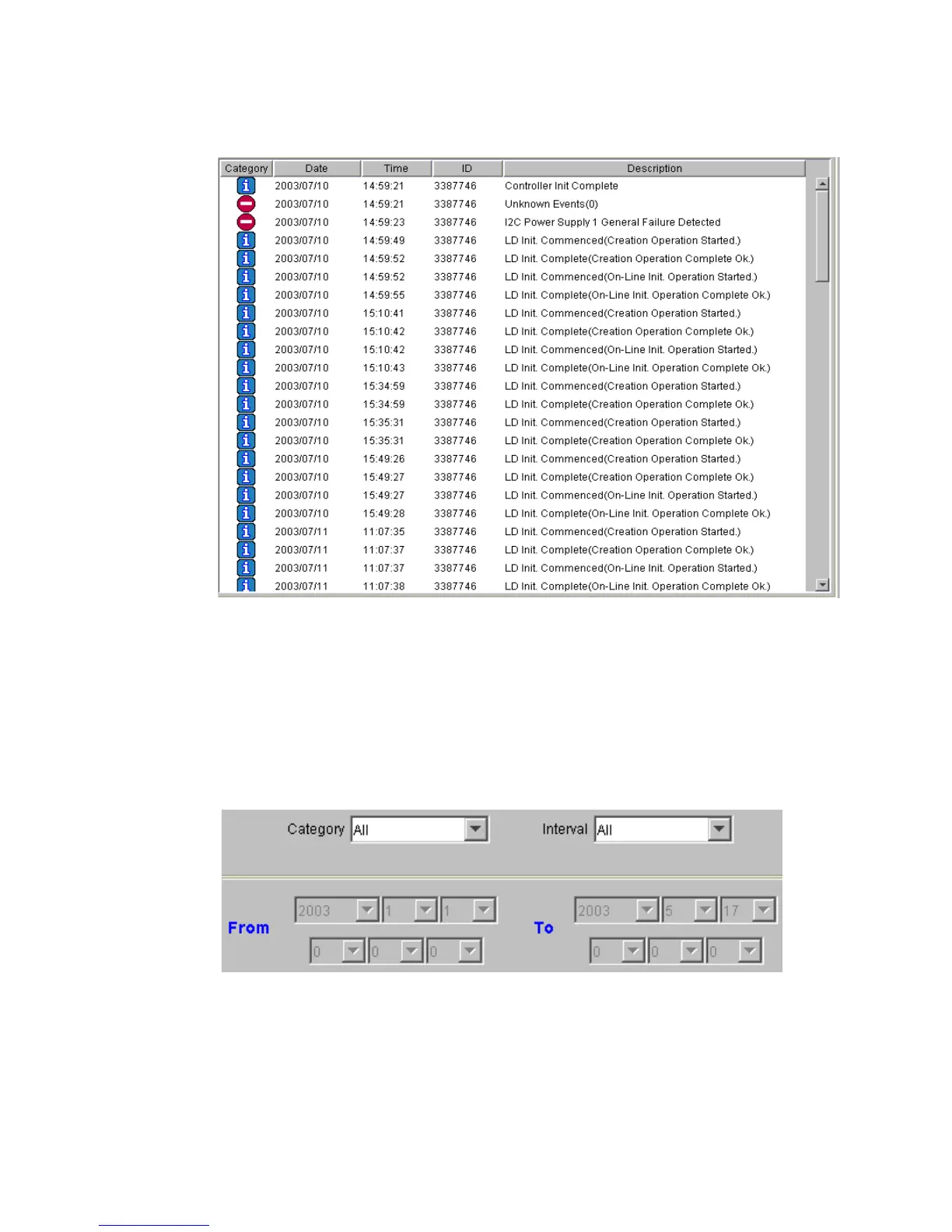
There are two sorting methods that can be used to arrange the data in a preferred order. The first
is by selecting the relevant button at the top of the event list. If you wish to sort your events into
their categories, or according to their dates, select the appropriate button and the event list will
automatically be rearranged.
A second option for sorting the data is to use the pull-down menus shown in Figure 12–11 that can
be found beneath the Event List.
The
Event List
window has sub-functions for sorting and filtering event messages.
• Select from the Category drop-down list to display different event types. Selections include All,
Information, Warning, or Critical. Events are listed in an ascending order.
Figure 12–10 Event List
Figure 12–11 Event List Pull Down Sorting Menu



 To Next Page