Installation
15
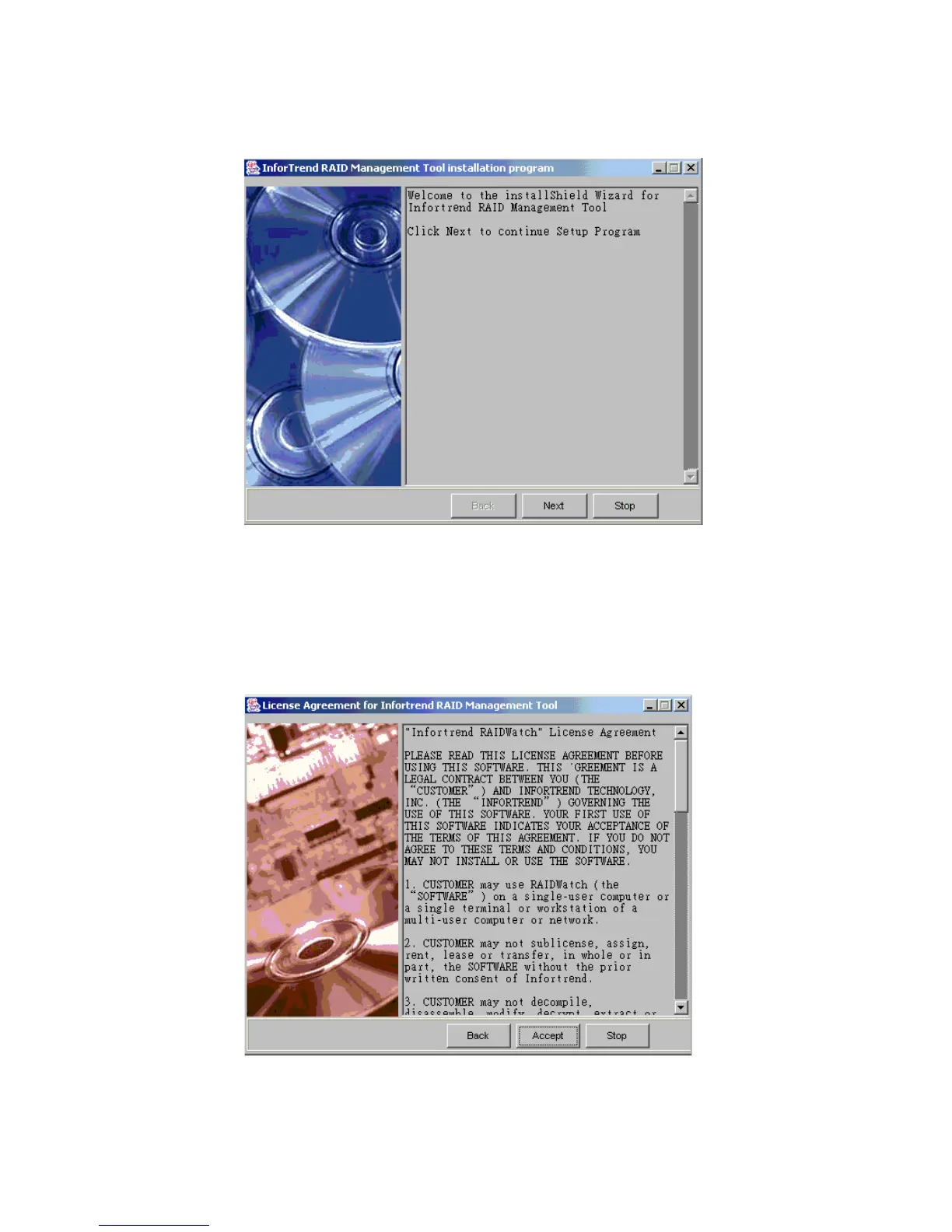
6 If you selected the “Next” button on Figure 2–1, the License Agreement window seen in Figure 2–
2. First read through the License Agreement. If you are in agreement with the specified terms and
wish to continue installing the Altos RAIDWatch program, select the “Accept.” If you do not wish
to continue with the installation process then select the “Stop” button.
Figure 2–1 Welcome to the Install Shield Window
Figure 2–2 Licence Agreement



 To Next Page