Configuration Options
41
3.5.4.1 Base Settings
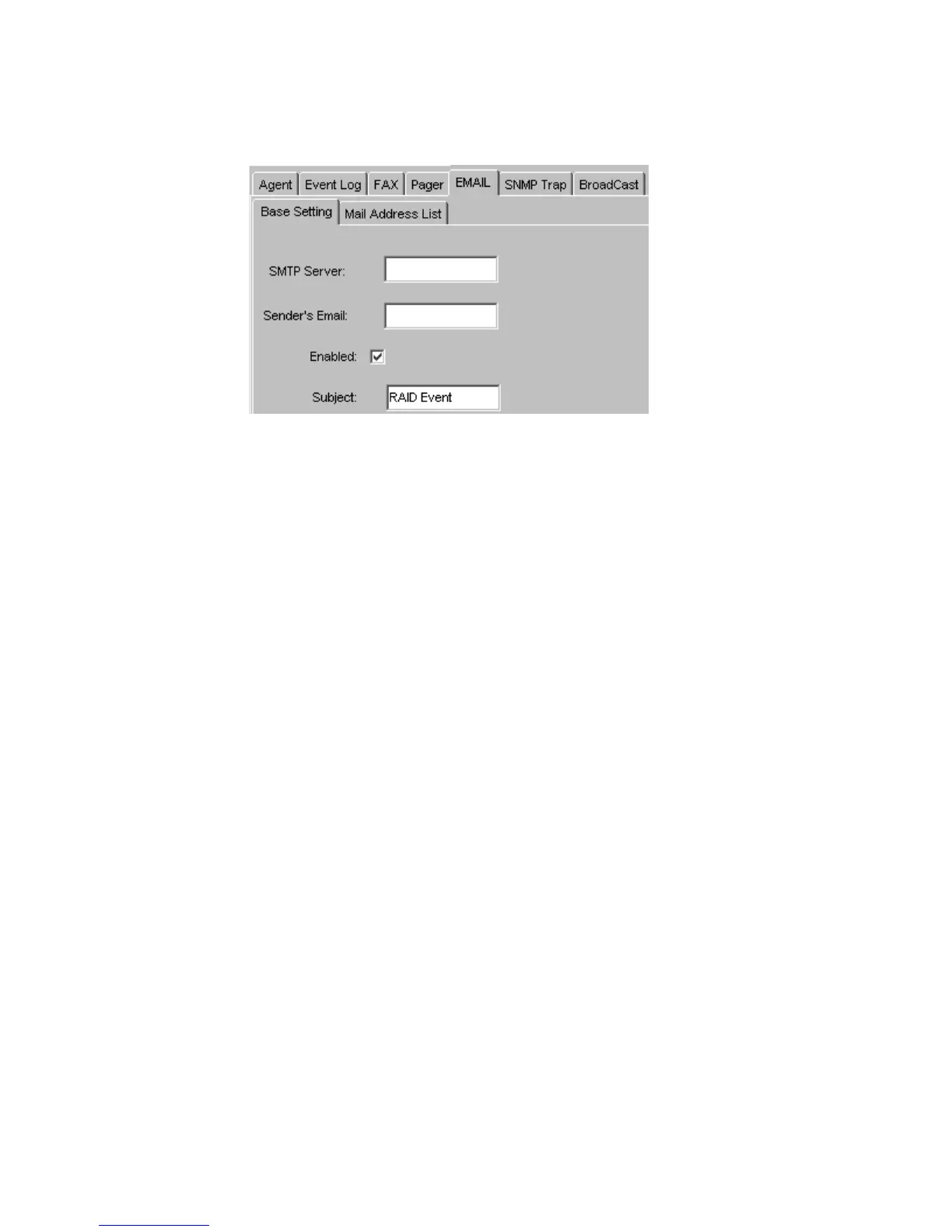
To configure the “Base Settings” select the
Base Settings
sub-tab from Figure 3–12 and the
configuration options shown in Figure 3–12 will appear.
• SMTP Server: The mail server used to send event notifications via e-mail.
• Sender’s Email: The “From” part of e-mail notification messages. It must be a valid internet e-
mail address.
• Enable: Enables the email settings, select the click on the “Enable” box in the middle of the
Broadcast Settings
window.
• Subject: Allows users to add a subject to event notification emails.
3.5.4.2 Mail Address List
To configure the “Email Address List” select the
Email Address List
sub-tab from Figure 3–12. The
configuration options shown in Figure 3–13 will appear.
Figure 3–12 Email Settings



 To Next Page