Operation
63
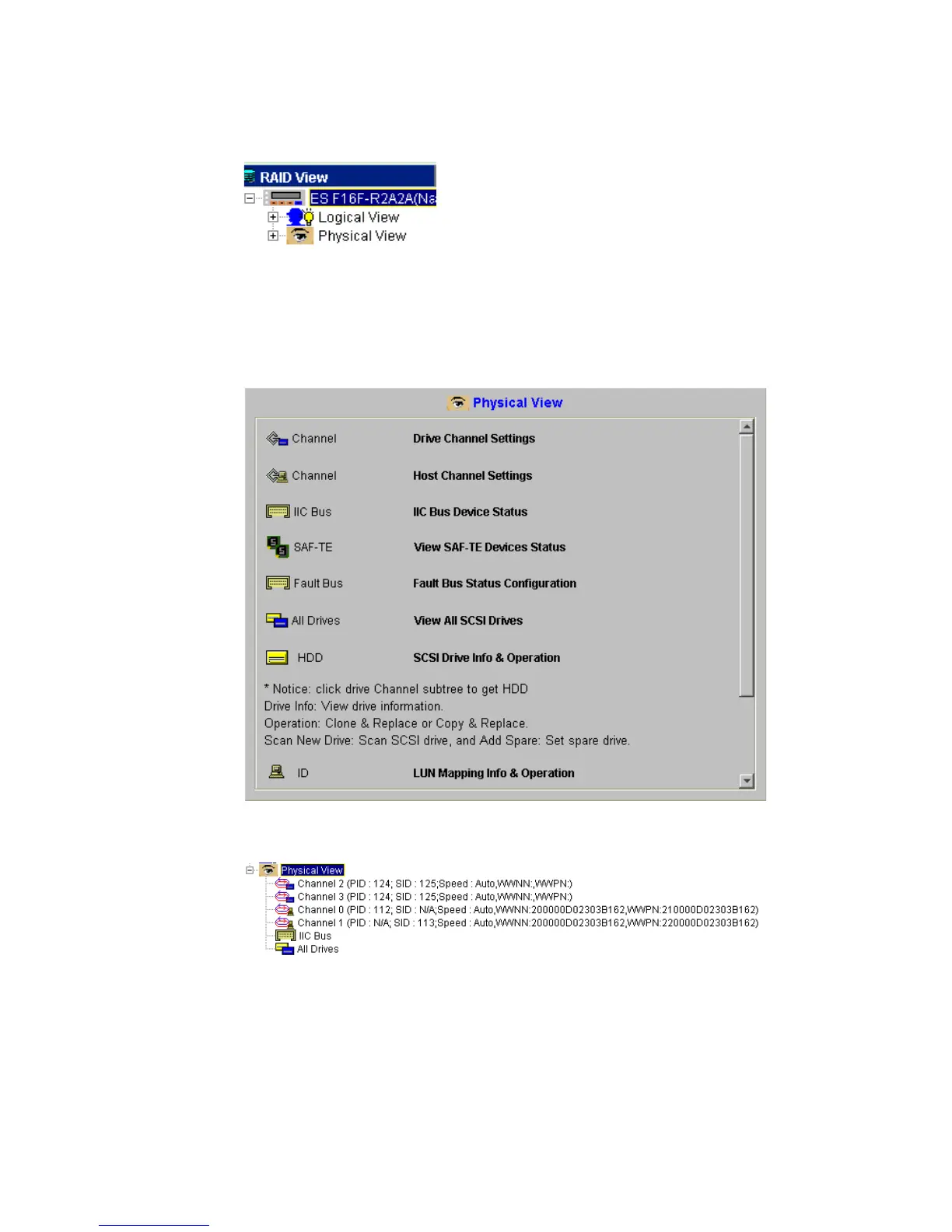
A window similar to the one shown in Figure 4–23 will appear in the Content Panel and the icons
shown in Figure 4–24 will appear in the navigation panel.
Note The symbols in the Physical View initial content panel are not interactive. To select a channel, status
display, or physical drive, click on the appropriate icon in the navigation panel.
Letting the mouse pointer hover over a channel displays a message tag similar to the one shown in
Figure 4–25
Figure 4–22 Select the Physical View Icon
Figure 4–23 Physical View Content Panel information
Figure 4–24 Physical View Navigation Panel icons



 To Next Page