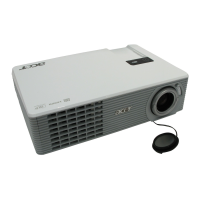
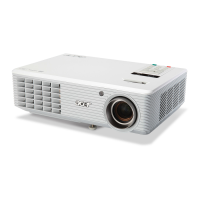
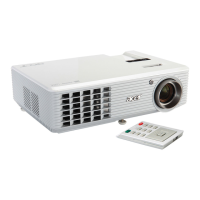
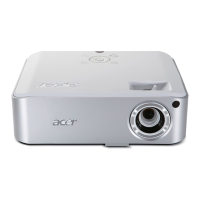
H5350
Condential
3-4
No Symptom
Procedure
8 Color Abnormal
- Do “Reset(All data)” of the OSD Menu
- Adjust Color Wheel Index
- Check Main Board
- Check Color Wheel
9
Poor Uniformity/
Shadow
- Ensure the projection screen without dirt
- Ensure the projection lens is clean
- Ensure the Brightness is within spec
- Check rod alignment
- Check Engine Module
10
Dead Pixel/Dust
(Out of spec.)
- Ensure the projection screen without dirt
- Ensure the projection lens is clean
- Clean DMD Chip and Engine Module
- Check DMD Chip
- Check Engine Module
11 Garbage Image
- Ensure that the signal cables and source work as well
- Check Main Board
- Check DMD Board
12 Remote Control
- Remote Control
a.Check Battery
b.Check Remote Controller
c.Check Main Board
13 Function Abnormal
- Do “Reset(All data)” of the OSD Menu
- Check Main Board
- Check DMD Board
14
Audio Abnonrmal
- Ensure that the signal cables and source are work as well
- Check Speaker Module
- Check Main Board


 To Next Page