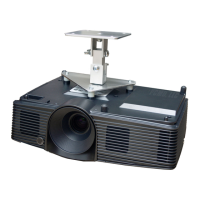
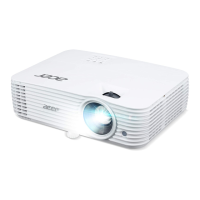
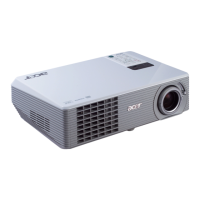
H5350
Condential
6-6
6-5 Setup Procedure (HDMI)
1. Connect all ports
(1) Connect P1 of Fixture with COM Port of
PC/Laptop by RS232 Cable.
(2) Connect P2 of Fixture with P3 by DVI
Cable.
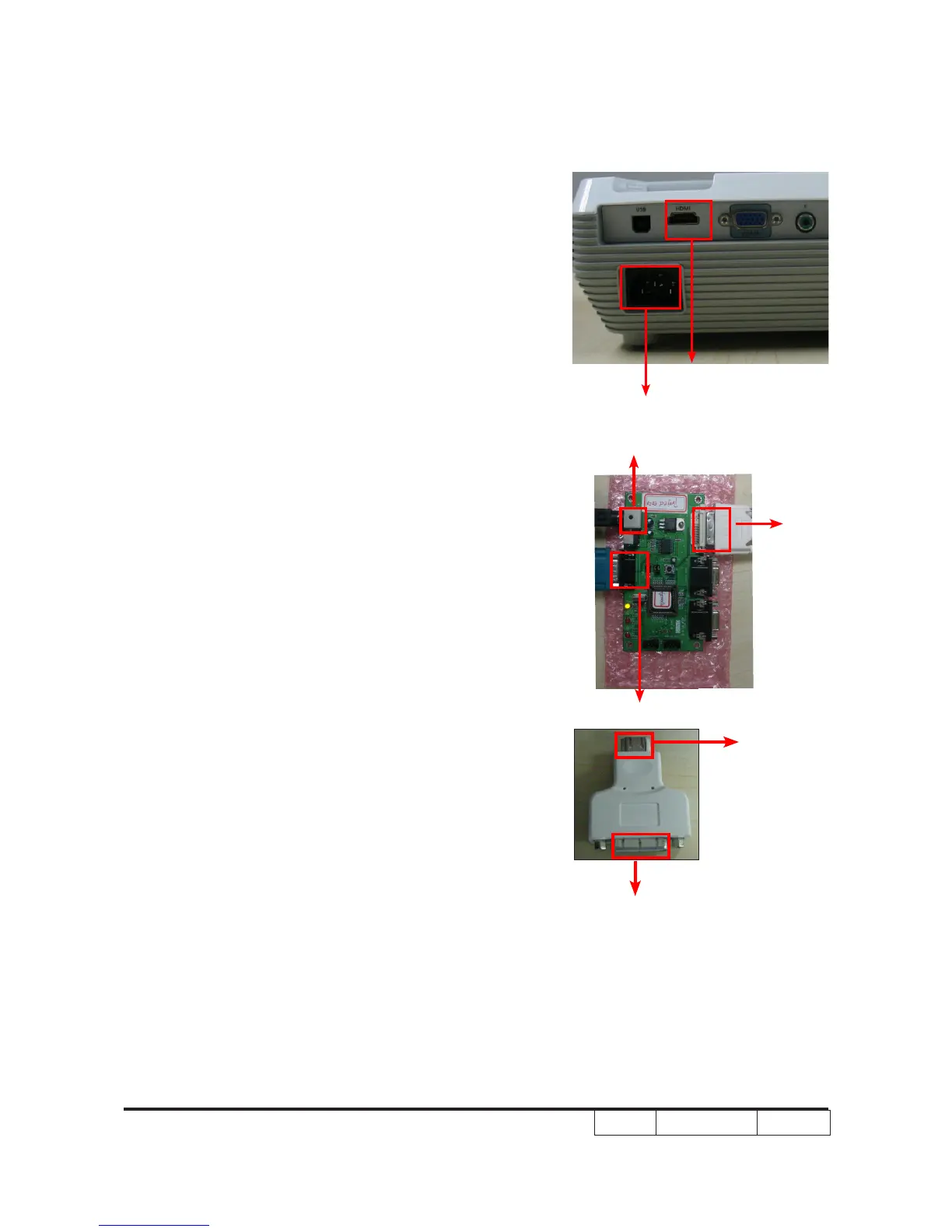
(3) Plug P4 to HDMI Port of the Projector.
(4) Plug Power Adapter to Power
CNN.
(
5) Plug Power Cord to H5350 unit.
Note: Conrm JP3 is
"
Close
"
status.
P2
Power CNN
P1
P3
P4
Power Port
HMDI Port


 To Next Page