1 Getting started
Features summary
1
1 Getting started
This chapter will discuss the following topics:
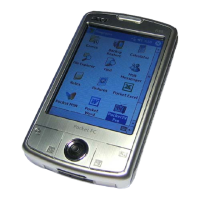
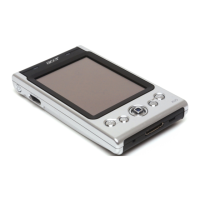
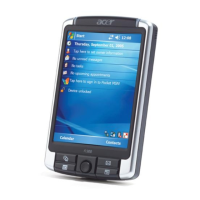
• Feature highlights of your Acer n20
• Acer n20 system tour
• Step-by-step procedures on how to prepare your handheld for use
• Basic concepts in using your Acer n20
Features summary
Performance
• Intel PXA250 Application Processor with Intel XScale technology
• System memory:
– 64 MB SDRAM for application storage
– 32 MB Flash ROM for operating system
• Microsoft
®
Pocket PC 2002 Premium with Microsoft
®
Outlook 2000
Display
• 3.8" Reflective TFT LCD (Thin Film Transistor Liquid Crystal Display)
• 240 x 320 resolution
• 16-bit or 64K colour support
• Microsoft
®
ClearType technology for clearer, crisper font display
• MediaQ graphics controller for enhanced graphics performance
Audio
• Embedded AC '97 CODEC with CD-quality stereo output
• Built-in industry standard 3.5 mm earphone jack
• Built-in microphone
Connectivity
• 19-pin Acer Versatile Connector
• 100-pin expansion connector
• SIR (Standard Infrared) capability
• Wireless communication function using the built-in IEEE 802.11b WLAN
adapter (applicable to the Acer n20w model only)



 To Next Page