14
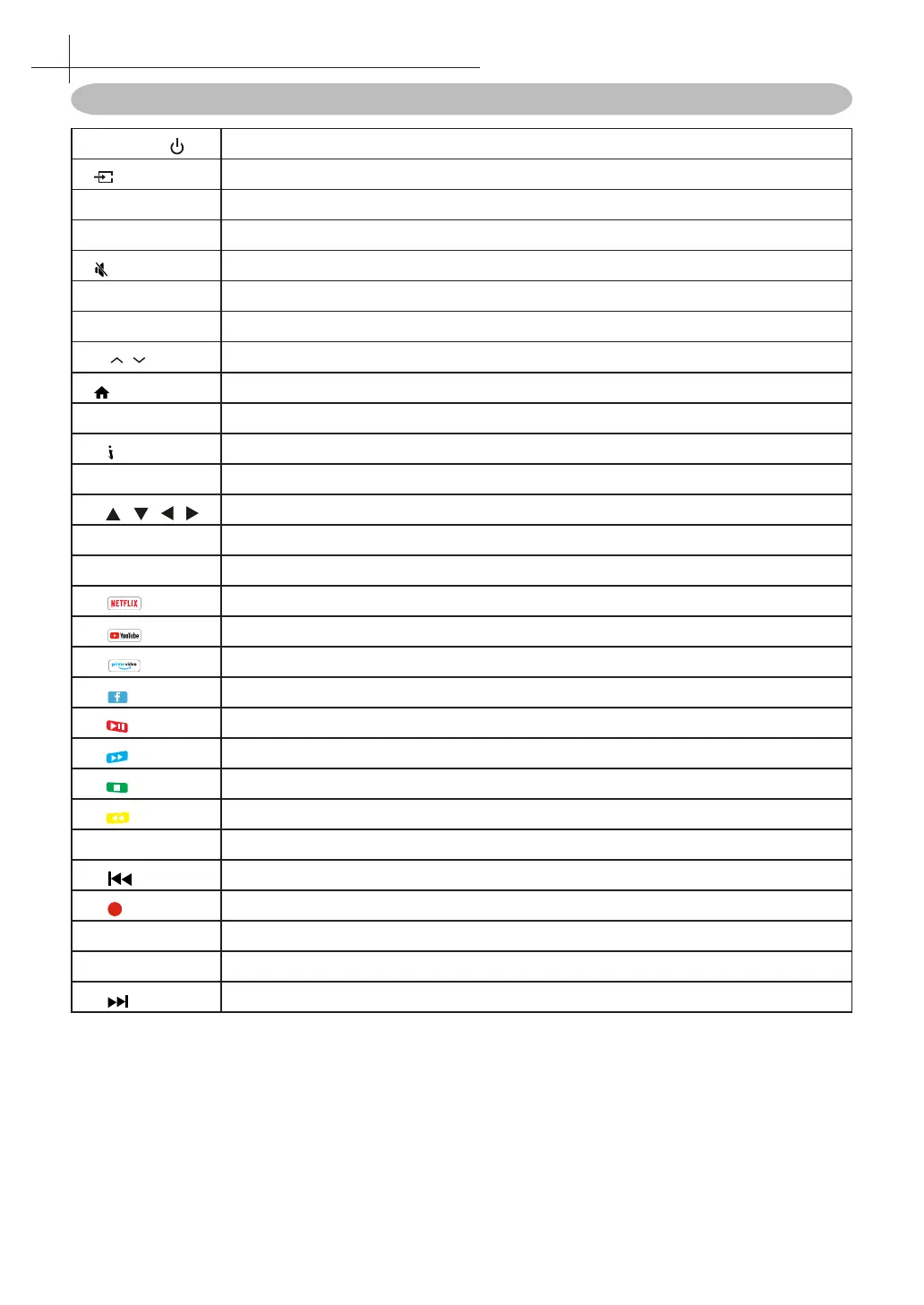
Remote Control Function buttons
1. POWER( )
Standby turn on and o.
2.
Select the signal source.
3. 0~9
Continue to press the keys to select a channel.
4. EPG
Enter or exit EPG(Electronic Program Guide)
5. key
Mute sound.
6. APP
Show installed APP list.
7. V +/-
Increase or decrease the volume.
8. P /
Select the channel forward or backward
9. key
Takes you to the Home Screen.
10. MENU
Enter or exit menu.
11. key
Display the information of current video and audio.
12. OK
Conrm or enter.
13. / / /
The menu item selection.
14. BACK
Return to previous channel
15. MOUSE
Turn on/o Mouse cursor.
16.
Launches Netix app.
17.
Launches YouTube app.
18.
Launches Prime Video app.
19.
Launches Facebook app.
20. RED
Control “Play/Pause” with playback / Access the red item or page.
21. BLUE
Control “Fast forward” with playback / Access the Blue item or page.
22. GREEN
Control “Stop” with playback / Access the green item or page.
23. YELLOW
Control “Fast Backward” with playback / Access the yellow item or page.
24. TEXT
Enter or exit teletext.
25.
To play the previous chapter, title or track.
26.
DTV mode record data with USB disk
27. SUB
DTV mode select subtitle mode.
28. Audio
Multi channel television sound mode change.
29.
To play the next chapter, title or track.
6
Using the Remote Control



 To Next Page