16
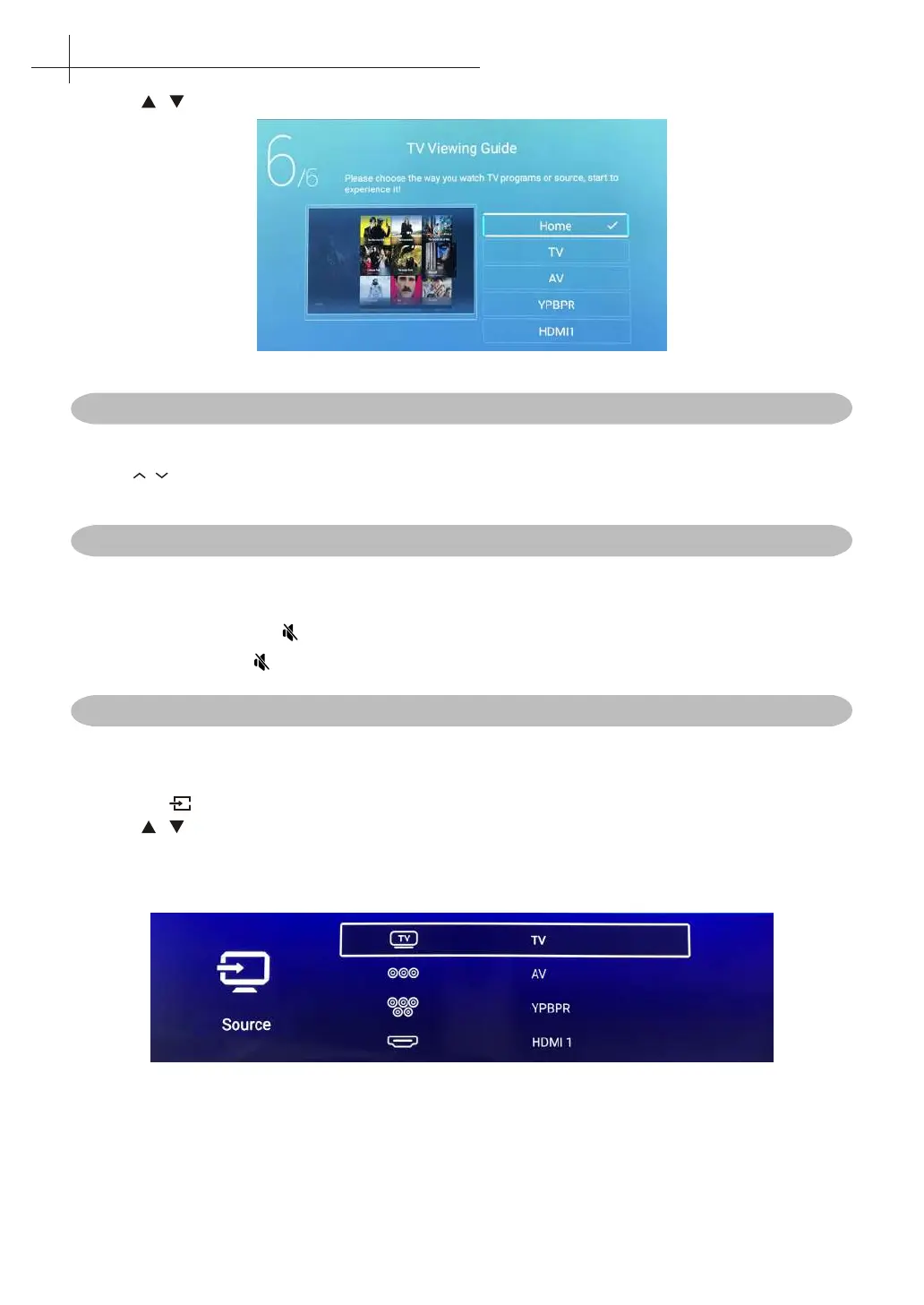
6. Press / button to select the input source.
Changing Channels
Using Channel Buttons
Press P / to change channels, and the TV changes channels in sequence. You will see all channels that
have been memorized. Channels erased or not.
Adjusting the Volume
Press V +/- to adjust volume.
To turn o the volume, Press .
To restore volume, press again.
Selecting the Input Source
To select the TV or other external input sources connected to the TV.
1. Press the button on the remote control.
2. Press / to select the required input source between TV, AV, YPBPR, HDMI1, HDMI2,
HDMI3.
3. To conrm the selection, press OK button to enter.
7
Basic Operation of the TV



 To Next Page