English
17
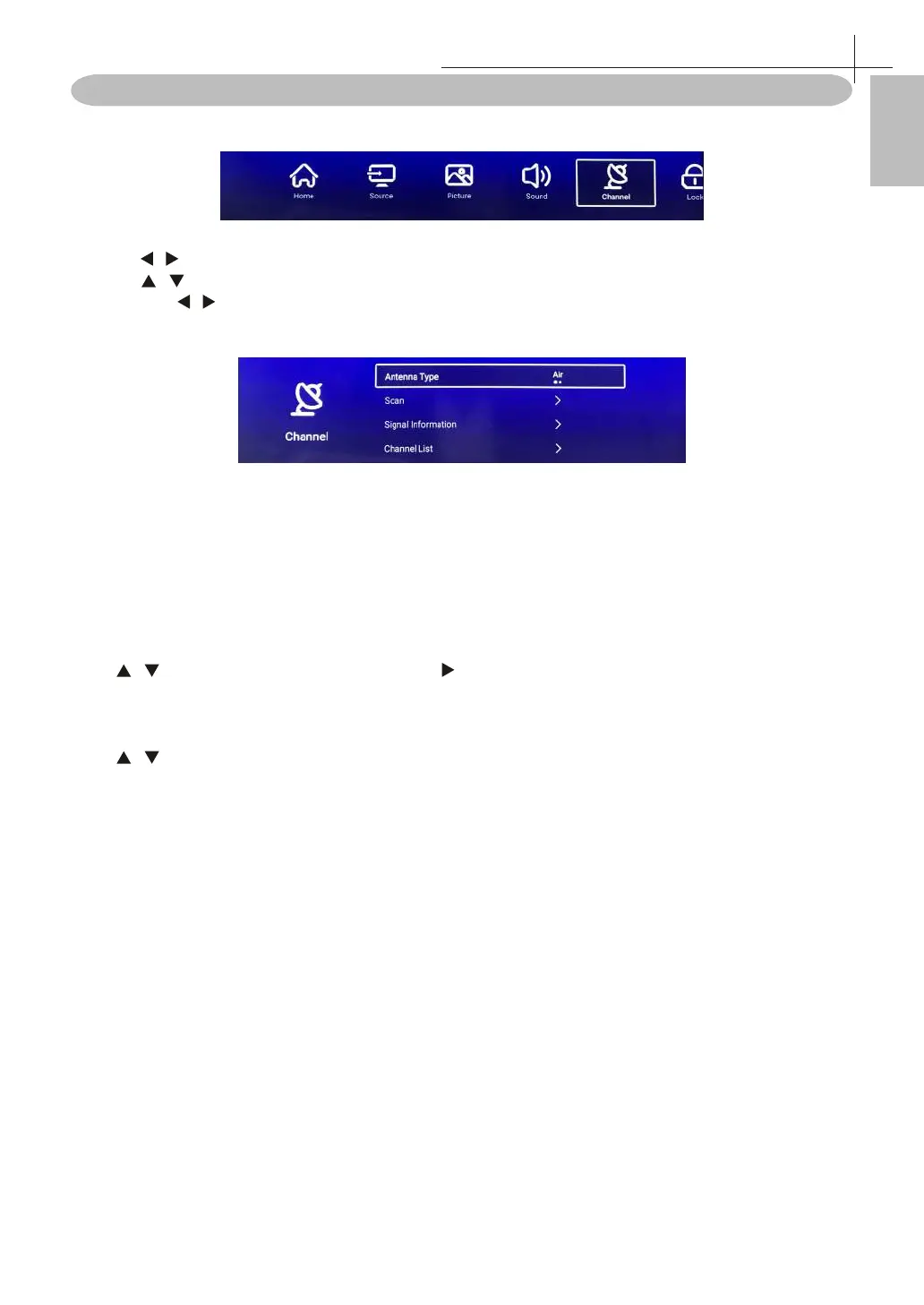
Channel Menu
Press MENU on the remote control to display the main Menu.
1. Press / button select Channel in the main menu, then press OK to enter.
2. Press / button to select the option that you want to adjust in the Channel menu.
3. Press OK/ / button to adjust.
4. After nishing your adjustment, Press MENU or BACK button to return back to the previous
menu.
NOTE: Channel can be only selected under TV/RF condition, others can’t be used.
Antenna Type
Select the Air / Cable to tune.
Scan
Press / button to select Scan, then press OK / button to enter the submenu.
Channel List
Press / button to select Channel List to list, press MENU button edit the channel(Move / Skip /Delete /
Fav / Rename / Lock).
Channel Menu
8



 To Next Page