English
23
Enter the home main menu
Two ways are allowed to enter the main menu interface:
1) Press the key.
2) Select the Home in main menu,press OK to enter the Home main menu.
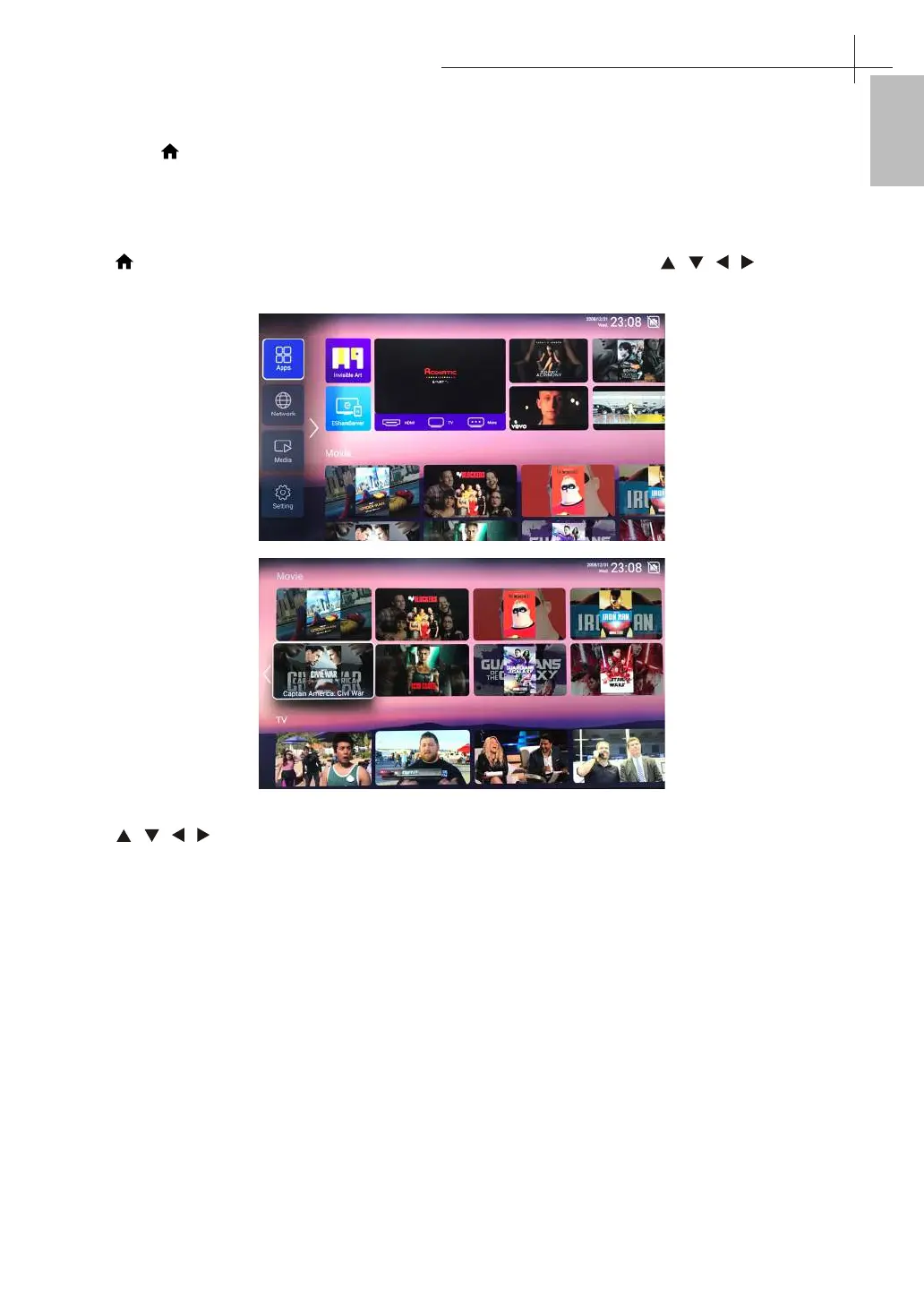
Home main menu
Press button on the remote control to display the TV main inferface, then press / / / button to
select Apps/Network/Media/Settings, then press OK button to enter.
Press / / / to select Movie / TV / HOT APP / FAV APP / MUSIC. You can choose the program you
want on the home page.
Home Main Menu
14



 To Next Page