22
Menu Reset
Recall the default setting.
Press / button to select Menu Reset. Press OK button to enter the sub-menu.
USB Operation
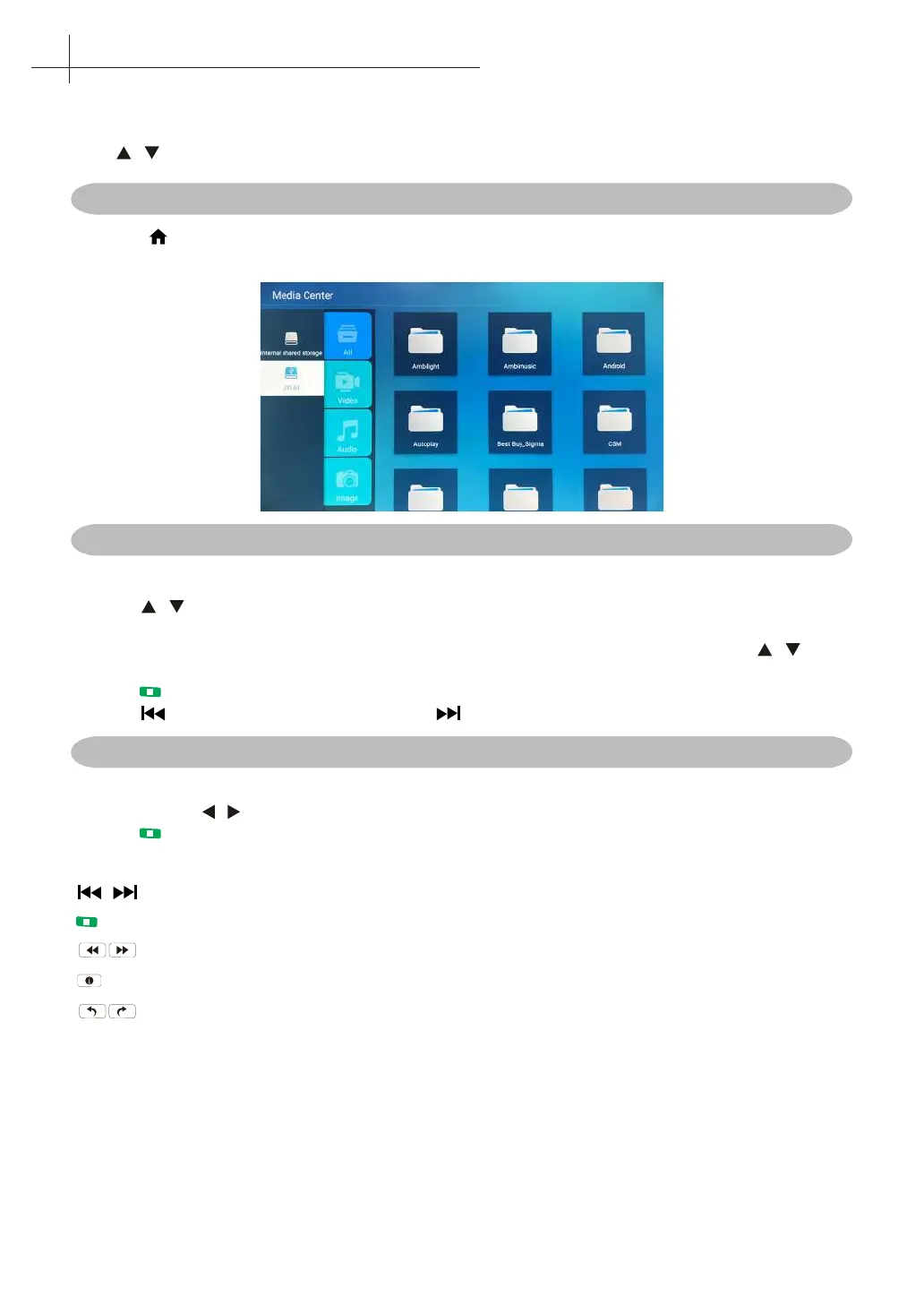
First press into Home, then into multimedia channel, plug in Media Center storage device. Video/Music/
Photo/Folder, and press OK button to enter.
Playing Video/ Music / Photo / Folder
1. Press / button to select the folder that you want to view, then press OK button to select the
sub oder.Press OK button to play, press the exit button to return back.
2. Press OK button to select the up folder,and return to the previous level menu, press /
buttons to turn pages.
3. Press button to start playback or pause.
4. Press button to play the last item. Press button to play the next item.
Video / Music / Photo / Folder Screen Display
1. Follow the instruction below to enter the desired funtion.
2. Simply press / to move the light-bar cursor to the funtion, then press OK to start funtion.
Press to End or Exit.
Play before or next Video / Music / Photo.
Play or Pause Video / Music / Photo.
Play Video / Music Play video music with fast forward or retreat quickly.
Show the current le information.
Rotating the Photo.
13
Multimedia



 To Next Page