English
15
Turning the TV On and O
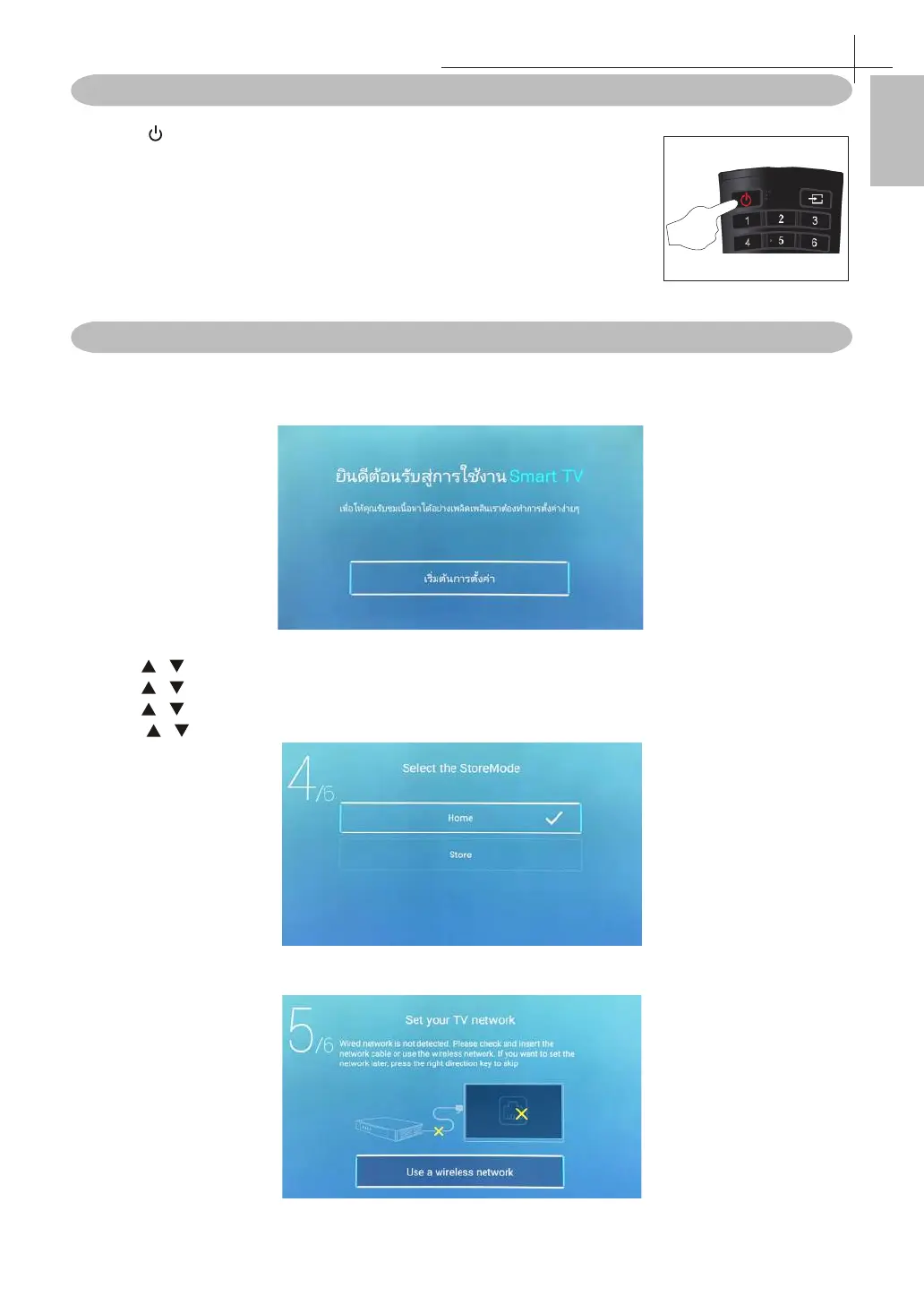
Press the POWER button on the remote control.
* If there is no input signal within 15 minutes, TV will be turned o
automatically.
* Pictures may vary. Please refer to the actural product.
First Time Setup
Connect an RF cable from the TV's input called "RF-In" and to your TV Aerial socket.
Press OK button to select the “Start the setup”.
1. Press / button to select the language.
2. Press / button to select the country.
3. Press / button to select the time zone.
4. Press / button to select the StoreMode.
5. Press OK button to connect the wireless/network.
Basic Operation of the TV
7



 To Next Page