20
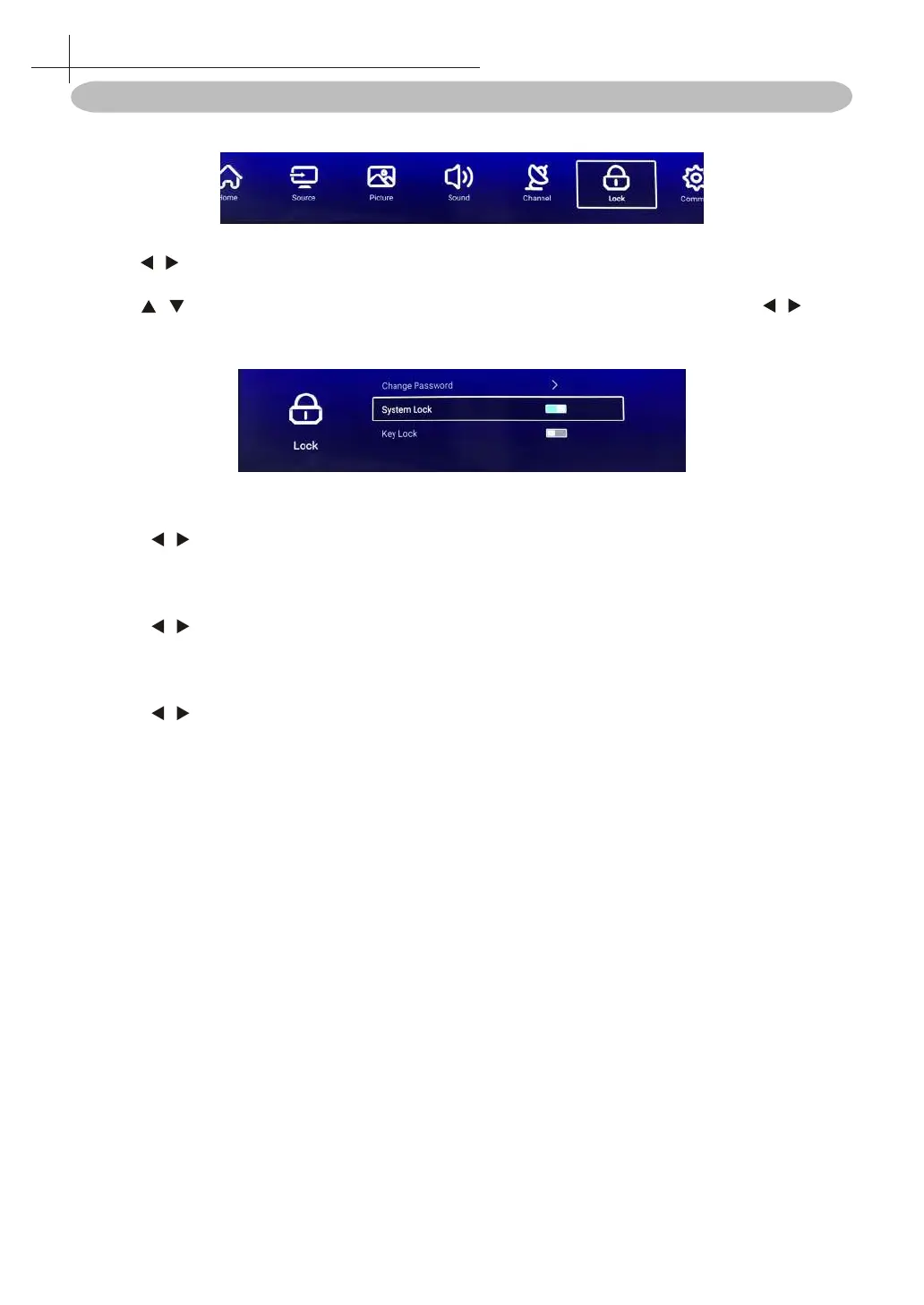
Lock Menu
Press MENU button to display the main menu.
1. Press / button select Lock in the main menu, then press OK to enter. Default password is
4711.
2. Press / button to select Change Password / System Lock / Key Lock. Press OK/ / to
enter.
Change Password
Press OK/ / button to select Change Password.
System Lock
Press OK/ / button to select System Lock On / O.
Key Lock
Press OK/ / button to lock the keypad.
Note: This function is available when the Lock is on.
11
System Lock Menu



 To Next Page