1-101-10
1-101-10
1-10
Chaosdr 1 Mnshdranarc CdrbrhoshnnChaosdr 1 Mnshdranarc Cdrbrhoshnn
Chaosdr 1 Mnshdranarc CdrbrhoshnnChaosdr 1 Mnshdranarc Cdrbrhoshnn
Chaosdr 1 Mnshdranarc Cdrbrhoshnn
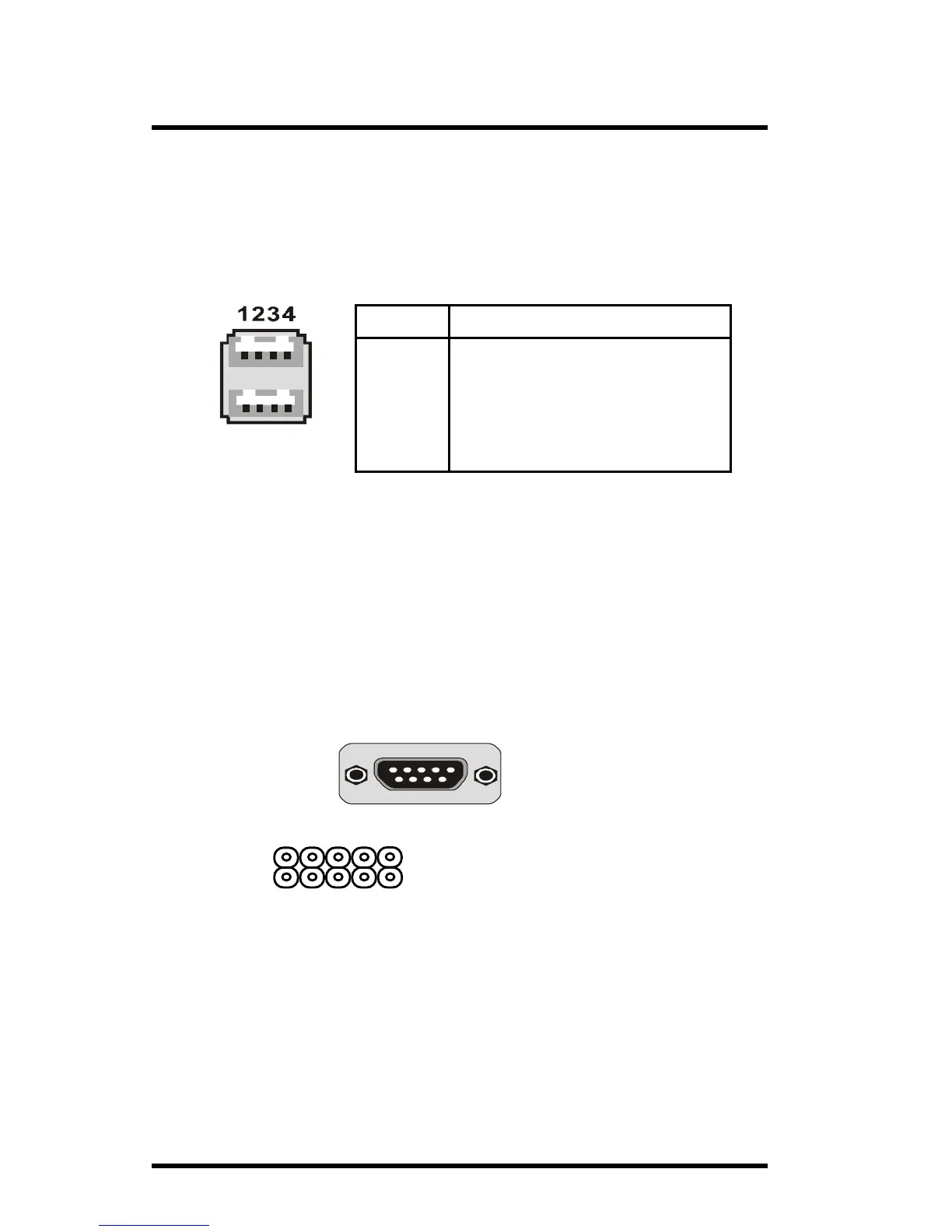
1.7.1.2 USB Connector: USB1
The motherboard provides a OHCI(Open Host Controller
Interface)Universal Serial Bus Roots for attaching USB
devices such as a keyboard, mouse and other USB devices.
You can plug the USB devices directly into this connector.
Pin Signal
1 +5V_SB
2 USBP0-(USBP1-)
3 USBP0+(USBP1+)
4 GND
USB1
1.7.1.3 The Serial Interfaces: COM1 / COM2
The serial interface port is sometimes refered to as an
RS-232 port or an asynchronous communication port. Mice,
printers, modems and other peripheral devices can be
connected to a serial port. The serial port can also be used
to connect your computer system. If you like to transfer
the contents of your hard disk to another system, it can be
accomplished by serial port.
1.7.1.4 Parallel Interface Port
Unlike serial ports, parallel interface ports have been
standardized and should not present any difficulty interfacing
peripherals to your system. Sometimes called a Centronics
port, the parallel port is almost exclusively used with printers.
The parallel port on your system has a 25-pin, DB 25
connector.
COM2
1
COM1/COM2
(Only support by 6A815E1 M/B)
(Only support by 6A815EP1 M/B)



 To Next Page