1-251-25
1-251-25
1-25
Bhapter 1 BIOS SettpBhapter 1 BIOS Settp
Bhapter 1 BIOS SettpBhapter 1 BIOS Settp
Bhapter 1 BIOS Settp
Standard CMOS Features Frequency/Voltage Control
Advanced BIOS Features Load Fail-Safe Defaults
Advanced Chipset Features Load Optimized Defaults
Integrated Peripherals Set Supervisor Password
Power Management Setup Set User Password
PNP/PCI Configuration Save & Exit Setup
PC Health Status Exit Without Saving
Esc : Quit F9 : Menu in BIOS ←→↑↓: Select Item
F10 : Save & Exit Setup
Time , Date , Hard Disk Type ...
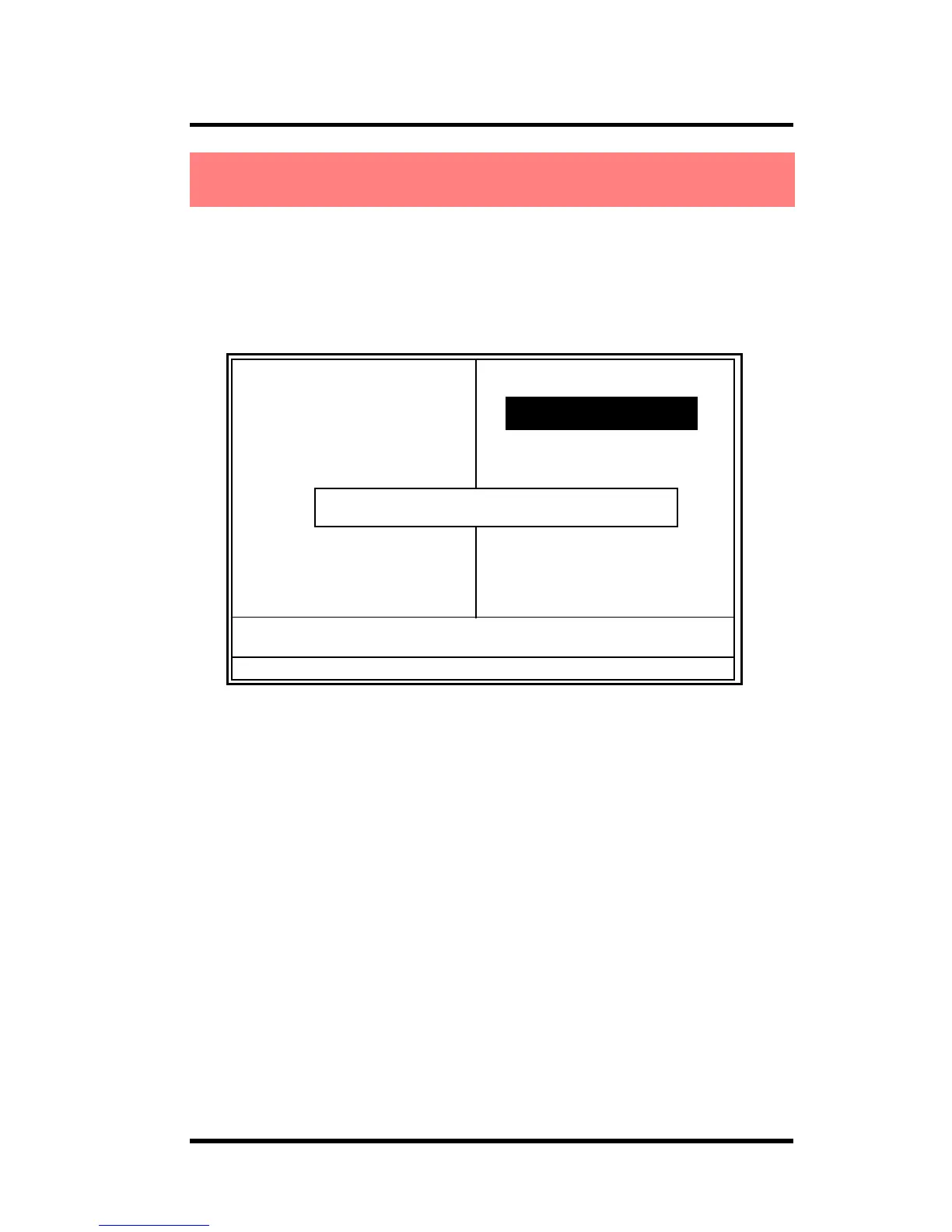
Load Fail-Safe Default (Y/N)? N
Pressing ‘Y’ loads the default values that are factory settings
for optimal performance of system operations.
When you press <Enter> on this item, you get a
confirmation dialog box with a message similar to:
◎◎
◎◎
◎ Figure 11. Load Optimized Defaults
CMOS Setup Utility-Copyright (C) 1984-2001 Award Software
2.11 Load Optimized Defaults2.11 Load Optimized Defaults
2.11 Load Optimized Defaults2.11 Load Optimized Defaults
2.11 Load Optimized Defaults



 To Next Page