1-261-26
1-261-26
1-26
Bhapter 1 BIOS SettpBhapter 1 BIOS Settp
Bhapter 1 BIOS SettpBhapter 1 BIOS Settp
Bhapter 1 BIOS Settp
Standard CMOS Features Frequency/Voltage Control
Advanced BIOS Features Load Fail-Safe Defaults
Advanced Chipset Features Load Optimized Defaults
Integrated Peripherals Set Supervisor Password
Power Management Setup Set User Password
PNP/PCI Configuration Save & Exit Setup
PC Health Status Exit Without Saving
Esc : Quit F9 : Menu in BIOS ←→↑↓: Select Item
F10 : Save & Exit Setup
Time , Date , Hard Disk Type ...
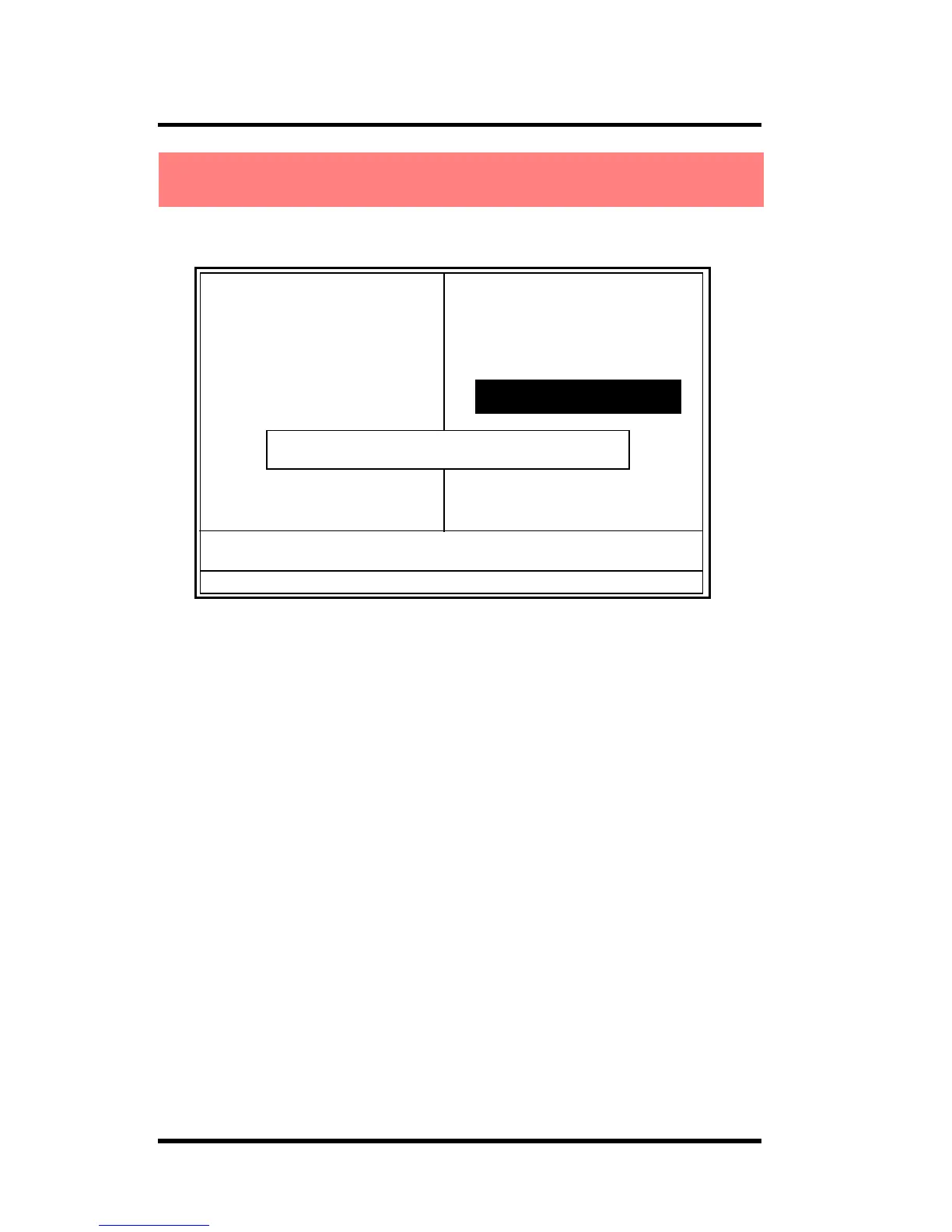
Enter Password:
When you select this function, the following message will
appear at the center of the screen to assist you in creating a
password.
Enter Password
Type a password, up to eight characters, and press <Enter>.
The password you type now will clear any previously entered
password from CMOS memory. You will be asked to
confirm the password. Type the password again and press
<Enter>. You may also press <ESC> to abort the selection
and not enter a password. To disable the password, just press
<Enter> when you are prompted to enter a password. A
message will confirm that you wish to disable the password.
Once the password is disabled, the system will boot and you
can enter setup freely.
◎◎
◎◎
◎ Figure 12. Set Supervisor / User Password
CMOS Setup Utility-Copyright (C) 1984-2001 Award Software
2.12 Set Supervisor / User Password2.12 Set Supervisor / User Password
2.12 Set Supervisor / User Password2.12 Set Supervisor / User Password
2.12 Set Supervisor / User Password



 To Next Page