Installation Guide
19
5. Tighten the sealing nut.
NOTES on using Ethernet cables: When replacing the pre-installed network cable, it is
recommended to use exterior-grade Ethernet cables (CAT5/CAT5e/CAT6); ordinary Ethernet
cables are only designed for indoor use and may deteriorate quickly when exposed to
outdoor elements. Exterior-grade Ethernet cables are waterproof and do not require a
conduit.
Step 3: Install the Bracket
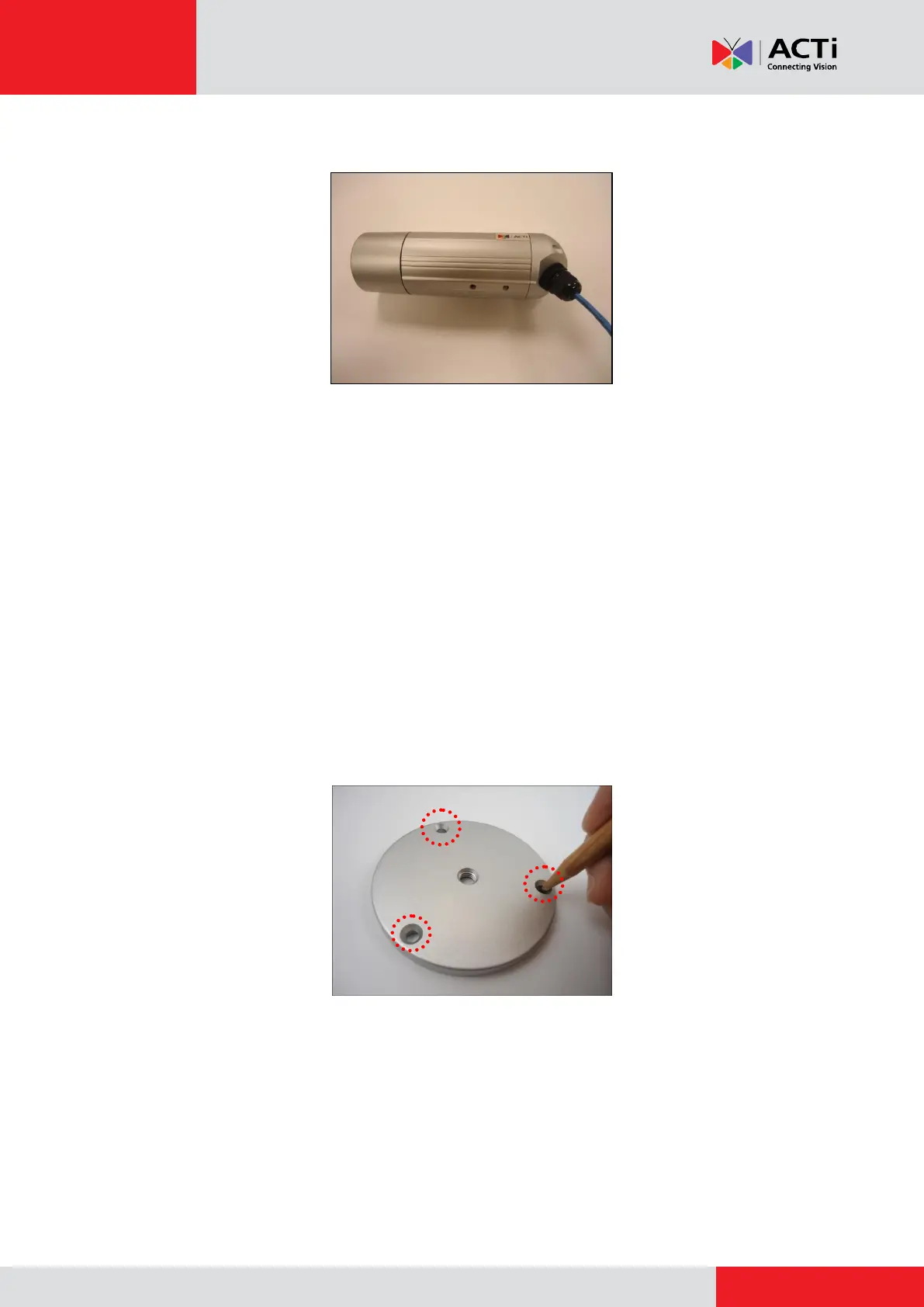
1. Mark the location of the three (3) screw holes using the bracket plate included in the
package.
NOTE: Depending on the surface where you will install the camera, it may be necessary to
drill the holes and use the supplied screw plugs.



 To Next Page