Installation Guide
37
Step 2: Install the New Ethernet Cable
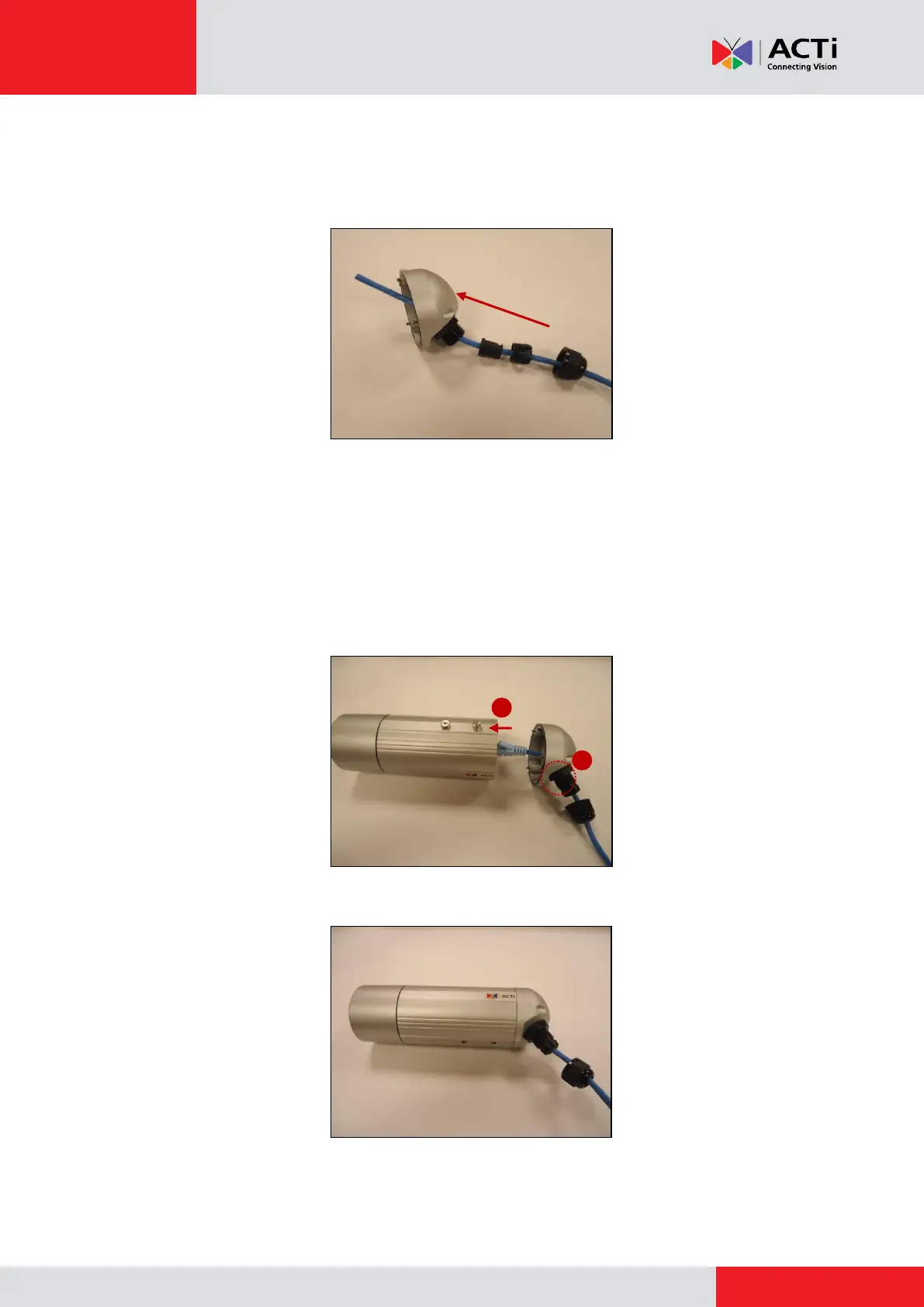
1. Insert the new Ethernet cable through the sealing nut, claw, seal, and cable gland of the back
cover.
2. Attach the RJ-45 connector to the Ethernet cable. See How to Make an Ethernet Cable on
page 54.
3. Assemble the seal and claw, and then connect the RJ-45 connector to the Ethernet port
inside the camera.
4. Attach the back cover by tightening the three (3) screws.



 To Next Page