Installation Guide
35
Installation Using the Bundled Bracket and Naked Cable
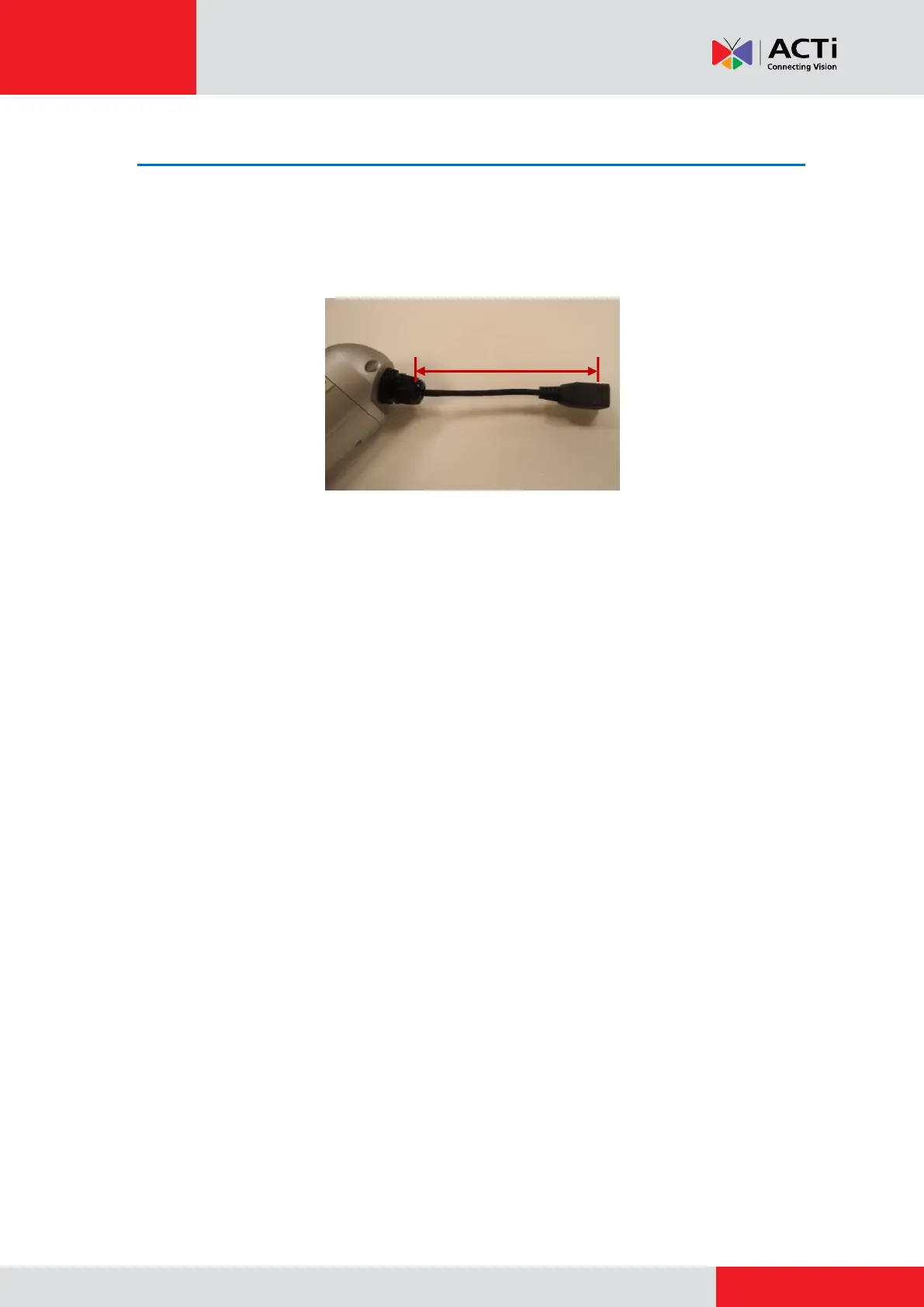
The pre-installed network cable comes with an Ethernet port (female connector), or known as a
“pigtail”. The length of the cable is around 14 ~ 35 cm (varies by model). The network cable and
gland are resistant to salt water, weak acid, alcohol, oil, grease and common solvents.
In case the installation environment requires a change of this network cable, such as the use of
an Ethernet cable with male connector, it is recommended to use exterior-grade Ethernet cables
(CAT5/CAT5e/CAT6); ordinary Ethernet cables are only designed for indoor use and may
deteriorate quickly when exposed to outdoor elements. Exterior-grade Ethernet cables are
waterproof and do not require a conduit.
To replace the pre-installed network cable, follow the step-by-step procedures in this section and
prepare the following:
Screwdriver
Ethernet cable without connectors
RJ-45 Connector (x2)
RJ45 Crimping Tool
Pliers
NOTE: The above materials/tools are not included in the package.



 To Next Page