Installation Guide
20
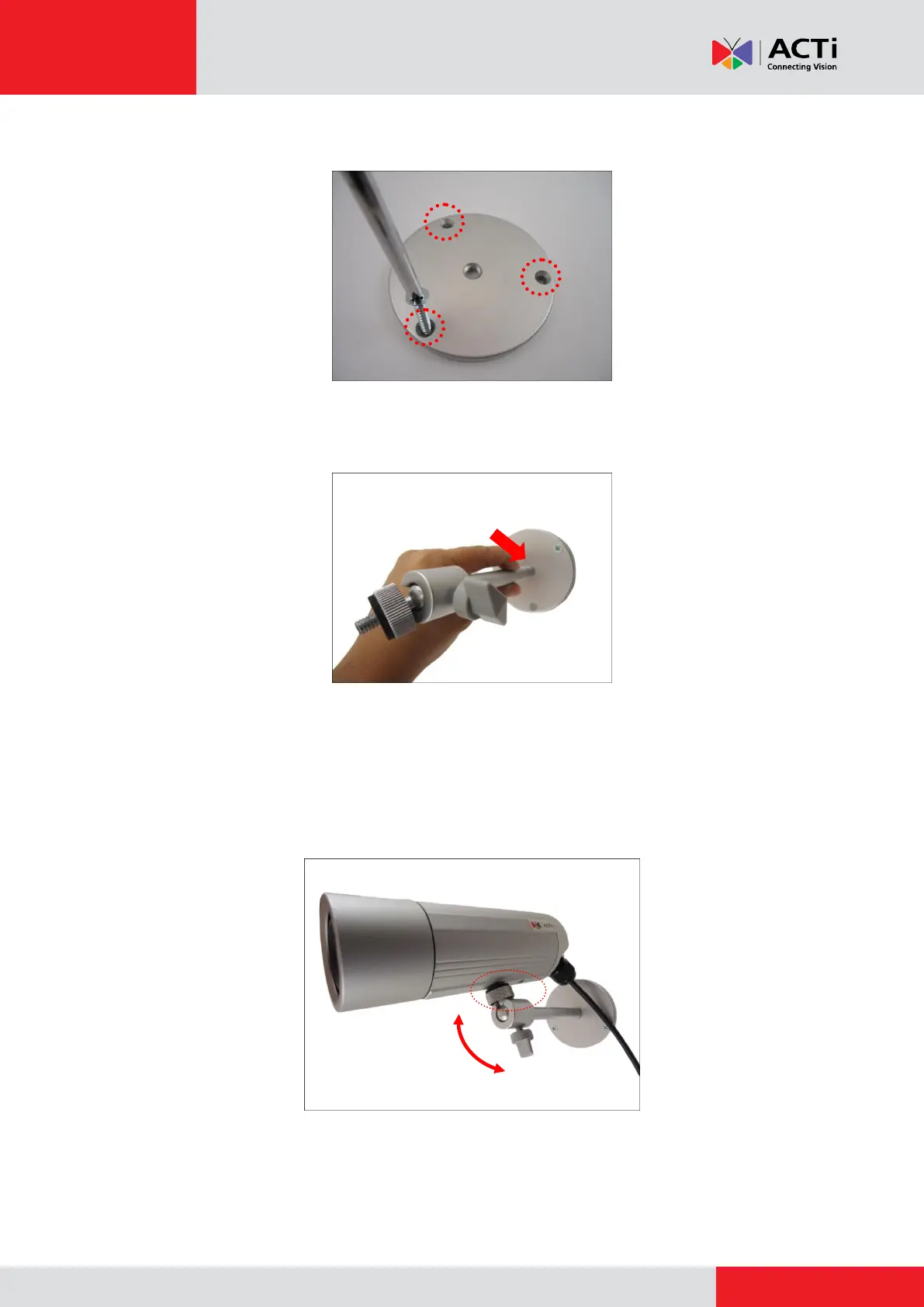
2. Attach the plate to the surface using the three (3) supplied screws.
3. Attach the bracket to the plate.
Step 4: Install the Camera
1. Depending on how you want to install the camera, attach the camera to the bracket through
one of the two (2) holes below or to the hole on the back cover (only in D3x series).



 To Next Page