Installation Guide
32
Step 5: Install the Bracket
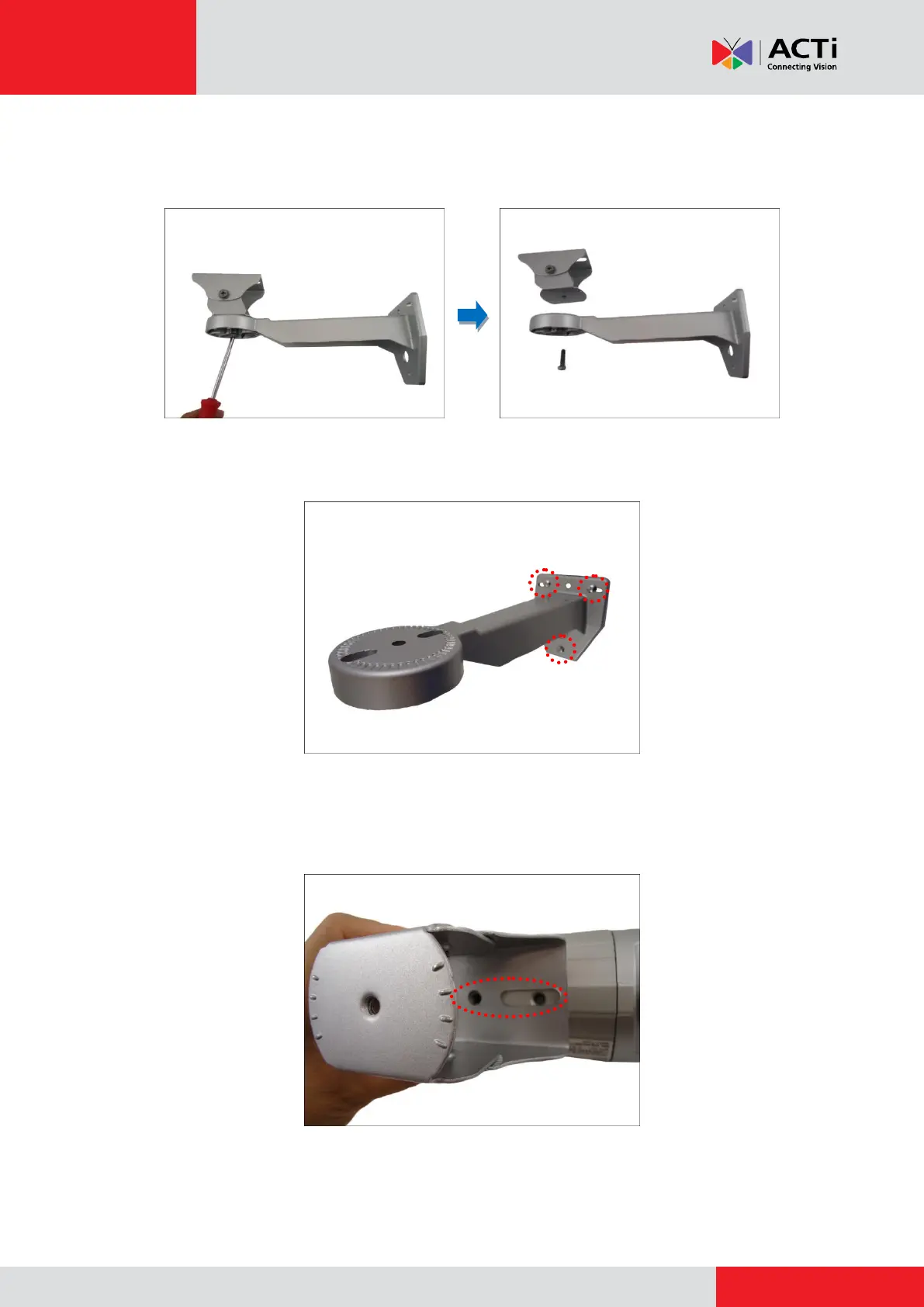
1. Remove the screw to detach the camera holder from the bracket.
2. Mark the location of the three (3) screw holes using the bracket and attach the bracket to the
wall using the supplied screws.
NOTE: Depending on the surface where you will install the camera, it may be necessary to
drill the holes and use the supplied screw plugs.
3. Align the screw holes of the holder to the bottom screw holes of the camera.



 To Next Page