Installation Guide
9
Installation Using the Bundled Bracket and Flex Conduit
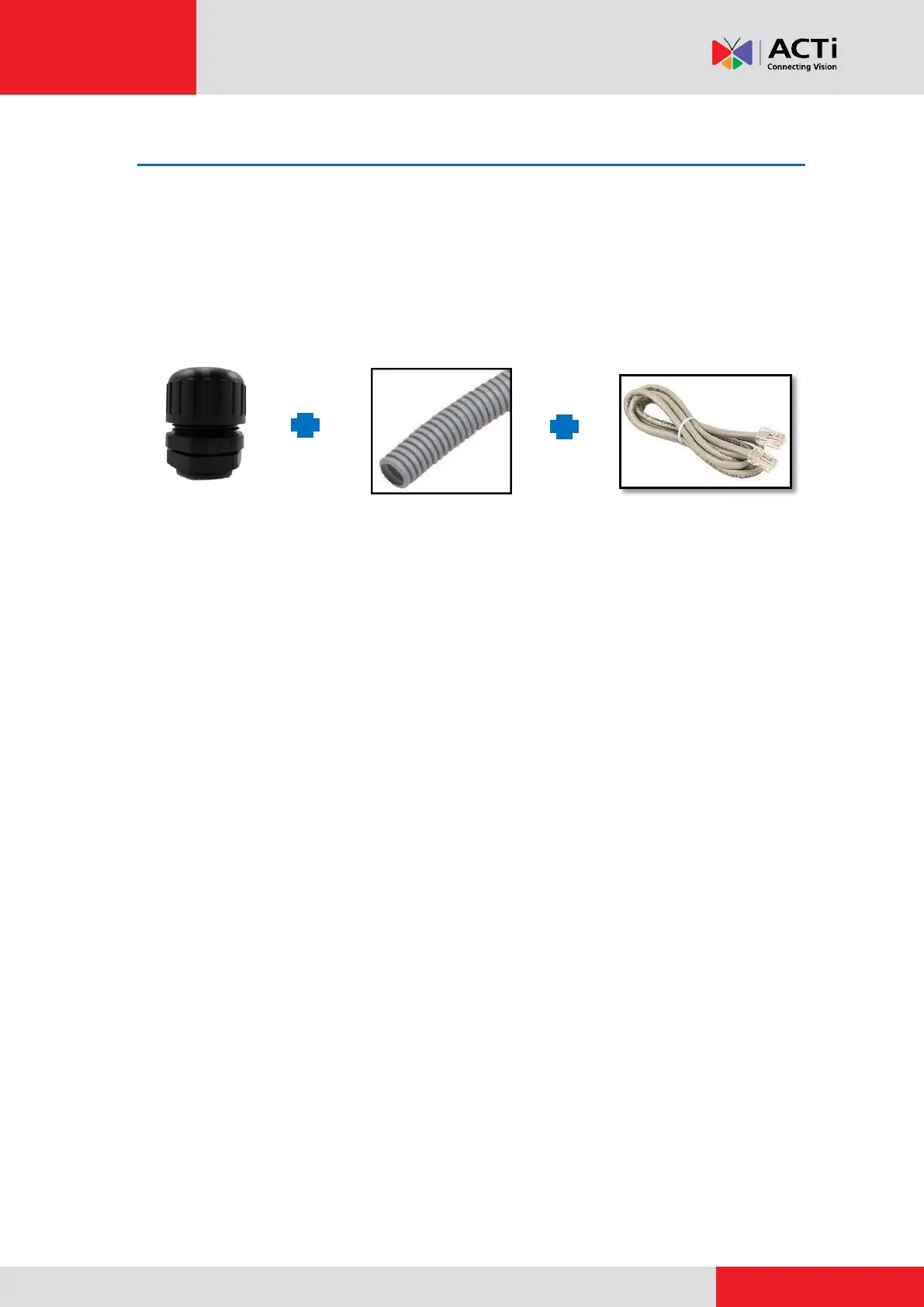
The D4x, E3x, E41, E41A, E42, E42A, E43, E43A camera series come with a bundled conduit
gland. Use the conduit gland with a 1/2"-size flex conduit (not included in the package) to protect
the Ethernet cable against fierce weather conditions. To use conduit with the camera, the
pre-installed network cable with "pigtail" (female connector) must be replaced with a standard
Ethernet cable.
NOTE: The flex conduit and Ethernet cable are not included in the package and must be sold
separately. When purchasing, make sure the flex conduit size is 1/2" to match the bundled
conduit gland.
To do the waterproof cable installation, also prepare the following tools:
Screwdriver
Pliers



 To Next Page