Installation Guide
43
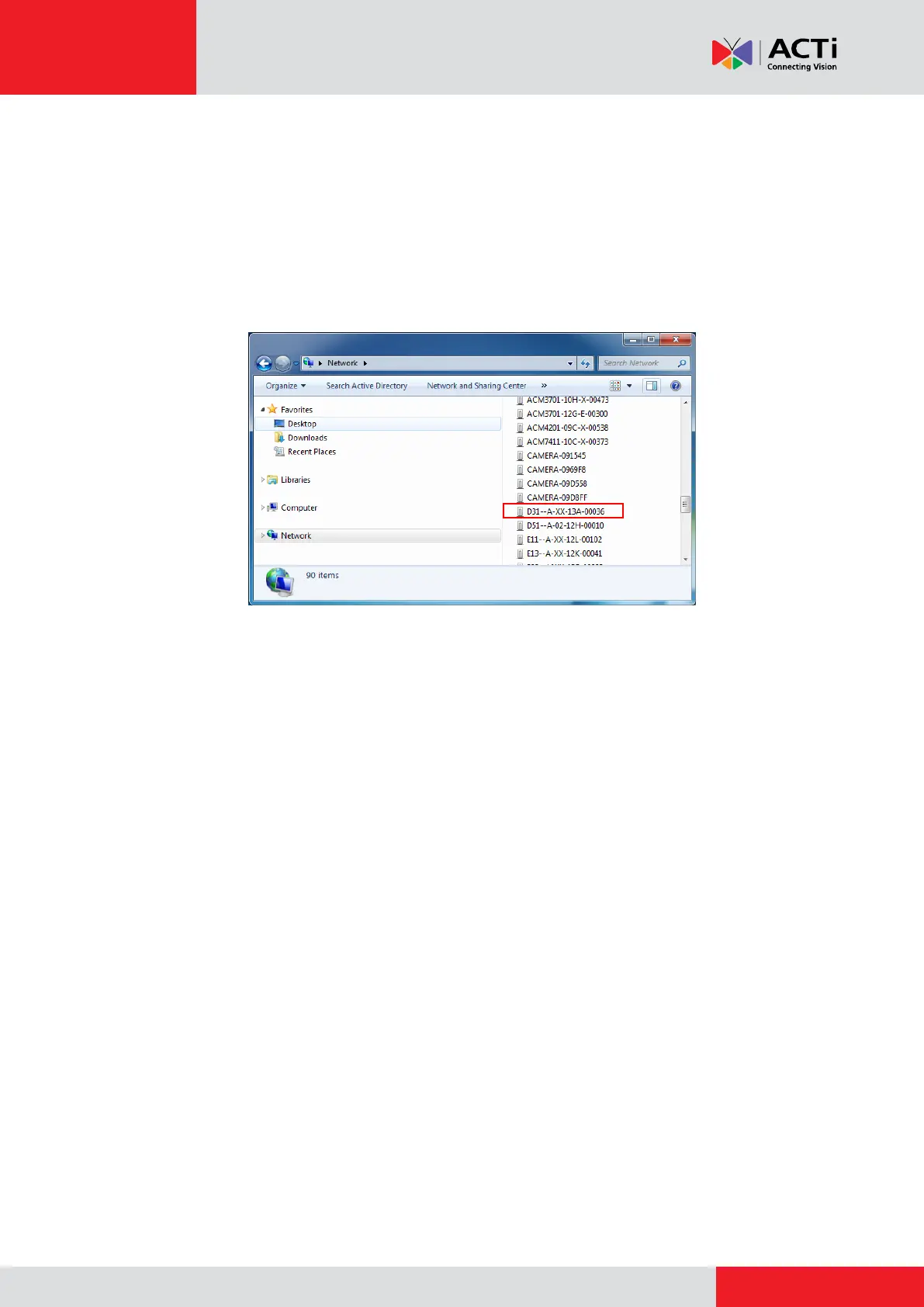
The quickest way to discover the cameras in the network is to use the simplest network
search, built in the Windows system – just by pressing the “Network” icon, all the cameras of the
local area network will be discovered by Windows thanks to the UPnP function support of our
cameras.
In the example below, we successfully found the camera model that we had just connected to the
network.
By double-clicking the mouse on the camera model it is possible to automatically launch the
default browser of the PC with the IP address of the target camera filled in the address bar of the
browser already.



 To Next Page