Global OBD II Diagnostics
4 – 24 • • • • • • • • • • • • • • • • • • • • • • • • • • • • • • • • • • • • • • • • • • • • • • • • • • • • • • • •
4
4
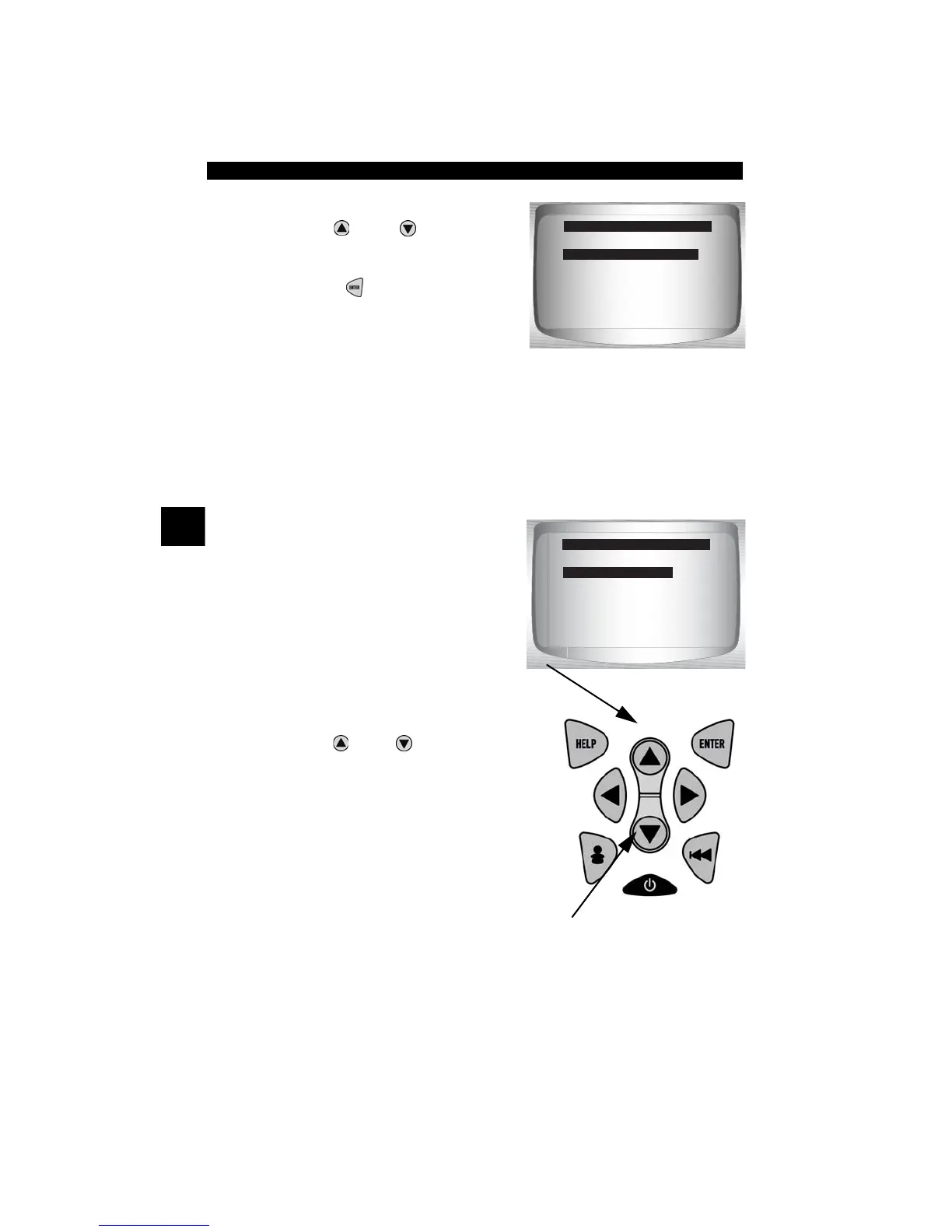
From the Special Tests Menu:
1.Select Drive Cycle Monitor.
•Use
UP
or
DOWN
arrow
key to highlight Drive Cycle
Monitors.
•Press
ENTER
.
✓ Two types of Drive Cycle Monitors
are:
❒ SINCE DTCs CLEARED shows status of the monitors since the
Diagnostic Trouble Codes were last erased.
❒
THIS DRIVE CYCLE
shows status of monitors since start of
current drive cycle. Refer to the vehicle service manual for more
detailed information on emission-related monitors and their status.
✓ Some vehicles DO NOT support
Drive Cycle Monitors. If vehicle
supports both types of Drive Cycle
Monitors the Menu will display.
2.View Summary of Monitor Status.
•Use
UP
or
DOWN
arrow key (if
required).
I/M Readiness
Drive Cycle Monitor
State OBD Check
O2 Monitor Test
Diag Mon Tests
On Board Systems
Vehicle Info
Special Tests Menu
Drive Cycle Monitor
?
Since DTCs Cleared
This Drive Cycle
Drive Cycle Monitor
This Drive Cycle



 To Next Page