• • • • • • • • • • • • • • • • • • • • • • • • • • • • • • • • • • • • • • • • • • • • • • • • • • • • • • • • 4 – 25
Global OBD II Diagnostics
4
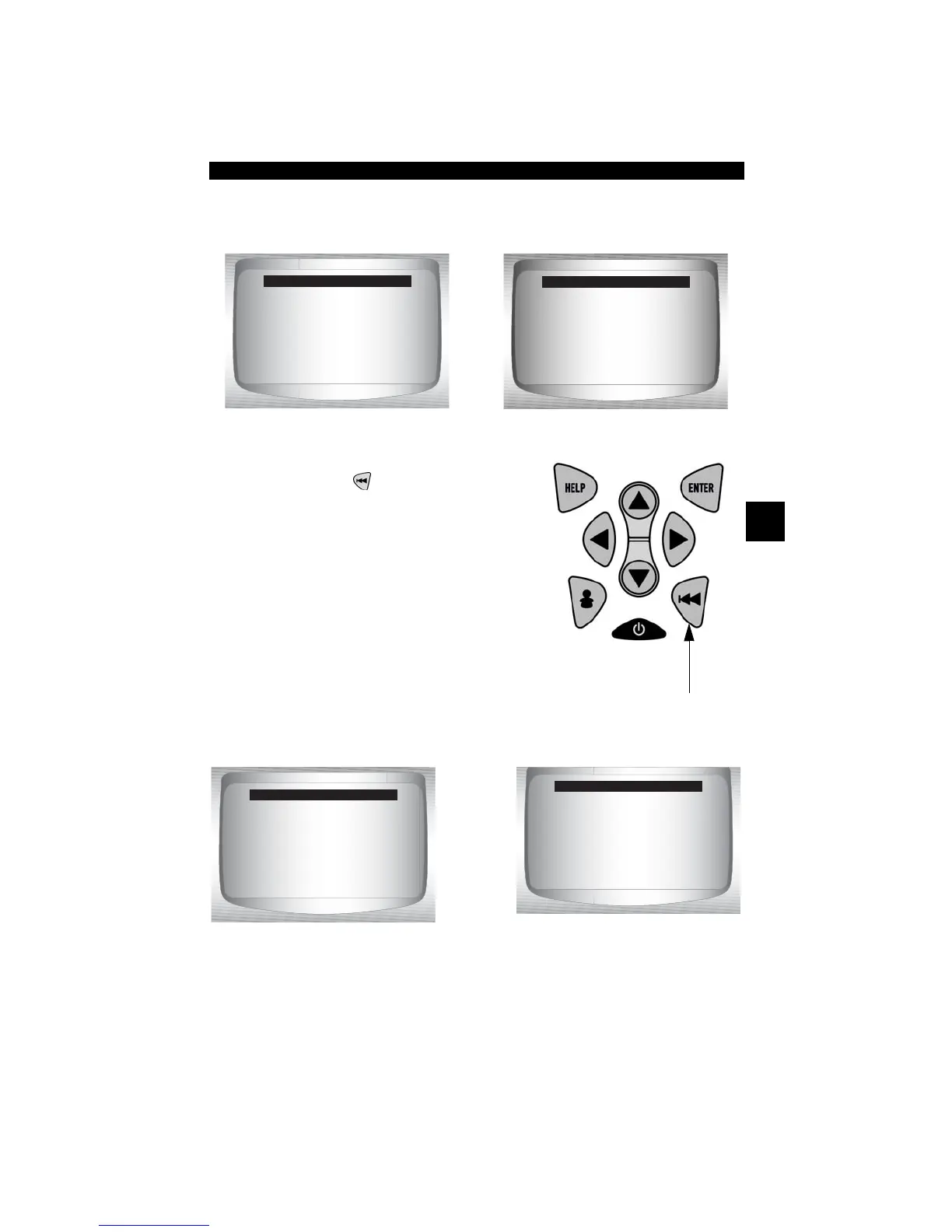
3.Depending on the Drive Cycle Monitors one of these 2 screens
will be present.
4.Return to Special Tests Menu.
• Press
BACK
key.
✓ The Scan Tool display is
continuously updated. Monitors that
are “ok” will disappear and only the
“inc” monitors will remain displayed.
Monitors designated “n/a” are not
displayed.
✓ When all Monitors are “OK” the following Screen is shown.
Catalyst Mon inc
Htd Catalyst inc
Evap System Mon inc
Since DTCs Cleared
Catalyst Mon inc
Htd Catalyst inc
Evap System Mon inc
This Drive Cycle
OR
All Monitors OK
This Drive Cycle
All Monitors OK
Since DTCs Cleared



 To Next Page