Operation Manual
CL01-2 Wall Controller
Operation Manual - CL01-2 Wall Controller
Document: 0525-081 Ver. 1 190903
10
09.03. Viewing Building /Outside Temperature
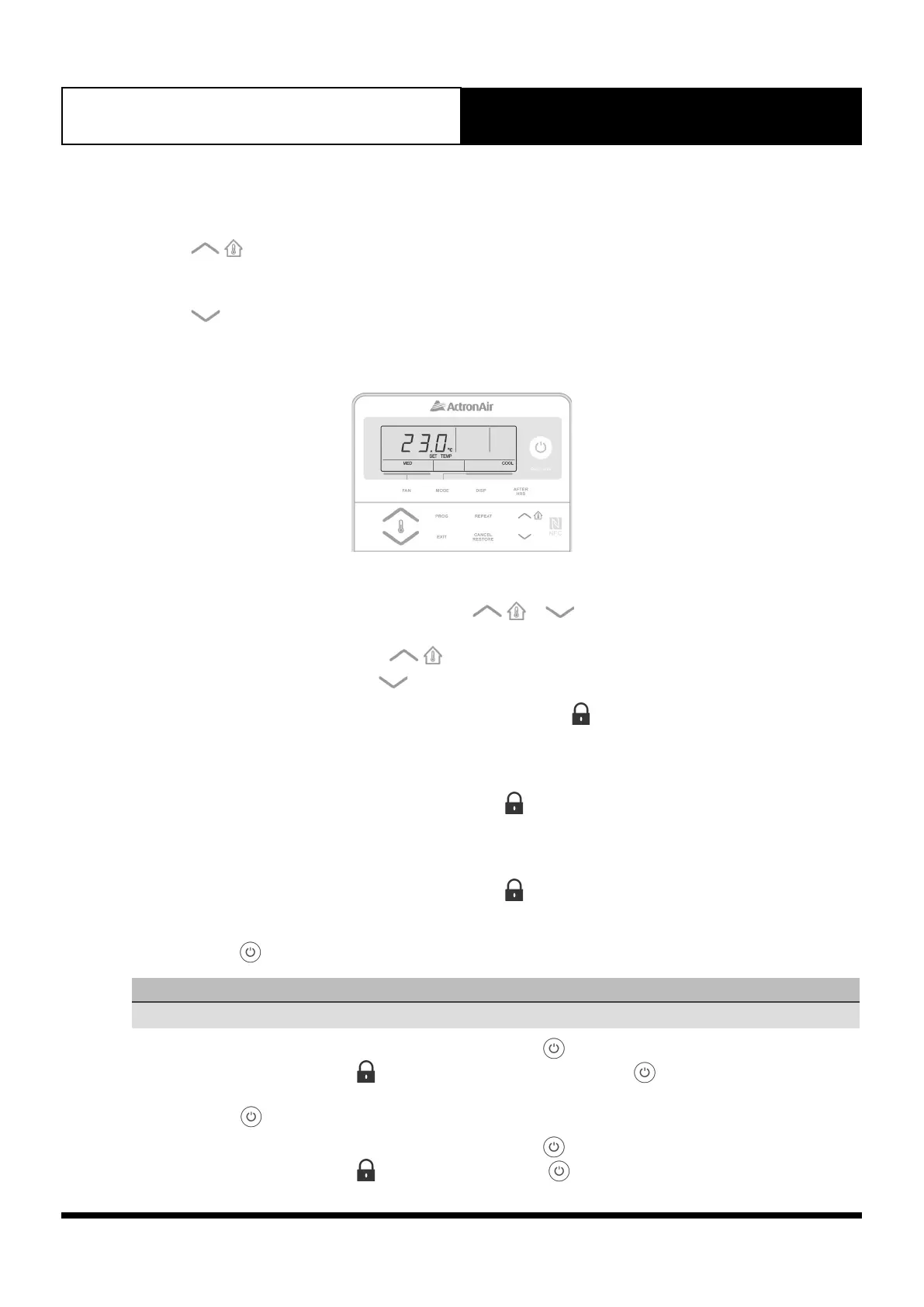
To View Inside Building Temperature
Press the
button to view your inside building temperature.
To View Outside Temperature
Press the button to view your inside building temperature.
09.04. Backlight
To Adjust The Level Of LCD Backlight Brightness
1. Press and hold the REPEAT button, then press the
or buttons to adjust the backlight level as
follows:
• To brighten the backlight press the
button.
• To darken the backlight press the button.
2. Release the buttons at the desired level of LCD brightness and the symbol will appear for 3 seconds indicating
the backlight level is set.
To Turn-On LCD Backlight
Press and hold the REPEAT button for 4 seconds. When the symbol appear on the LCD, release the REPEAT
button, the backlight will remain On.
To Turn-Off LCD Backlight
Press and hold the REPEAT button for 4 seconds. When the symbol appear on the LCD, release the REPEAT
button, the backlight will turn Off after 15 seconds.
To Turn-On The button Backlight
NOTE
CL01-2 must be turned On before operating this procedure.
1. Press and hold the REPEAT button, then press and release the button.
2. Release the REPEAT button, the symbol will appear for 3 seconds and the button backlight will remain On.
To Turn-Off The button Backlight
1. Press and hold the REPEAT button, then press and release the button.
2. Release the REPEAT button, the symbol will appear and the button backlight will turn On after 15 seconds.



 To Next Page