Operation Manual
CL01-2 Wall Controller
Operation Manual - CL01-2 Wall Controller
Document: 0525-081 Ver. 1 190903
19
2. Press the button. TIME CLOCK and PROG indicators are still illuminated. ON indicator will be flashing
in the screen, replacing OFF.
3. Press the EXIT button. TIME CLOCK indicator will re-appear in the screen, indicating that the Time Clock
has been re-activated.
11. After Hours
NOTES
• For the After Hours run timer to operate, the unit should be turned On (via CP05/CP10 Control Interface) and the Time
Clock operation has to be enabled.
• If the After Hours run timer overlaps with the Time Clock start time, the unit will continue running with After Hours
indicator displayed on the screen.
• If the After Hours run timer expires earlier than the current Time Clock, the unit will continue running to the end of the
current Time Clock operation.
Turning-On After Hours Function
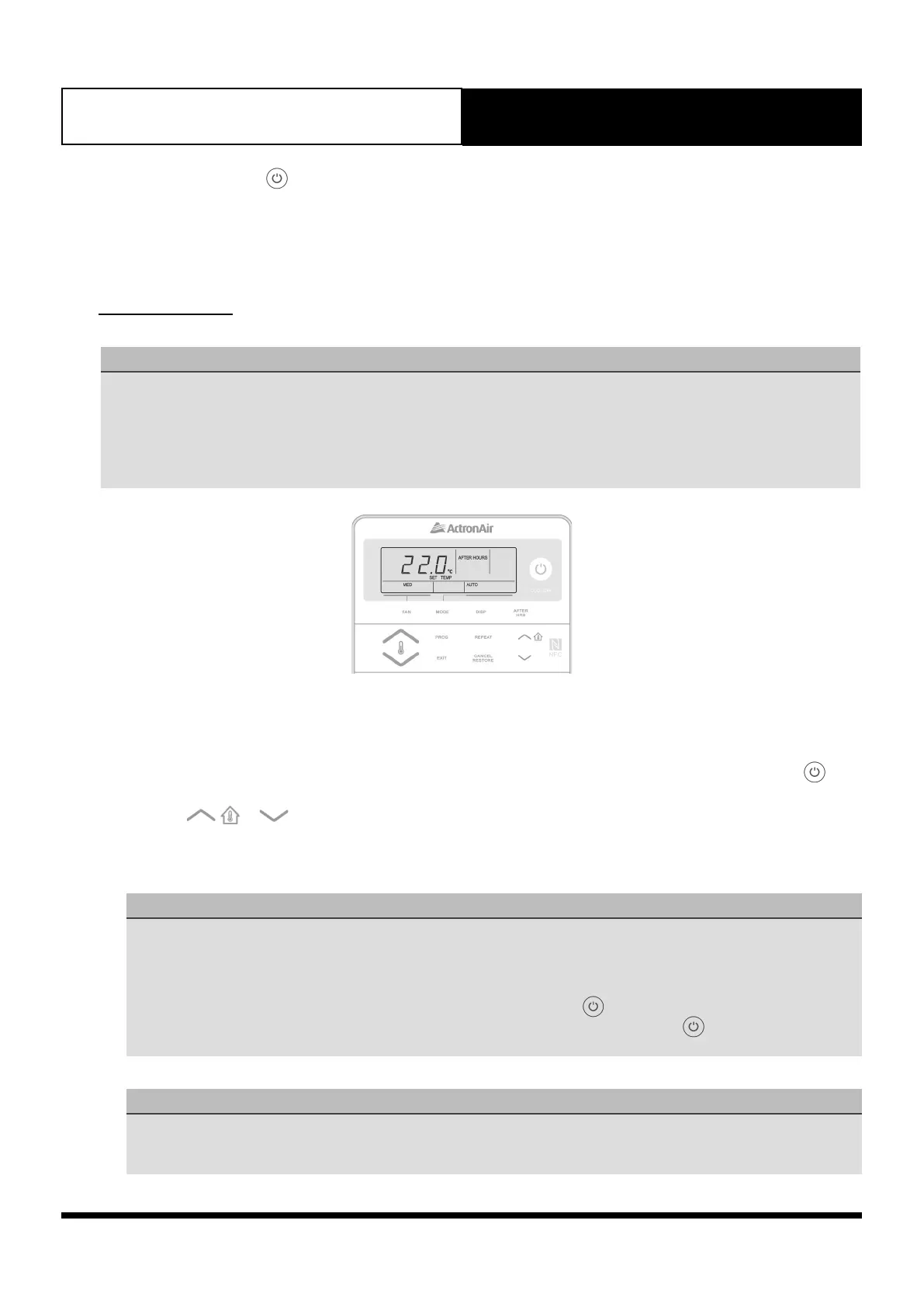
1. To start the air conditioner for a preset time outside of normal operating hours, Press the AFTER HRS button. AFTER
HOURS indicator will appear and the TIME CLOCK indicator will be blinking. Alternatively, you can press the
button, if no scheduled event is On.
2. Press the
or buttons to adjust the After Hours run timer duration. The After Hours run timer duration
can be adjusted by 0.5 hour increment.
3. Press the AFTER HRS button to lock-in your desired After Hours run timer duration.
NOTES
• The screen will revert back to default display with AFTER HOURS indicator illuminated and the TIME CLOCK
indicator will disappear.
• The air conditioning system will also turn back-on, after which it will turn-off at the completion of After Hours run
timer duration.
• To cancel After Hours operation before the timer expiration, press the button.
• The system saves the set After Hours timer. Simply press the AFTER HRS button (or the button) to activate the
After Hours in the future.
Important NOTES
• The After Hour default time is set to 2.0 hours.
• The user can adjust the setting from 0.5 hour (minimum) to 2.0 hours (maximum).
• Adjustments can be done in increments of 0.5 hour.



 To Next Page