Operation Manual
CL01-2 Wall Controller
Operation Manual - CL01-2 Wall Controller
Document: 0525-081 Ver. 1 190903
9
09. Turning Air Conditioner On/Off
NOTES
• The air conditioning system will re-start on your last setting and operating mode, i.e. 22
o
C set temperature, Auto, Cool or
Heat mode.
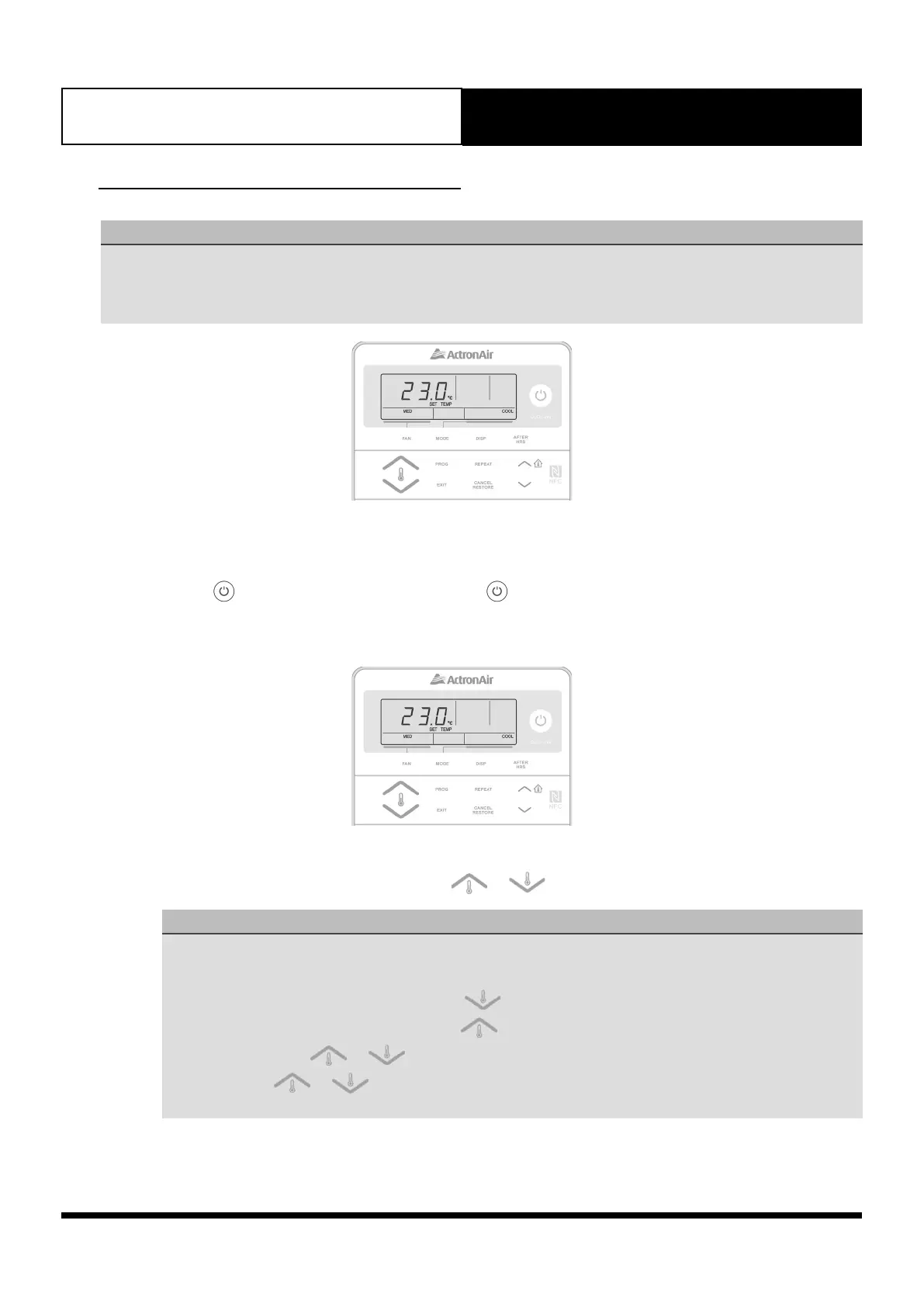
• The display will show the Set Temperature, Fan Speed, Fan Mode and Mode of Operation.
09.01. Turning On and Off Air Conditioner
1. Press the button once to turn it On and press the button once again to turn it Off.
09.02. Setting Room Temperature Setpoint
Setpoint Temperature
Set the desired temperature by pressing either the or buttons.
NOTES
• Maximum temperature setting is 30
o
C.
• Minimum temperature setting is 16
o
C.
• For a WARMER room temperature, press the button.
• For a COOLER room temperature, press the button.
• Press and hold the or buttons will increase or decrease the temperature increment by 1.0
o
C.
• Pressing the or buttons will increase or decrease the temperature by 0.1
o
C, otherwise 1.0
o
C
increments if the button is pressed and held.



 To Next Page