Operation Manual
CL01-2 Wall Controller
Operation Manual - CL01-2 Wall Controller
Document: 0525-081 Ver. 1 190903
11
09.05. Cooling and Heating Operation
09.05.01. Cooling Operation
1. Make sure the CL01-2 is turned On.
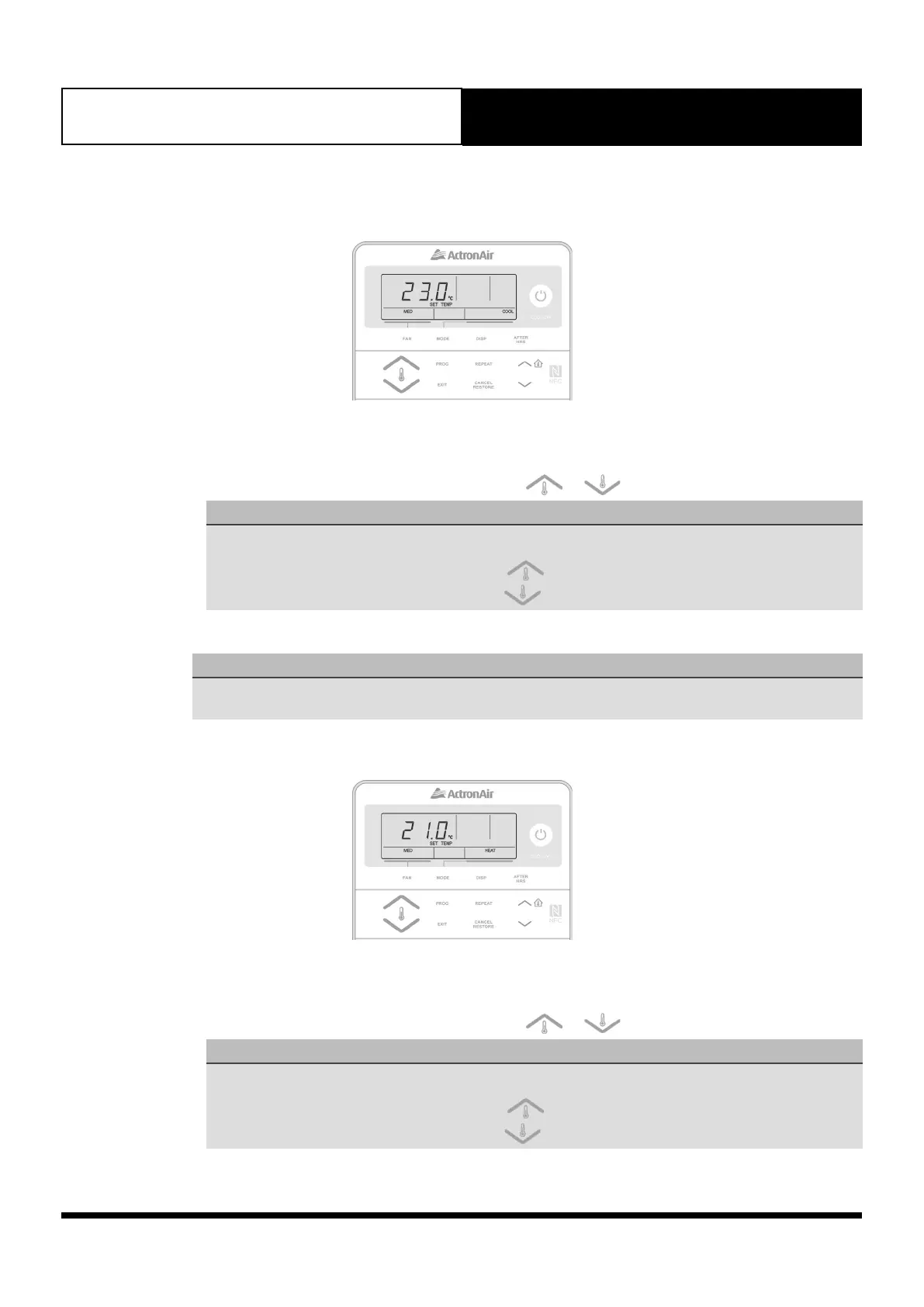
2. Press the MODE button until COOL appears on the display.
3. Set the desired temperature by pressing either the or buttons.
NOTE
• Maximum temperature setting 30.
• Minimum temperature setting 16.
• For a WARMER room temperature, press the button.
• For a COOLER room temperature, press the button.
4. Adjust the desired Indoor Fan speed by pressing the FAN button.
NOTE
LOW, MED or HIGH Fan Speed can only be selected if 3-Speed Fan setting option is available. Otherwise only
MED is available.
09.05.02. Heating Operation
1. Make sure the CL01-2 is turned On.
2. Press the MODE button until HEAT appears on the display.
3. Set the desired temperature by pressing either the or buttons.
NOTE
• Maximum temperature setting 30.
• Minimum temperature setting 16.
• For a WARMER room temperature, press the button.
• For a COOLER room temperature, press the button.



 To Next Page