EasyManua.ls Logo

ActronAir CL01-2W - User Manual

ActronAir CL01-2W
30 pages
Print Icon
To Next Page IconTo Next Page
Loading...
1
Control Interface
Model Number
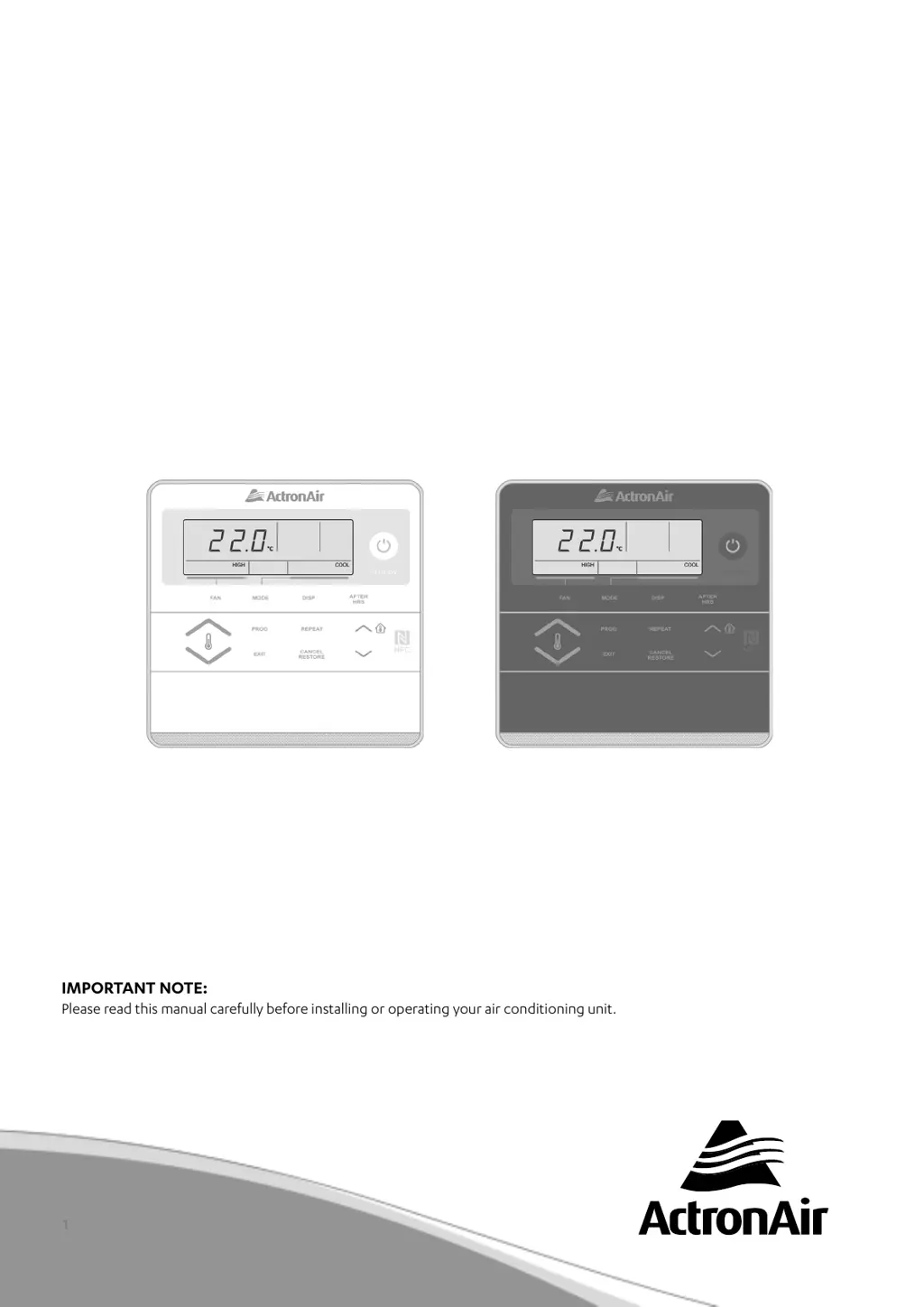
CL01-2W (White)
CL01-2G (Grey)
Thats better. Thats Actron.
COMMERCIAL
AIR CONDITIONING SYSTEM
CONTROL INTERFACE
Operating Instructions
AVAILABLE AS AN OPTIONAL ACCESSORY
FOR TRI-CAPACITY MODELS ONLY
IMPORTANT NOTE:
Please read this manual carefully before installing or operating your air conditioning unit.
That’s better. That’s Actron.

Other manuals for ActronAir CL01-2W

Questions and Answers

  • H
    hicksdebbieAug 20, 2025
    What to do if ActronAir Control Panel buttons are not operating?
    • K
      Kevin HenryAug 20, 2025
      If the buttons on your ActronAir Control Panel interface aren't working, try resetting the power by turning it off and then on again. If that doesn't work, the data cable may have failed and needs replacement through service.
  • M
    Michelle KlineAug 22, 2025
    How to fix ActronAir CL01-2W Control Panel when the system does not start?
    • M
      Michelle RussellAug 22, 2025
      If your ActronAir Control Panel system doesn't start, first ensure that at least 5 minutes have passed since turning it on, as the system has built-in timers. Also, check that the setpoint temperature settings are correct and appropriately set for cooling or heating.
  • A
    Ana DonovanAug 25, 2025
    What to do if ActronAir Control Panel interface does not power up?
    • C
      Christina SawyerAug 25, 2025
      If your ActronAir Control Panel interface doesn't power up, the issue could stem from a wiring fault (check the wiring as per the wiring diagram) or a data cable fault (replace the data cable through service).
  • D
    davidgordonAug 26, 2025
    How to fix ActronAir Control Panel 7-Day Time Clock not working?
    • J
      Jason CostaAug 27, 2025
      If the 7-Day Time Clock isn't turning your ActronAir air conditioner on and off, verify that the time clock events are set correctly and that the current day and time are accurately set for the air conditioner to operate.
  • S
    Scott HutchinsonAug 28, 2025
    Why won't my ActronAir CL01-2W economiser operate?
    • P
      Paul ThompsonAug 28, 2025
      If the economiser, outside air, or spill air isn't operating on your ActronAir system, check the following: * Ensure the economiser connector is plugged into the unit wiring harness. * Check the damper motor wiring and replace it if needed, as the economiser, outside air, and/or spill air motor may have failed. * Inspect the wiring or terminal for failures and replace as required. Also, verify that Economy Mode is enabled.
  • J
    John ThorntonAug 29, 2025
    Why is my ActronAir Control Panel cooling/heating not sufficient?
    • C
      Cristina HowardAug 29, 2025
      Insufficient cooling or heating in your ActronAir Control Panel system can occur if the air inlet and outlet on the outdoor unit are blocked. Also, check if the outside temperature is above or below the design conditions. The cooling/heating function may not work effectively when the indoor return air filter is clogged with dust and dirt.
  • J
    Jamie RodriguezAug 31, 2025
    What causes ActronAir Control Panel evaporator coil to freeze up?
    • T
      Tammy GriffinAug 31, 2025
      If the evaporator coil freezes up during low ambient operation in your ActronAir system, it could be due to several reasons: * The system might be low on refrigerant (check the pressures and temps for suction and discharge). * There could be low airflow (check the ID fan speed through the Control Interface). * An outdoor air sensor failure (check the Alarm on the Control Interface) or dirty filters may be the reason.
  • L
    Leslie BrownSep 2, 2025
    Why setpoint temperature cannot be adjusted on ActronAir CL01-2W?
    • K
      Kevin GatesSep 2, 2025
      The setpoint temperature on your ActronAir Control Panel can only be adjusted within the built-in upper and lower limits of the Control Interface.
  • K
    Kenneth KingSep 4, 2025
    What to do if air does not flow from ActronAir CL01-2W?
    • J
      Jason GutierrezSep 4, 2025
      During heating operation, air does not flow out for approximately 15 seconds after start up of your ActronAir Control Panel, this prevents cold draft. Check for Auto Fan operation.
  • J
    Jamie GloverSep 6, 2025
    Why ActronAir Control Unit is not turning on?
    • R
      reeveskeithSep 6, 2025
      The ActronAir Control Unit might not be starting because the system has built-in timers. Ensure that at least 5 minutes have passed since turning it on. Also, verify that the setpoint temperature settings are correct and appropriately set low enough for cooling or high enough for heating.

Summary

General Information

Specifications

Technical specifications of the control interface and operating conditions.

Disposal Guidelines

Maintenance and Cleaning

Safety Precautions

Operational Precautions

System Information Recording

Controller Features

Basic Operation

Control Interface Functions

Explanation of the buttons and their functions on the control interface.

Turning Air Conditioner On;Off

Powering the System

Steps to power the air conditioner system on and off.

Setting Room Temperature

How to adjust the desired temperature for the room.

Viewing Temperatures

LCD Backlight Adjustment

Cooling and Heating Modes

Cooling Operation

Steps to set and operate the system in cooling mode.

Heating Operation

Steps to set and operate the system in heating mode.

Automatic and Fan-Only Modes

Auto Operation

How to set the system to automatically switch between heating and cooling.

Fan Only Operation

Instructions for operating the fan independently.

Setting the Clock

Temperature Limit Settings

Setting Lower Temperature Limit

How to define the minimum allowable temperature setpoint.

Setting Upper Temperature Limit

How to define the maximum allowable temperature setpoint.

Temperature Setback Function

7-Day Programmable Function

Time Clock Operation Overview

Overview of the 7-day programmable time clock feature.

Programming the Time Clock

Step-by-step guide to programming daily ON/OFF events.

Repeating Daily Events

Feature to copy programmed events from one day to another.

Programming Past Midnight

Notes on setting events that extend beyond midnight.

Event Management

Cancelling an Individual Event

How to cancel a programmed time clock event.

Re-activating an Event

How to reinstate a previously cancelled time clock event.

7-Day Time Clock Control

De-activating the 7-Day Time Clock

Steps to disable the 7-day programmable timer function.

Re-activating the 7-Day Time Clock

Steps to re-enable the 7-day programmable timer function.

After Hours Operation

Filter Timer and Notification

Dual Control Operation

Mimic Control Setup

How to operate the system from multiple control interfaces.

Alarm Matrix

NFC Manual Access

iOS User Guide

Instructions for iOS users to access manuals via NFC.

Android User Guide

Instructions for Android users to access manuals via NFC.

Troubleshooting Guide

ActronAir CL01-2W Specifications

General IconGeneral
BrandActronAir
ModelCL01-2W
CategoryControl Panel
LanguageEnglish