Operation Manual
CL01-2 Wall Controller
Operation Manual - CL01-2 Wall Controller
Document: 0525-081 Ver. 1 190903
17
10.03. Repeating Day’s Events and Times
This feature allows you to automatically repeat the previous days, events, and times, into the succeeding days,
therefore eliminating the need to re-enter the events and times into the succeeding days.
1. Go to the day you wish to copy the programmed events and times. See Section 10.02. Setting the Programmable
Time Clock.
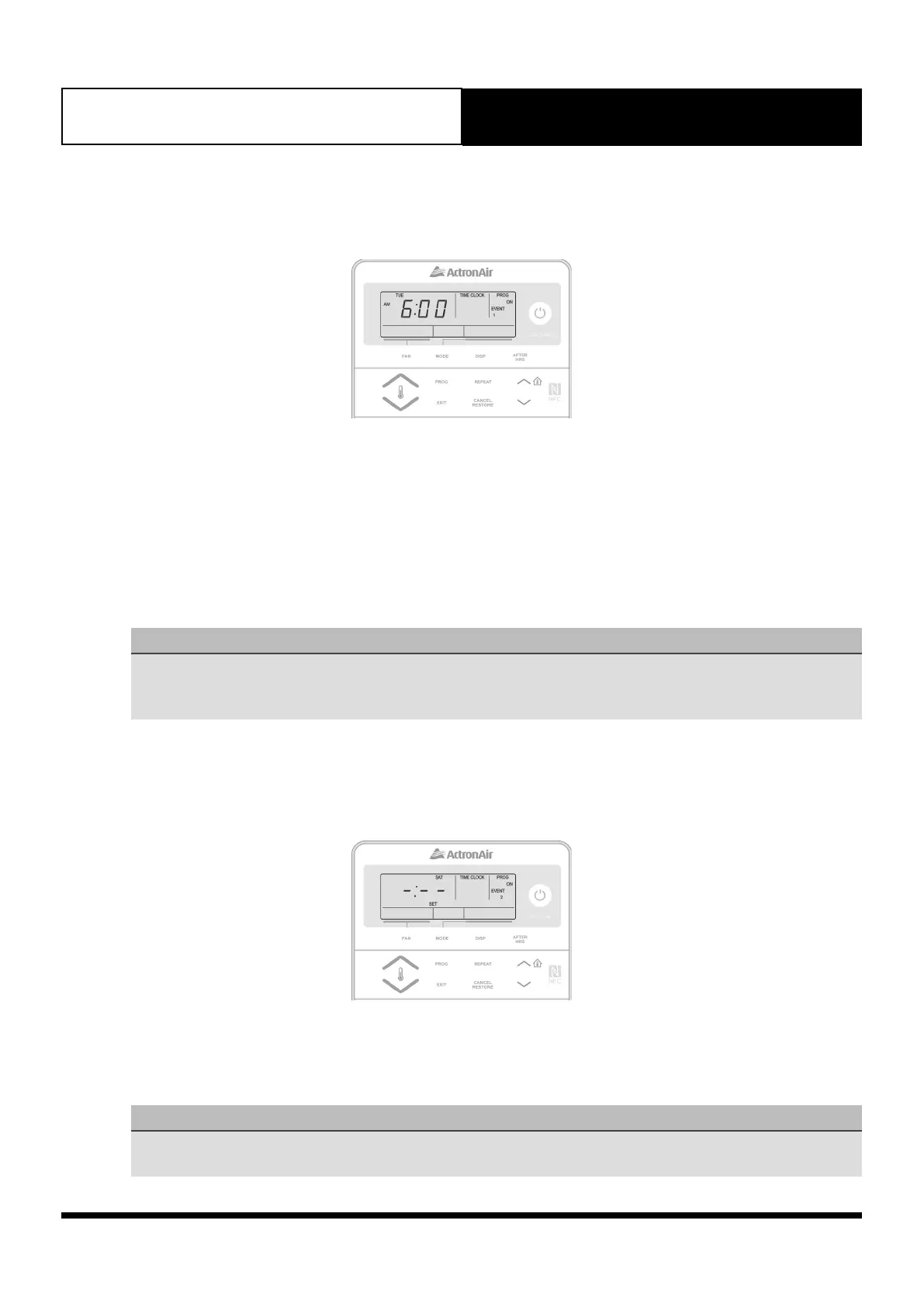
2. Press the PROG button until you reach the day you wish to paste the copied programmed events and times. SET,
EVENT 1, TIME CLOCK and ON will be illuminated in the screen.
3. Press the REPEAT button. You have now copied the previous day’s events into the current day displayed.
4. Repeat steps 2 and 3 above for the remaining days where you wish to repeat the programmed events and times.
10.04. Programming Past Midnight
NOTES
• Event On times can be set up to 11:45 PM of the current day.
• Event Off times can be set to the following day up to 23 hours and 45 minutes after the On time.
• If you program Event 1 past midnight, Event 2 will be automatically cancelled.
10.05. Cancelling/Re-activating An Event
10.05.01. Cancelling An Individual Event
1. Press the PROG button repeatedly until the ON time for the event you wish to cancel is displayed.
2. Press and release the CANCEL/RESTORE button. -:-- will be displayed indicating the event is cancelled.
3. Repeat step 2 above until you have cancelled all the desired events.
NOTES
• Cancelling Event 1 will cancel both Event 1 and Event 2.
• Cancelling Event 2 will only cancel Event 2.



 To Next Page