Operation Manual
CL01-2 Wall Controller
Operation Manual - CL01-2 Wall Controller
Document: 0525-081 Ver. 1 190903
16
10. 7-Day Programmable Function
10.01. Time Clock Operation
NOTES
• The 7-Day Time Clock feature of the CL01-2 controller allows you to set the air conditioning system to turn on and
turn off at different times for each day of the week.
• Each day can have 2-Programmed Events.
• Each event has an On and Off time.
• Ensure that the current day and time are set correctly before proceeding with programming.
Example Of Typical Time Clock Set Up
MON TUE WED THU FRI SAT SUN
EVENT 1
On
Time
6:00am 6:00am 6:00am 6:00am 6:00am 7:00am 8:00am
Off Time 10:00am 10:00am 10:00am 10:00am 10:00am 9:00am 11:00am
EVENT 2
On
Time
4:00pm 4:00pm 4:00pm 4:00pm 1:00pm -:-- -:--
Off Time 10:00pm 10:00pm 10:00pm 10:00pm 11:00pm -:-- -:--
10.02. Setting the Programmable Time Clock
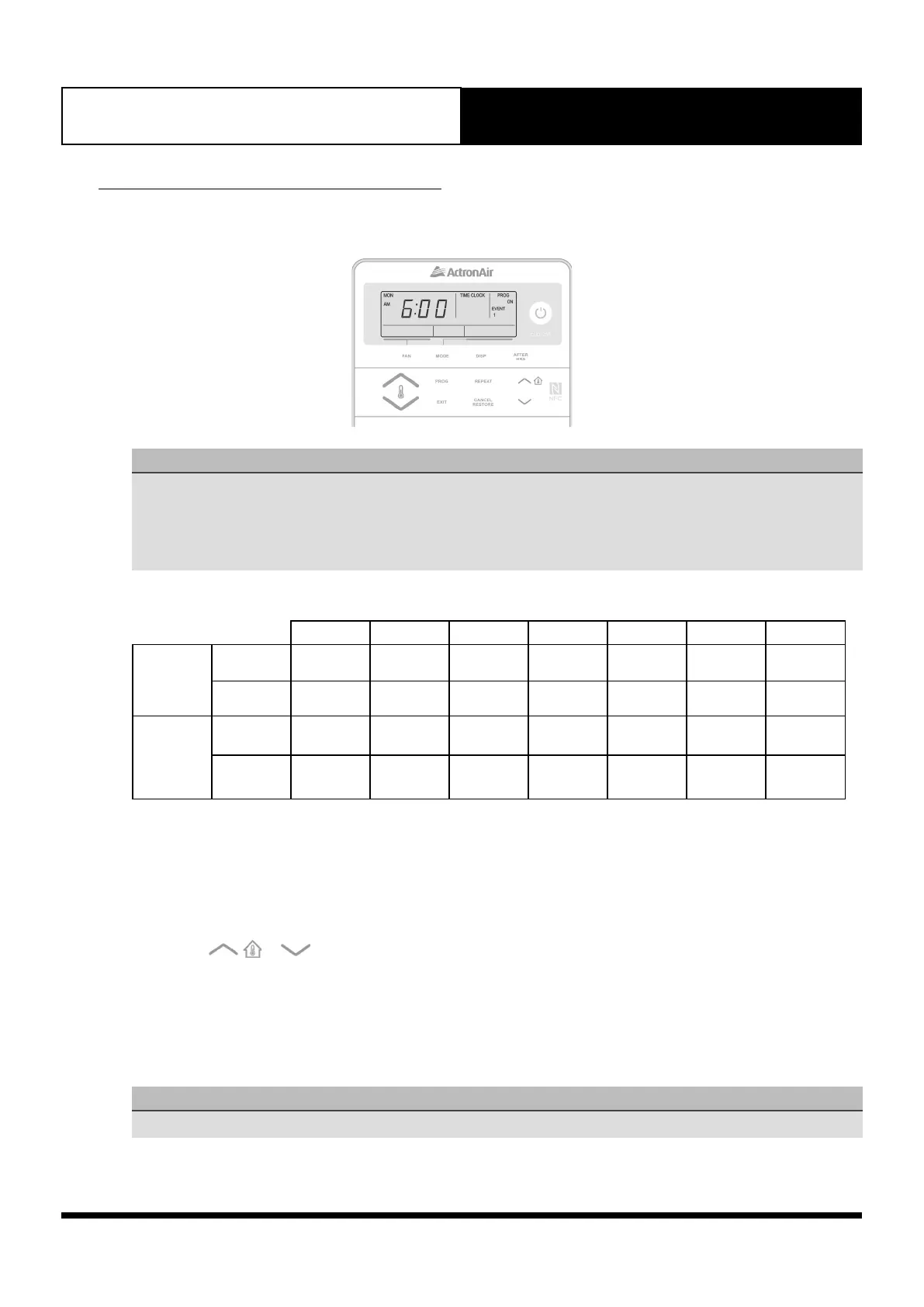
1. Press the PROG button repeatedly until you get into Time clock setting screen. TIME CLOCK, PROG, ON, EVENT
1, MON and SET indicators and Time Fields will be shown in the screen. You can now set the Event 1 ON time for
Monday.
2. Use the
or buttons to adjust the time.
3. Press the PROG button to move to Event 1 Off time.
4. Follow step 2 above.
5. Press the PROG button to move to the next event. Press the EXIT button at any time if no further changes to
later Days/Events are required.
6. Repeat the above steps until you have programmed all the events you require.
NOTES
During a Power Failure, the clock will retain the time and day inside the system.



 To Next Page