Operation Manual
CL01-2 Wall Controller
Operation Manual - CL01-2 Wall Controller
Document: 0525-081 Ver. 1 190903
20
12. Filter timer
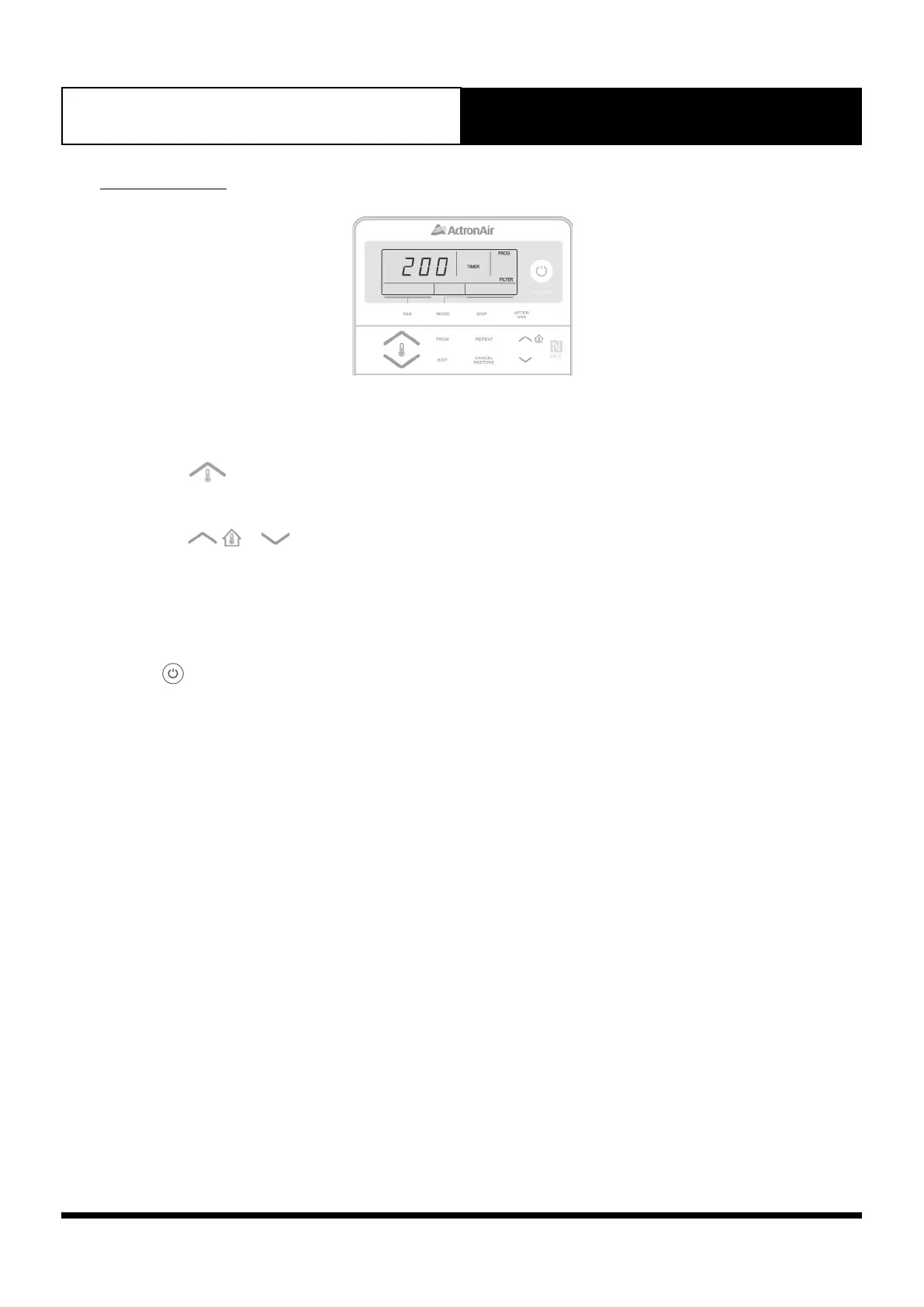
Setting The Filter Timer
1. Press and hold the FAN button. Press the PROG button and release them altogether. Menu 01 will be displayed with
PROG indicator flashing.
2. Press the button repeatedly until menu number 03 is displayed.
3. Press the PROG button to enter menu 03. Display will show the current filter run-hour timer. TIMER, PROG and
FILTER indicators will be illuminated.
4. Press the
or buttons to set your preferred filter run-hour timer.
Timer can be set from 100 to 900 hours with time increments of 10 hours.
5. Press EXIT button twice to go back to Main screen.
Filter Notification Cancellation
Press the button to reset Filter Notification.



 To Next Page