140
XX
Changing Your Destination
X
Entering a New Destination
Navigation
Entering a New Destination
H MENU button (when en route)
X
Destination
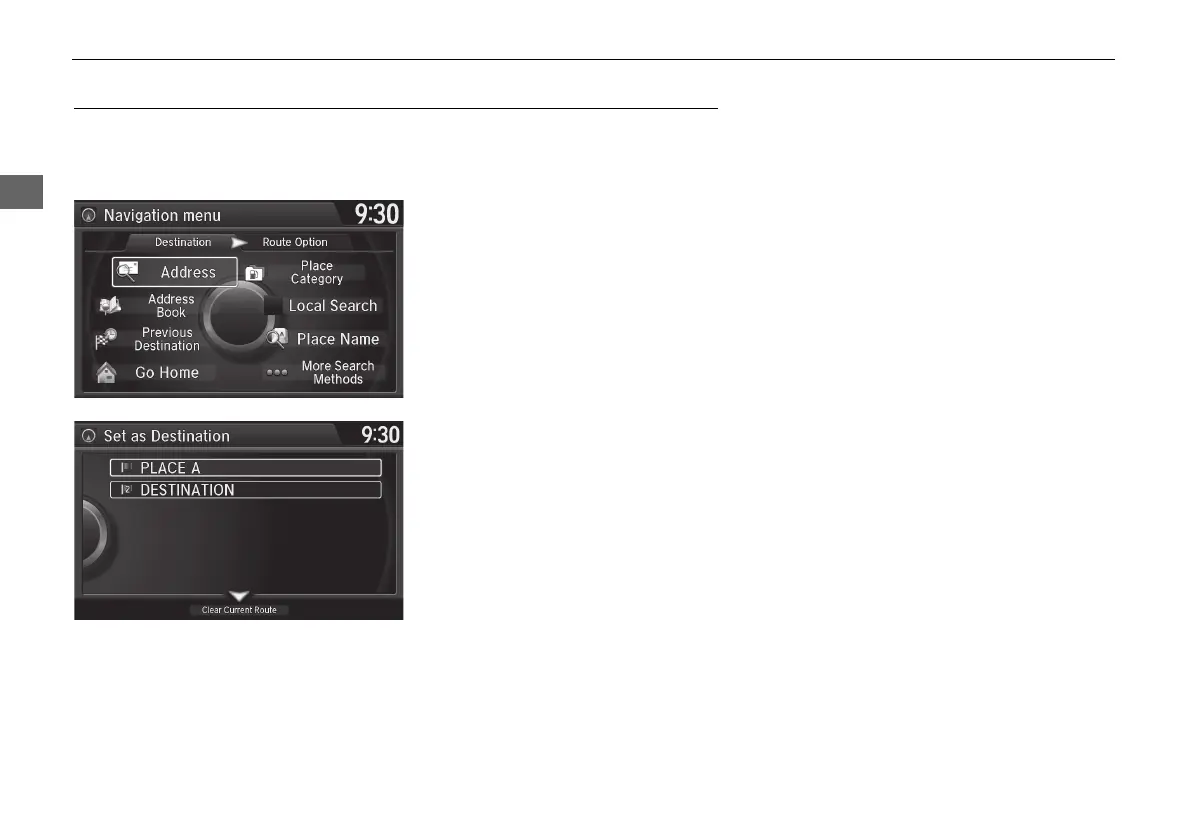
Enter a new destination using the Destination Menu screen even when you are en
route.
1. Rotate i to select a method to
enter a new destination.
2 Entering a Destination P. 90
X
After entering a new
destination, the address is
displayed on the Calculate
Route screen.
2. Rotate i to select Set as
Destination. Press u.
3. Move r to select Clear Current
Route. Press u.
X
The route is automatically
recalculated and displayed on
the map screen.
X
Rotate i to edit the order to
set the location as a new
waypoint. Press u.
MDX_KA-31TZ58210.book 140 ページ 2015年8月31日 月曜日 午後1時48分


 To Next Page
 Loading...




