31
XX
Interface Settings
X
Clock Adjustment
System Setup
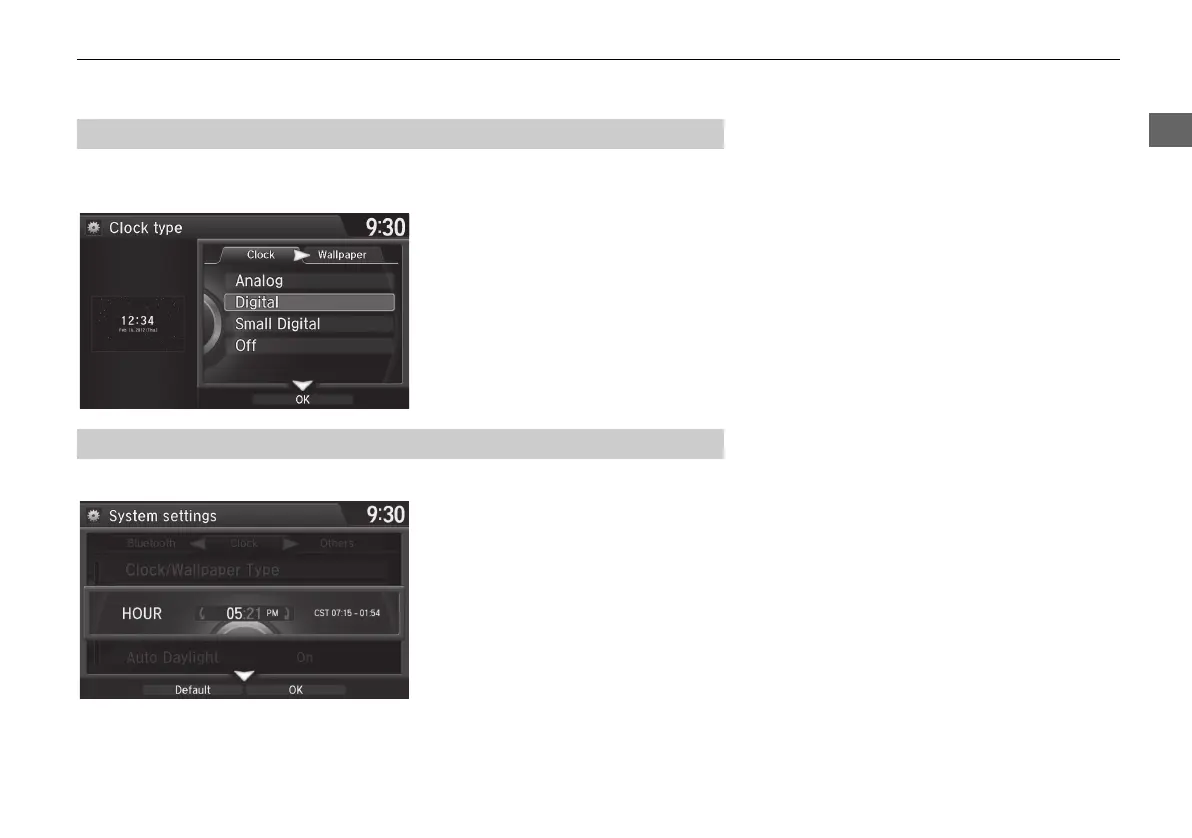
H SETTINGS button X System Settings X Clock X Clock/Wallpaper Type X
Clock
1. Rotate i to select an option to
change the design. Press u.
2. Move r to select OK. Press u.
H SETTINGS button
X
System Settings
X
Clock
X
Clock Adjustment
1. Rotate i to select an item. Press
u.
2. Rotate i to select a minute. Press
u.
■ Setting the Clock Type
■ Setting the Clock
MDX_KA-31TZ58210.book 31 ページ 2015年8月31日 月曜日 午後1時48分


 To Next Page
 Loading...




