93
XX
Entering a Destination
X
Address
Navigation
H MENU button
X
Address
X
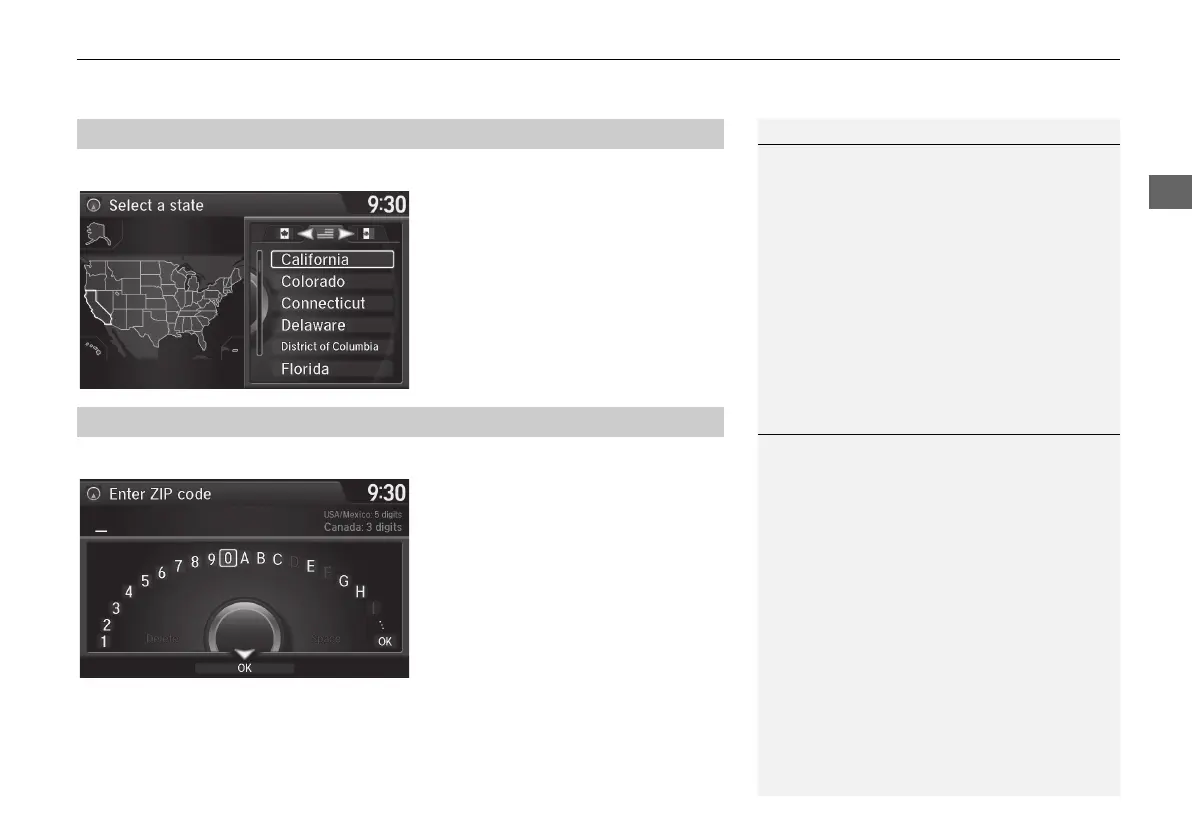
Change State
Rotate i to select a state from the
list. Press u.
H MENU button
X
Address
X
ZIP Code
1. Enter the zip code of your
destination.
2. Move r to select OK. Press u.
■ Selecting the State or Province
1 Selecting the State or Province
Move w or y to select the following areas:
• USA for the U.S. mainland, Alaska, Hawaii,
and Puerto Rico
• Canada
• Mexico
■ Selecting a City by Zip Code
1 Selecting a City by Zip Code
If your city is not listed, it may be part of a larger
metropolitan area. Try entering the street first.
Continued
MDX_KA-31TZ58210.book 93 ページ 2015年8月31日 月曜日 午後1時48分


 To Next Page
 Loading...




