149
XX
Audio System
X
Customizing Audio Source
Audio
1. Select Shortcuts.
2. Select Audio.
3. Select Edit.
4. Select Delete.
5. Select the preset icon with the radio station or a song you want to delete.
Customizing Audio Source
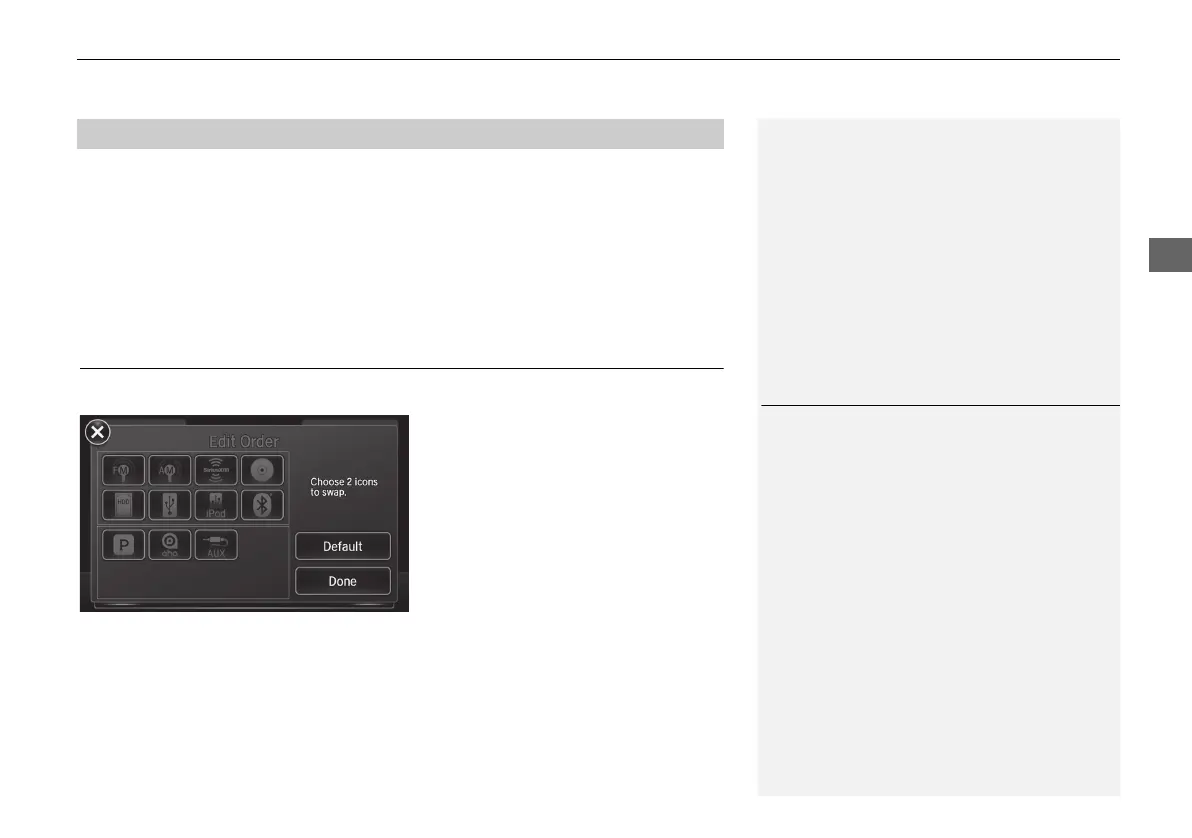
You can customize order of the source list icons.
1. Select Audio Source.
2. Select Edit Order.
3. Select two icons you want to swap.
4. Select Done.
X
Select Default to reset the
customized order.
■ Deleting a preset station or song
1 Customizing Audio Source
This operation is not allowed while the vehicle is
in motion.
MDX_KA-31TZ58210.book 149 ページ 2015年8月31日 月曜日 午後1時48分


 To Next Page
 Loading...




