155
Playing FM/AM Radio
Audio Menu
Audio Menu
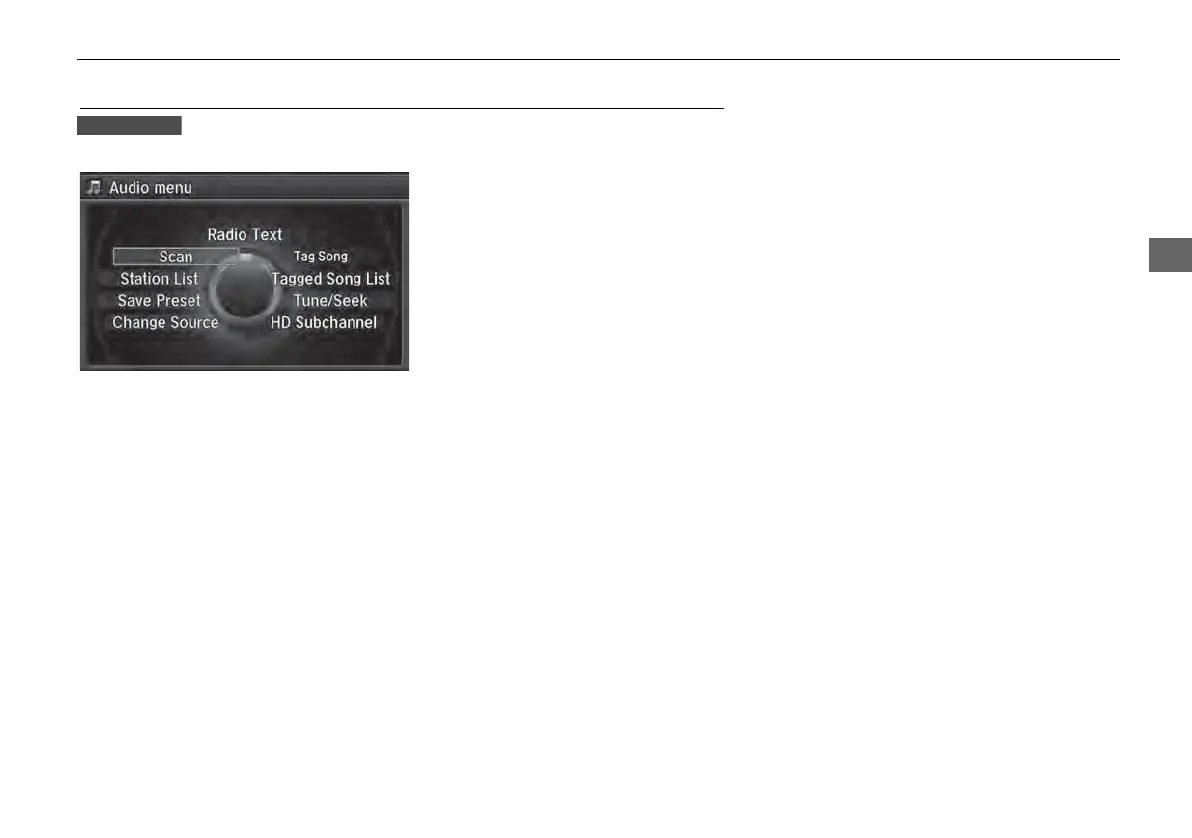
H MENU button (in FM/AM mode)
Rotate i to select an item. Press u.
The following items are available:
• Scan: Scans for stations with a strong signal in the current band and plays a 10-
second sample. Select Cancel Scan to stop scanning and play the current
selection.
• Station List: Displays the stored station list.
• Save Preset: Stores the station into the preset memory.
• Change Source: Changes the audio source mode.
Continued



 To Next Page
 Loading...










