176
Playing Hard Disc Drive (HDD) Audio
Audio Menu
H MENU button (in HDD mode)
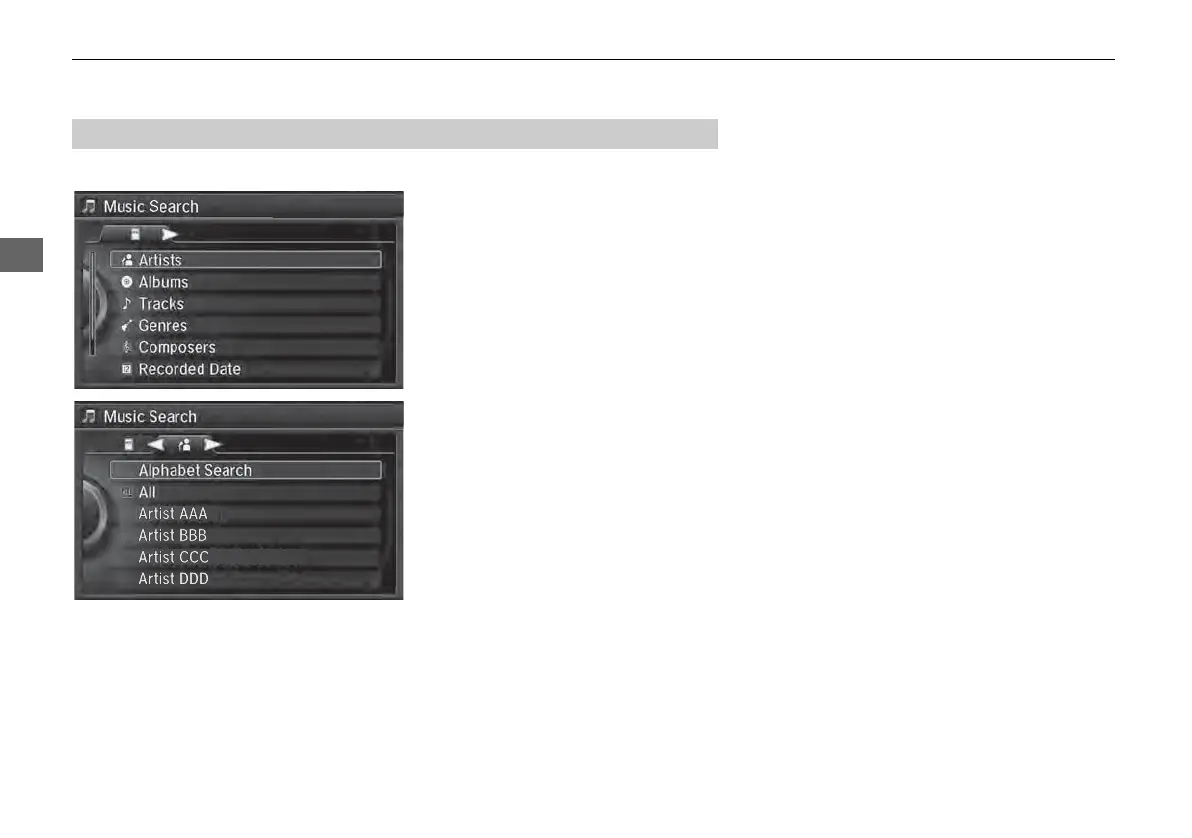
Music Search
1. Move w or y to select a search
category. Press u.
2. Rotate i to select a track from
the Music Search list. Press u.
■ How to Select a Track from the Music Search List



 To Next Page
 Loading...










