94
Entering a Destination
Address
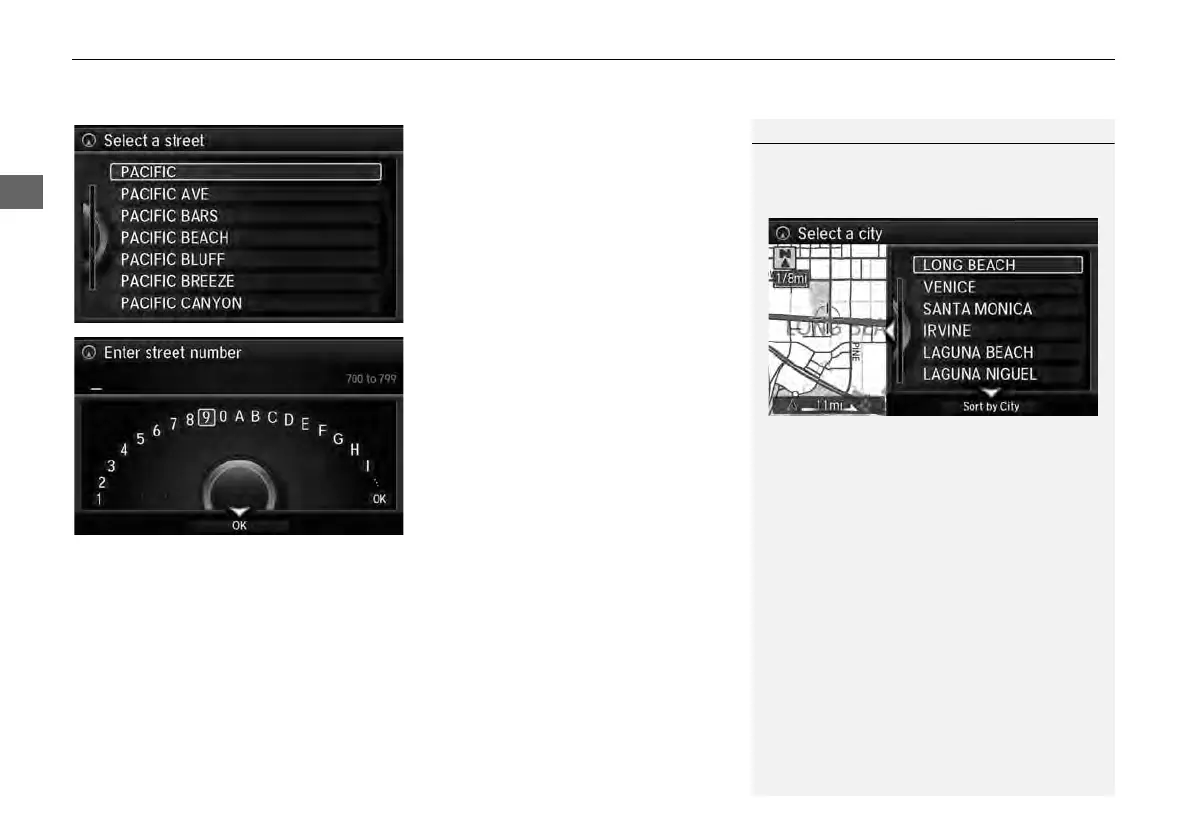
2. Rotate i to select your
destination street from the list.
Press u.
A list of matching hits is
automatically displayed after
you enter several letters, with
the closest match at the top of
the list. Matching letters are
highlighted.
3. Enter the street number.
Only valid street numbers can be
entered.
4. Move r to select OK. Press u.
5. Set the route to your destination.
2 Calculating the Route P. 114
1 Selecting a Street
If you did not select a city first and there is more
than one city with the specified street, a list of
cities is displayed.
Rotate i to select the desired city from the list.
Press u.



 To Next Page
 Loading...










